
 Script Planner Assistant▸
 AI Apps
 AI News

NarratoAI: All-in-One AI Video Commentary and Automated Editing Tool
NarratoAI: All-in-One AI Video Commentary and Automated Editing ToolIntroduction
📌 What is NarratoAI
NarratoAI is an open-source automated film and video commentary tool based on LLM, which integrates the complete workflow of "scriptwriting - video editing - AI voiceover - subtitle generation" into automated operations. It is mainly aimed at short video creators, film and TV commentary UP hosts, MCN teams, and self-media operators.
NarratoAI is developed by GitHub user linyqh, currently has about 7K Stars and 880 Forks, and supports both local deployment and Docker deployment.
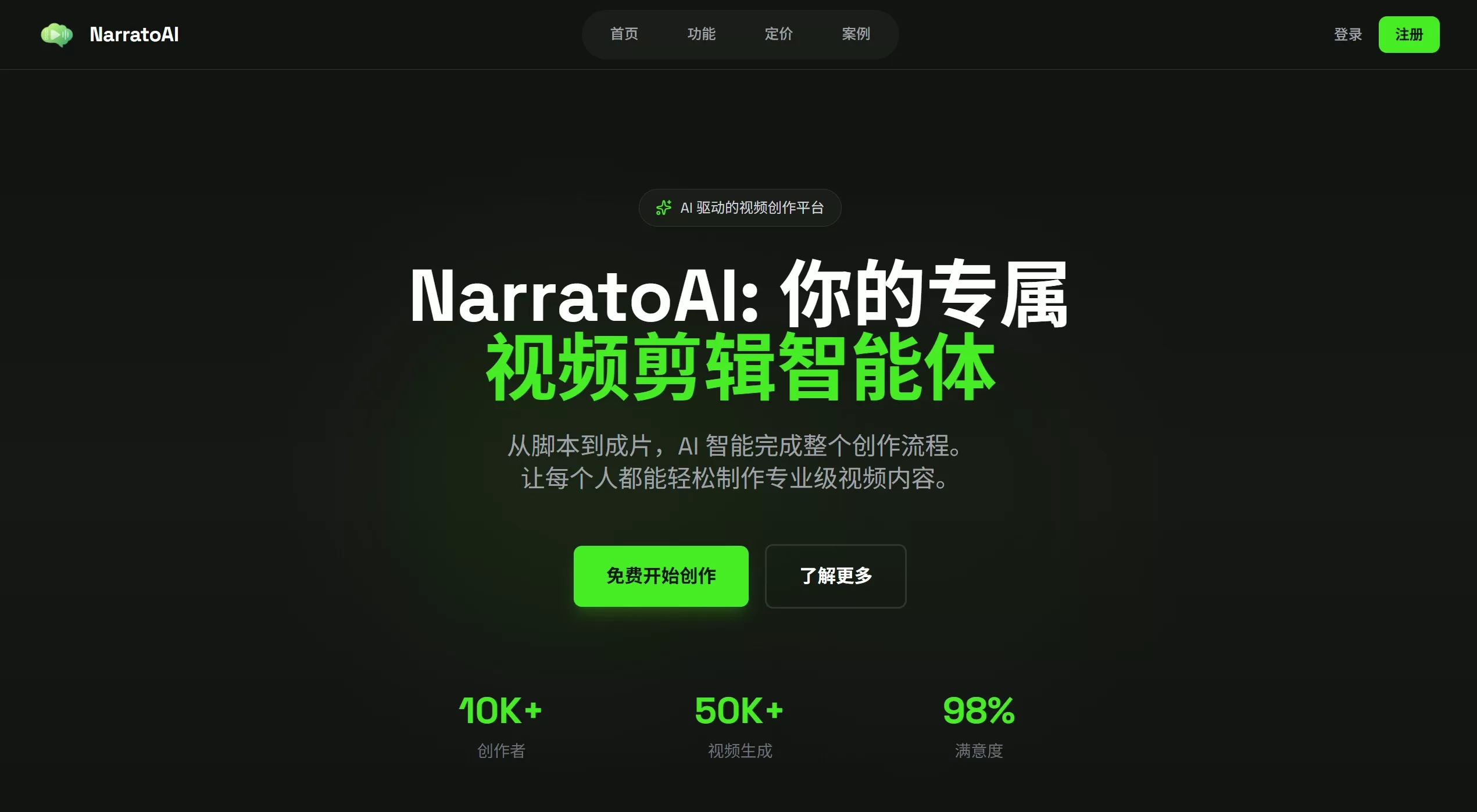
✨ NarratoAI Features
🎬 Intelligent Scriptwriting: Uses LLM to automatically generate video commentary scripts, supports multiple languages
🎞️ Automated Video Editing: Automatically edits videos based on scripts, supports random splicing mode, allows customization of clip duration and video ratio (e.g., 9:16 vertical screen)
🗣️ AI Voiceover Generation: Built-in multilingual TTS speech synthesis, supports volume and speed adjustment, offers multiple voice styles
📝 Intelligent Subtitle Creation: Automatically generates subtitles synchronized with voice, supports custom fonts, positions, colors, and outlines
👀 Content Preview Optimization: Preview clip timestamps, frame descriptions, and corresponding narration before generation, supports regenerating individual segments
🚀 Multi-Model Adaptation: Supports Alibaba Qwen2-VL, DeepSeek R1/V3, Google Gemini and other models
💻 Multi-Scenario Support: Covers popular creation scenarios such as general film and TV commentary, short drama commentary, and short drama mashups
🔍 SEO Optimization: Optimizes content structure based on keywords to improve search engine visibility
🎯 NarratoAI Use Cases
Film and TV Commentary Creation: Quickly produce professional commentary videos for movies, TV series, and short dramas
Short Video Production: Mass-produce short video content suitable for platforms like Douyin, Kuaishou, Bilibili, and WeChat Channels
Education and Training Videos: Teachers or training institutions can quickly create teaching demonstration materials
Commercial Product Showcase: Enterprises create product introduction videos to highlight product features and advantages
Self-Media Operations: Individual creators can publish multiple pieces of content daily to enhance account influence
✅ NarratoAI Pros and Cons
Pros
Full Workflow Automation: From script to finished video with one click, complete video generated within 10 minutes, efficiency improved by over 80%
Zero Barrier to Entry: No professional editing skills required, beginners can get started quickly
Very Low Cost: Editing a 10-minute video costs only about 0.1 yuan (API call fees)
Open Source and Free: Completely free to use, transparent code, supports secondary development
Flexible Customization: Supports manual parameter adjustment to meet personalized creation needs
Cons
Model Dependency: Earlier versions primarily rely on Google Gemini model, with limited support for other models (improved in newer versions)
Hardware Requirements: While GPU is not required, needs 4-core CPU + 8GB RAM configuration
Chinese Support Limitations: Earlier versions have limitations on Chinese video processing, file names cannot contain Chinese, special characters, or spaces
Effect Consistency: Automatically generated content may require manual fine-tuning to achieve optimal results
🛠️ How to Use NarratoAI
Environment Preparation
System Requirements: Windows 10+ / MacOS 11.0+ / Linux
Hardware Configuration: 4-core CPU, 8GB RAM (GPU not required)
Python Version: 3.10 or higher
Deployment Method (Choose one)
Method 1: Local Deployment
git clone https://github.com/linyqh/NarratoAI.git
cd NarratoAI
pip install -r requirements.txt
cp config.example.toml config.toml
# 编辑 config.toml 填入 API Key
streamlit run webui.py --server.maxUploadSize=2048
Method 2: Docker Deployment
git clone https://github.com/linyqh/NarratoAI.git
cd NarratoAI
docker-compose up -d
Usage Workflow
Basic Configuration: Visit http://localhost:8501, configure API Key and select AI model
Upload Video: Place mp4 file in resource/videos directory (file names cannot contain Chinese or special characters)
Generate Script: AI automatically analyzes video content and generates commentary script
Preview and Adjust: Check whether clips match commentary, regenerate unsatisfactory parts
Configure Parameters: Set video ratio, voiceover style, subtitle style, etc.
Generate Video: Click start, wait for AI to automatically complete editing, voiceover, and subtitle composition
❓ Frequently Asked Questions
Q1: Why can't Chinese video file names be recognized?
A: The system has restrictions on file names. It is recommended to use English, numbers, or underscores for naming, avoiding Chinese, spaces, and special characters.
Q2: Which AI models does NarratoAI support?
A: Currently supports Google Gemini, Alibaba Qwen2-VL, DeepSeek R1/V3, etc. Qwen series models are recommended for video analysis.
Q3: Can the generated videos be used commercially?
A: Attention should be paid to the copyright of the original video materials. For commercial rights of AI-generated content, please refer to the specific model service terms used.
Q4: What if the editing effect is not ideal?
A: You can regenerate individual segments during the preview stage, or manually edit the script for adjustments.
Q5: Is export to Jianying supported?
A: Future versions plan to support exporting Jianying drafts.
Q6: Is remote deployment secure?
A: Advanced encryption technology is used to ensure data transmission and storage security, but it is recommended to obtain the software through official channels.
🔗 Related Links
GitHub Repository:https://github.com/linyqh/NarratoAI
Official Documentation:https://www.narratoai.cn/
API Documentation:Visit http://localhost:8080/docs after deployment














