Script Planner Assistant▸
 AI Apps
 AI News
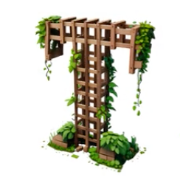
TRELLIS 3D: Generate 3D Models from a Single Image or Text Description
TRELLIS 3D: Generate 3D Models from a Single Image or Text DescriptionIntroduction
What is TRELLIS 3D?
TRELLIS 3D is an open-source 3D generation model developed jointly by Microsoft Research Asia, Tsinghua University, and the University of Science and Technology of China. Using SLAT technology, it can directly generate high-quality 3D models from a single 2D image or text description.
The TRELLIS 3D model has 4 billion parameters. Based on the new O-Voxel representation, it achieves 16x spatial compression and can produce textured 512³ resolution models in just 3 seconds.

Main Features of TRELLIS 3D
Lightning-fast generation: 512³ takes only 3 seconds on an H100, 1024³ around 17 seconds, and 1536³ about 1 minute
High resolution support: From 512³ to 1536³, with impressive compression ratios
Handles any shape: Unlike traditional methods that only produce closed meshes, it can handle open surfaces like clothing and foliage, as well as objects with internal structures
Complete material system: Full PBR pipeline support, including base color, roughness, metallic, and transparency
Wide format support: Exports to GLB, OBJ, STL, GLTF, USDZ, PLY, 3D Gaussian, and other common formats
Two input modes: Both image-to-3D and text-to-3D are supported
Local editing: After generation, you can add, remove, or modify specific regions
Simple processing pipeline: Converting textured mesh to O-Voxel takes under 10 seconds on CPU; the reverse conversion on CUDA takes just 100 milliseconds
Use Cases for TRELLIS 3D
Game development: Quickly produce scene props and characters, no need for artists to model from scratch
Film & animation: Convenient for creating VFX assets and preview models
VR/AR: Generate realistic virtual objects to enhance immersion
Industrial design: Quickly produce product prototypes to validate designs
E-commerce: Create interactive 3D product displays
3D printing: Directly generate printable model files
Education & research: Used as a tool for generating 3D data
Pros & Cons of TRELLIS 3D
What it does well
Truly high quality: 4 billion parameters combined with a sparse 3D VAE deliver impressive detail and fidelity
Unmatched speed: 3 seconds to generate a model — far faster than traditional modeling
Few topology restrictions: Handles complex geometric structures, including open surfaces and internal structures
Excellent material support: Complete PBR workflow, with transparency effects supported
Fully open source: MIT license, free for commercial use
Modest hardware requirements: Runs with 16GB VRAM; RTX 3090/4090 are both supported
Drawbacks
Hardware-hungry: For top-tier speed you still need an H100-class GPU; consumer cards will be noticeably slower
Limitations on fine details: Facial features and tiny textures (like ropes) aren't perfectly generated yet
High training cost: Large-scale pretraining requires massive 3D datasets — training from scratch is very expensive
Still essentially low-poly: Edge details look a bit rough when zoomed in — fundamentally a low-polygon model
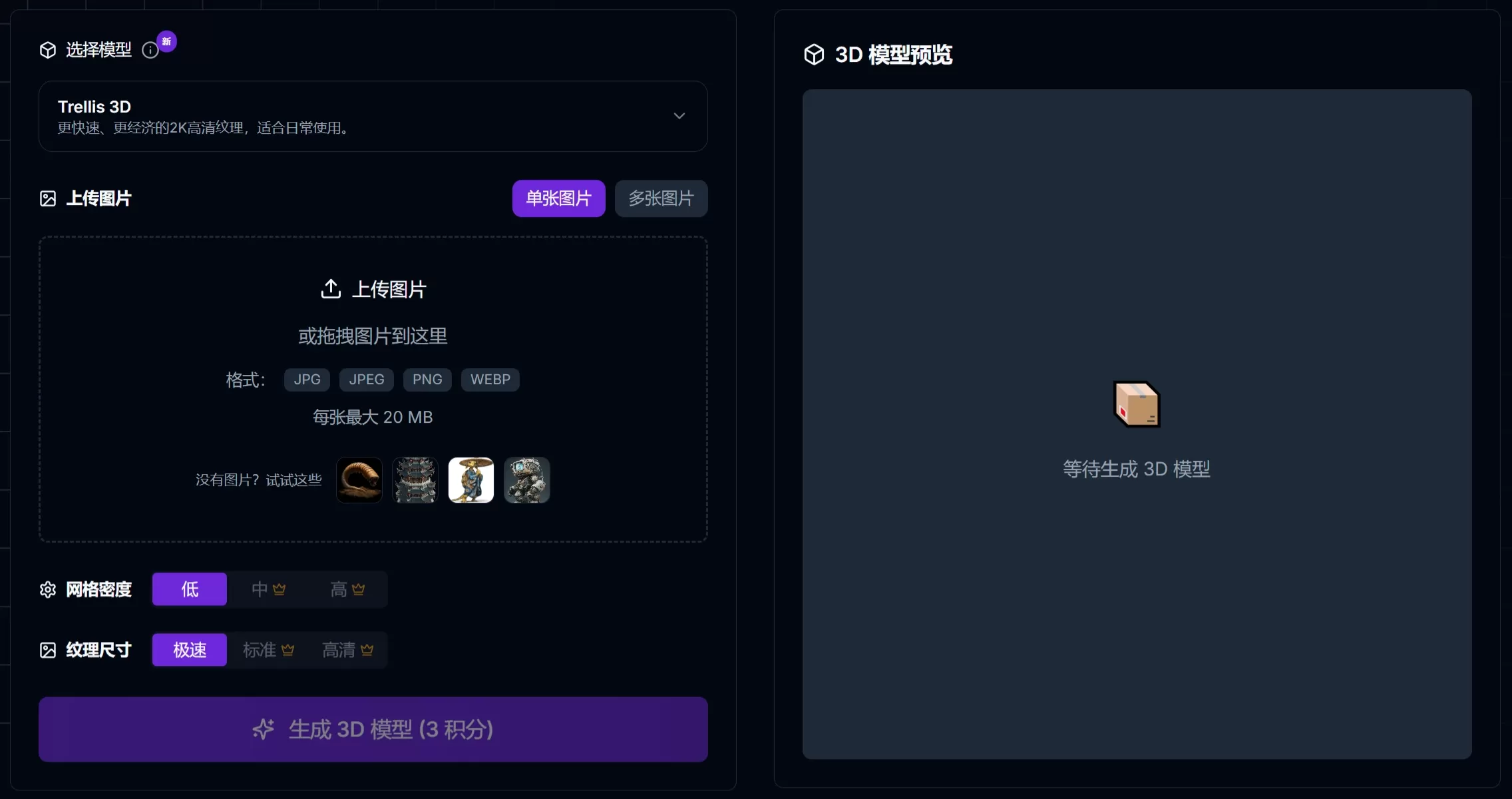
TRELLIS 3D Tutorial
Go directly to the TRELLIS 3D official website
Upload a JPG/PNG image (1920×1080 or higher recommended)
Click generate, wait a few seconds, and the 3D model appears
Once satisfied with the preview, download as GLB or another format
FAQ
TRELLIS 3D generation is too slow?
Make sure CUDA acceleration is enabled; an RTX 4090 or above is recommended. Lowering the resolution speeds things up.
Running out of VRAM?
Setting the environment variable PYTORCH_CUDA_ALLOC_CONF=expandable_segments:True helps save VRAM.
Transparency effect not showing?
GLB is opaque by default. You need to manually connect the texture Alpha to transparency in your 3D software.
Details not sharp enough?
Try 1024³ or 1536³ resolution; extremely complex structures still hit a technical ceiling.
Which image formats are supported?
JPG, PNG, and WEBP all work; images with alpha channels are treated as masks.
Can I use it commercially?
Yes, it's open source under MIT, but note that dependencies (such as nvdiffrast) may have their own separate licenses.
Want to fine-tune it yourself?
TRELLIS.2 provides complete training code. Use train.py to fine-tune or train from scratch.
Related Articles: