
 Script Planner Assistant▸
 AI Apps
 AI News

HeyVid AI: All-in-One AI Video & Image Generator
HeyVid AI: All-in-One AI Video & Image GeneratorIntroduction
What is HeyVid AI?
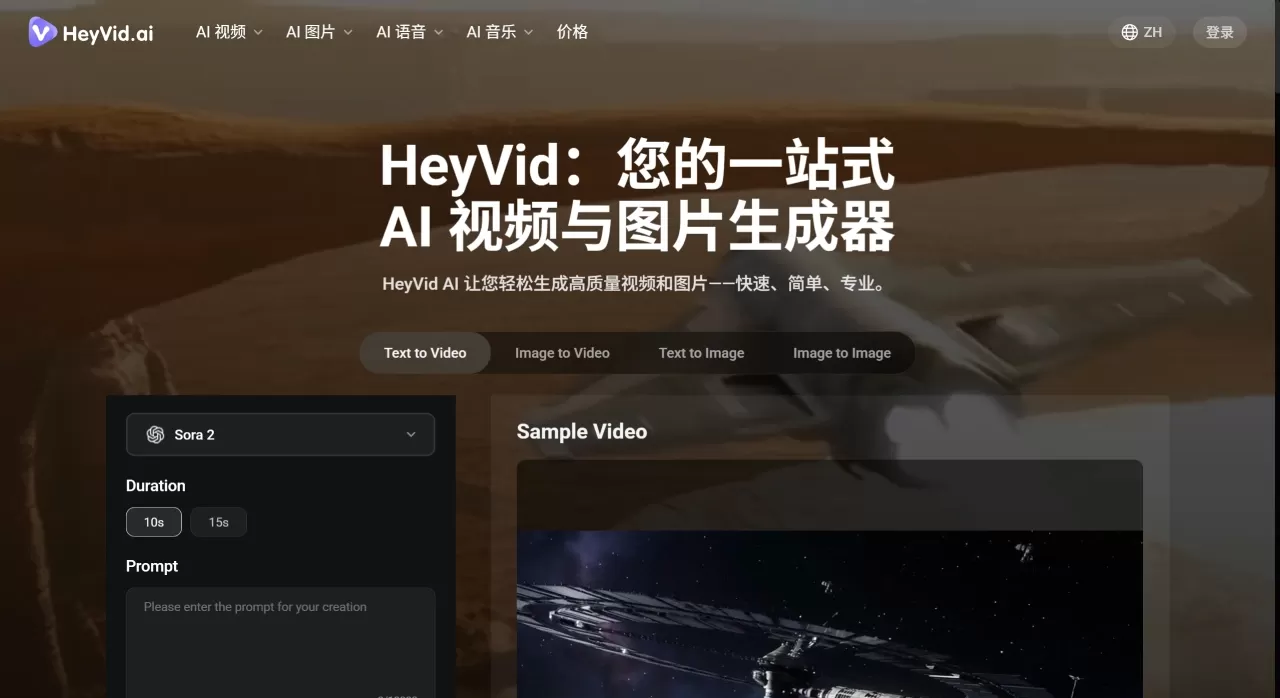
HeyVid AI is an all-in-one AI video and image generation tool that brings together more than 18 leading AI models on the market, such as Kling, Sora, Runway, Midjourney, and Flux. Whether you're a complete beginner or a professional creator, you can use it to produce content quickly and skip the hassle of jumping between different platforms.
What can HeyVid AI do?
Generate videos from text — just describe the scene you want
Turn photos into videos — convert static images into motion
Restyle videos — for example, turn an ordinary video into an animated look
Add transitions and effects — make scene changes smoother
Images and Audio
Generate images with models like Midjourney and Flux
AI voiceover and background music are also covered
Other Practical Features
Watermark removal
Adjust parameters like video duration, style, and quality
Batch-generate multiple videos
Provides an API so developers can integrate it into their own products
Who is HeyVid AI for?
Entrepreneurs — create product demo videos, brand stories, and crowdfunding videos that look more professional for investors
Marketers — quickly produce social media ads and email marketing videos to boost conversion rates
Teachers or trainers — create courseware and tutorial videos to make content more engaging
Content creators and bloggers — make YouTube videos, short videos, and podcast clips while saving a lot of time
Businesses — handle internal training videos, client demos, and team updates
Developers — integrate video capabilities into your own applications via the API
HeyVid AI Pros and Cons
The Good
One platform replaces multiple tools, no need to switch back and forth
Pretty simple to use — you can produce a video in four steps
Output quality is solid, since it's backed by top-tier models like Sora and Kling
Supports batch processing, making series content highly efficient
Comes with API and SDK, easy for technical teams to integrate
Chinese language support
The Not-So-Ideal
It's not entirely free — monthly plans start at $25, though the per-video cost can come down to about $0.86
Style choices aren't as granular as those of tools dedicated to one specific category
The API has a bit of a learning curve for non-technical users
The official documentation isn't clear on how fast generation actually is
The upper limit for batch processing isn't clearly specified either
How to use HeyVid AI?
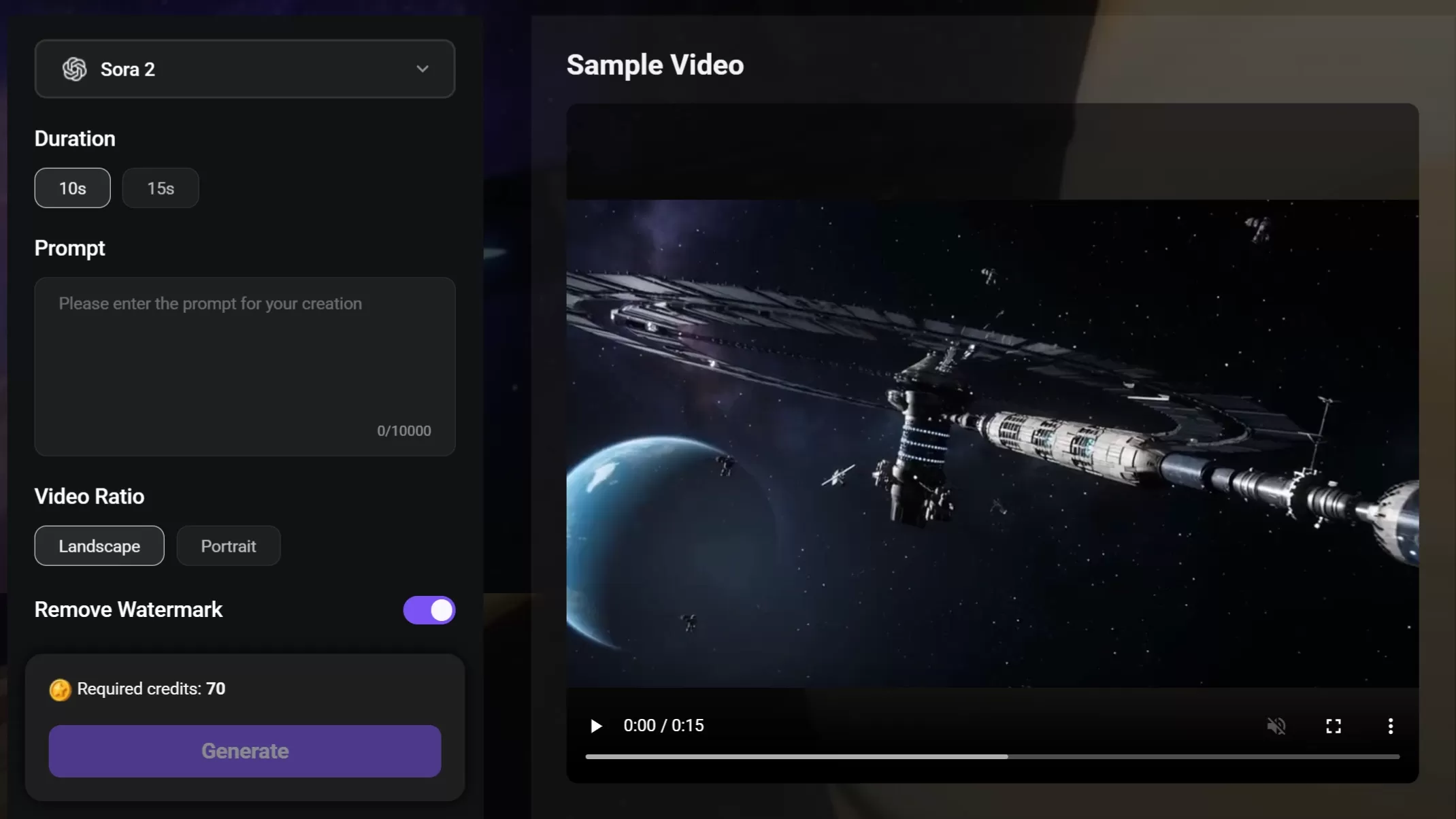
Basic Steps:
Go to heyvid.ai
Pick a suitable model from the model list
Type a description or upload an image
Adjust settings like duration and style
Click generate and wait for the result
Advanced Tips:
Integrate into your own system via the API
Batch-generate a series of content
Spend credits to remove watermarks
Frequently Asked Questions
Does HeyVid AI cost money?
There's a free trial quota, but to remove watermarks or use premium features you'll need to buy credits or subscribe, with monthly plans starting at $25.
What formats are supported?
You can import text, images, and video, and the export formats are fairly comprehensive.
How's the quality?
It's backed by leading mainstream models, so quality is solid, and the parameters are adjustable.
Does it support Chinese?
Yes, inputting Chinese prompts works fine.
How fast is generation?
Officially described as "fast," but no specific numbers are given.
How do I remove the watermark?
Spend credits and it's gone.
Can I use it commercially?
Yes, there's an enterprise-grade API service.
Is there a mobile app?
Currently it's mainly web-based.
HeyVid AI is a great fit for users who want to keep things simple and avoid juggling multiple platforms. It offers a wide range of models, comprehensive features, and API integration. However, if you have very strict requirements for a particular style, you may still need to pair it with other specialized tools.
Related Articles:












