
 Script Planner Assistant▸
 AI Apps
 AI News

EasyClaw: One-Click Install with Zero Config on the OpenClaw Framework
EasyClaw: One-Click Install with Zero Config on the OpenClaw FrameworkIntroduction
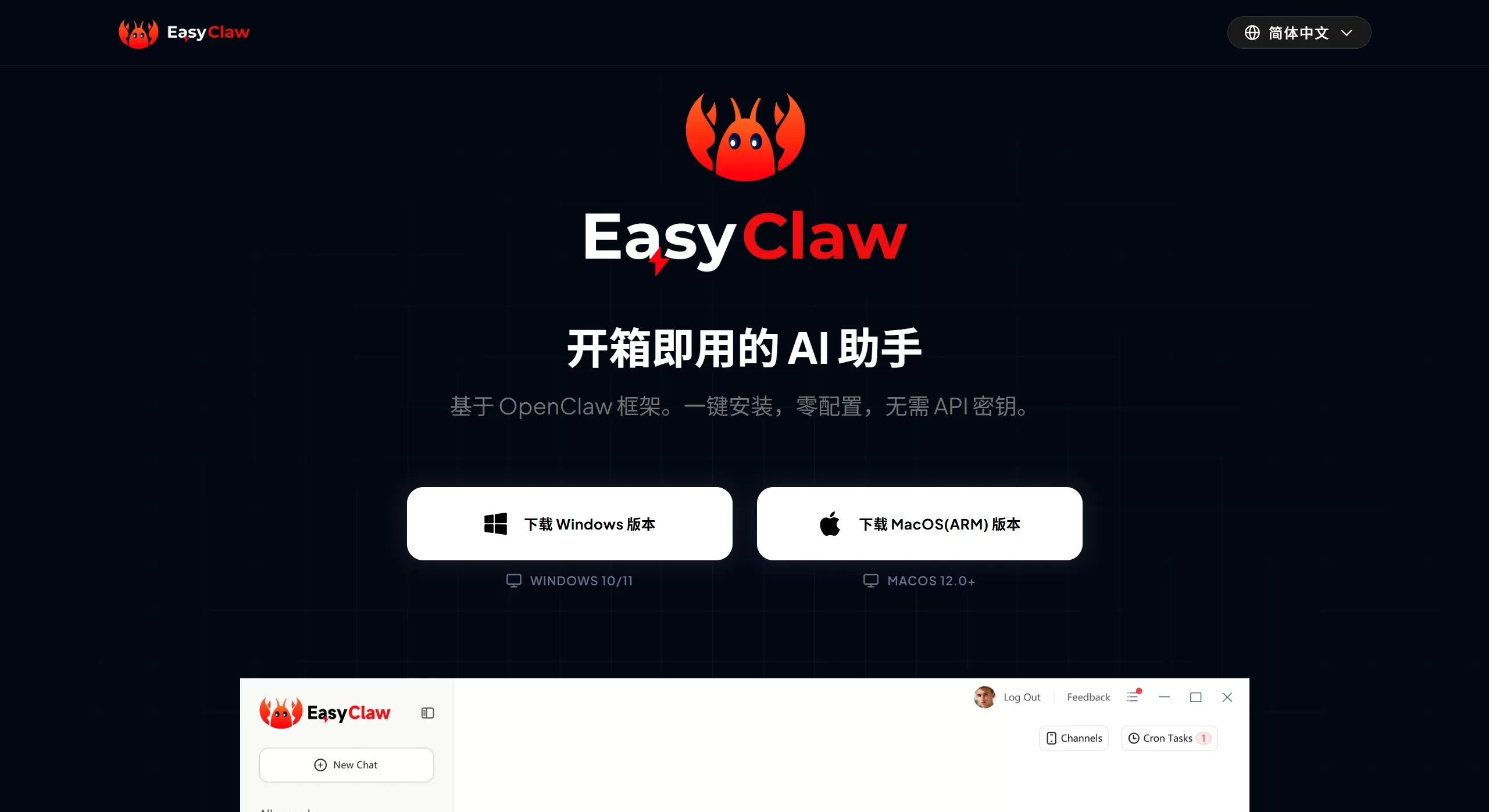
EasyClaw is a tool for quickly installing and deploying AI agents within the OpenClaw ecosystem, specifically designed to solve the various hassles encountered when manually installing OpenClaw. In the past, installing these tools could take several hours of fiddling, dealing with dependency errors and Node version issues; now with EasyClaw, you can get it done in minutes or even tens of seconds.
EasyClaw's biggest feature is its graphical user interface—no command line needed, which is very friendly for those who aren't very technical.
Main Features
One-click installation: Automatically sets up the entire OpenClaw environment for you, no manual dependency handling needed
Multi-platform support: Currently supports macOS and Linux, with the Windows version coming soon
Multiple chat channels: Connects to popular messaging tools such as WhatsApp, Telegram, Discord, Slack, Signal, and iMessage
Multiple AI models to choose from: Supports Claude, GPT-4, Gemini, OpenRouter, etc.—pick whichever you want to use
Local operation: Data stays on your own computer, no worries about privacy leaks
Visual dashboard: A single interface to manage all agents and chat channels
Extensible: Add new features to the AI agent through community plugins
Suitable Use Cases
Personal daily use: Drop an AI assistant in your family group chat to track shopping lists, set reminders, check weather, and organize files
Small team collaboration: Automatically track project progress in Slack or Discord, generate daily summaries, and handle customer support
Development and testing: Quickly set up an environment to test OpenClaw, avoiding repetitive configuration
Handling sensitive data: Run AI locally with data staying off the cloud, suitable for scenarios with high privacy requirements
Community operations: Quickly deploy unified AI tools across Discord or Telegram groups
How to Use EasyClaw
The simplest way is to go to easyclaw.com and download the desktop installer, or use the curl command directly:
curl-fsSLhttps://easyclaw.com/install.sh|bash
After installation, open the graphical interface, follow the steps to select an AI model, enter your API Key, and bind your chat account, then you're ready to go. The entire process is click-based, no coding required.
Frequently Asked Questions
1. Do I need to prepare my own server?
The basic version requires a Linux server or local host; the Pro version may offer managed hosting services.
2. Does it support Telegram?
Currently in development—WhatsApp and Discord are supported, with Telegram coming soon.
3. Can someone with no technical background use it?
Yes, it was designed from the ground up to let non-technical users deploy easily.
4. How long does deployment take?
The traditional way may take over half an hour; with EasyClaw, it's typically done within a minute.
5. Is my data secure?
It runs locally with data staying on your own machine, giving you more control than cloud-based services.
5. Is it free?
Basic features are free and open-source; advanced features may require payment.
6. What's the difference between EasyClaw and manual deployment?
It saves a lot of hassle, but if you need deep customization, you may still need to modify the configuration manually.
Pros and Cons of EasyClaw
Pros: Fast deployment, low barrier to entry, unified management of multiple tools, local data storage, cross-platform support
Cons: Limited advanced customization features, fewer features in the free version, dependent on the stability of the underlying tool itself
Related Articles:
Guide: Connecting WeChat to Openclaw
Openclaw: From Beginner to AI Master—15 Recommended OpenClaw Skills















