
 Script Planner Assistant▸
 AI Apps
 AI News

LobsterAI: Youdao Lobster, a Desktop All-Scenario Personal Assistant Agent
LobsterAI: Youdao Lobster, a Desktop All-Scenario Personal Assistant AgentIntroduction
What is LobsterAI?
LobsterAI (Chinese name: Youdao Lobster) is a desktop-level personal assistant Agent released by NetEase Youdao. It is positioned as a "7×24 hour all-scenario personal assistant Agent that works for you," aspiring to be the Chinese version of an autonomous intelligent agent.
Its core is shifting from "conversation" to "execution" — it's not just chatting, but an AI assistant that truly gets work done. Users give instructions in natural language, and once authorized, LobsterAI can automatically execute complex tasks on the local computer and deliver results.
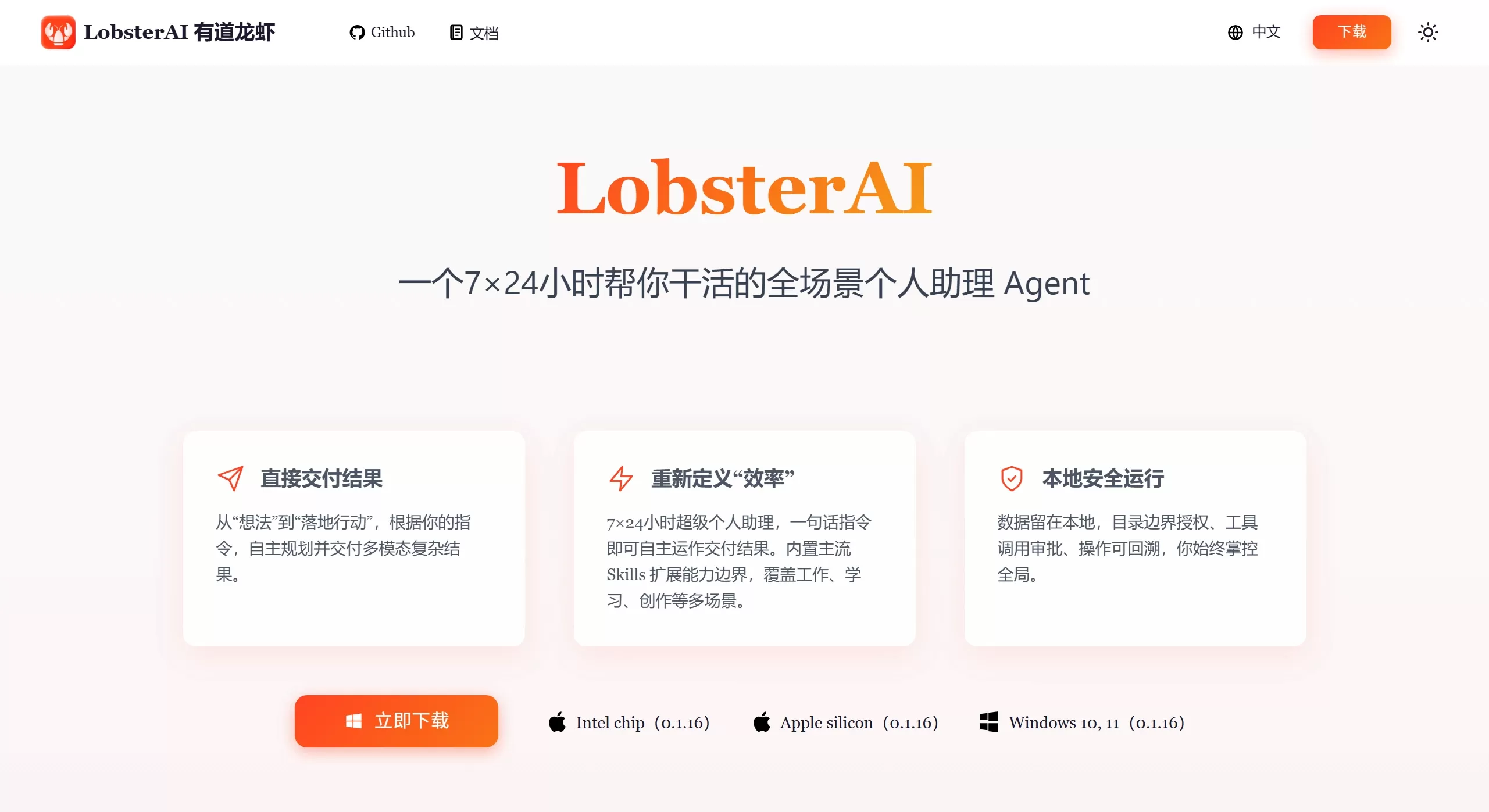
LobsterAI Features
True "ability to get work done"
No need to remember complex command lines; the interface is similar to Claude Cowork, with direct graphical operations
Capable of autonomously executing tasks across applications, with capabilities similar to the popular overseas OpenClaw project
Full-Scenario Task Coverage
Built-in 16 practical skills covering daily office work:
Document processing: Word, Excel, PPT, PDF
Data analysis, report generation
Web search, information collection
Canvas poster drawing, front-end UI prototype design
Remotion-based video generation
Playwright-driven web automation
Email sending and receiving, auto-reply
Scheduling and Long-Term Memory
Scheduled tasks: Set up recurring tasks, e.g., "collect tech news every morning at 9 AM"
Long context memory: Gradually learns your preferences after multiple uses for a more personalized experience
4. Cross-Device Remote Interaction
Mobile and PC ends are connected
Can send remote commands via IM apps like DingTalk and Feishu
Even when away from your computer, you can use your phone to direct your home LobsterAI to handle urgent matters
5. Local-First Security Strategy
Security sandbox: Runs by default in a designated folder within the sandbox environment to prevent accidental deletion of system files
Data localization: Data is processed locally and will not be uploaded to the cloud
Dual-engine driven: Pre-loaded with mainstream large model APIs, also supports calling local open-source models like DeepSeek via Ollama
LobsterAI Application Scenarios
Daily office work: Document processing, data analysis, report generation, PPT generation
Information retrieval: Auto-collect industry news, organize email summaries, gather web materials
Content creation: Canvas poster design, video generation, front-end UI prototype design
Remote work: Use mobile DingTalk/Feishu while out to direct your home computer to handle urgent matters
Automation workflows: Web automation operations, scheduled task execution, auto email replies
Personalized assistant: Provides coherent, personalized service based on long-term memory of preferences
How to Use LobsterAI
Basic Usage Flow
One-click installation: Download and use, no complex configuration required
Natural language interaction: Issue commands in natural language through the graphical interface
Authorize execution: Grant authorization for complex workflows that need to be executed
Receive results: Agent automatically executes and delivers outcomes
Remote Use
Configure bridging to IM platforms like DingTalk, Feishu, etc.
Send commands from your phone, e.g., "Help me analyze this data" or "Make a weekly work report PPT"
The desktop Agent automatically executes and returns results
LobsterAI FAQ
Q1: Will LobsterAI accidentally operate on my computer files?
A: No. It uses a security sandbox mechanism and runs by default in a designated folder within the sandbox environment, preventing accidental operations that could damage system files.
Q2: Is my data secure?
A: Yes. LobsterAI adopts a "local-first" strategy:
All chat records and configuration data are stored in a local SQLite database and will not leave the device
Data is processed locally, eliminating the risk of cloud leakage
Sensitive operations can be run in an isolated Linux virtual machine
Q3: Which large models are supported?
A: Dual-engine driven:
Pre-loaded with multiple mainstream large model APIs
Supports calling local open-source models like DeepSeek via frameworks such as Ollama
Q4: Is a programming background required?
A: No. With an intuitive graphical interface, there's no need to remember complex command lines — anyone can get started.
Q5: Does it support scheduled tasks?
A: Yes. You can create scheduled tasks in natural language, e.g., "Collect tech news for me every morning at 9 AM," and the Agent will automatically execute according to the schedule.
Q6: Is it free or paid?
A: Currently in beta, requiring application through the official website. It has been open-sourced and released starting February 19, 2026.
LobsterAI is an important innovation in China's Agent track, blending the technical depth of OpenClaw with the ease of use of Claude Cowork. Through its "local-first" strategy, it addresses user concerns about security in AI automation, providing a truly usable all-scenario AI assistant solution for individual and enterprise users.
Latest update: On February 19, 2026, NetEase Youdao announced the open-source release of LobsterAI. GitHub address: https://github.com/netease-youdao/lobsterai — hoping to work with the community to build a more user-friendly and efficient intelligent agent assistant.















