Script Planner Assistant▸
 AI Apps
 AI News

Logo.surf: Free Text-to-Logo & Favicon Generator
Logo.surf: Free Text-to-Logo & Favicon GeneratorIntroduction
What is Logo.surf?
Logo.surf is a free online tool that converts text into Logos and website icons. Developer airyland built this tool and also open-sourced it. All you need to do is enter text — letters, numbers, punctuation, Unicode characters, and emojis are all supported — and you can quickly create professional-looking Logos and website icons. No design skills required, and no need to spend money on software.
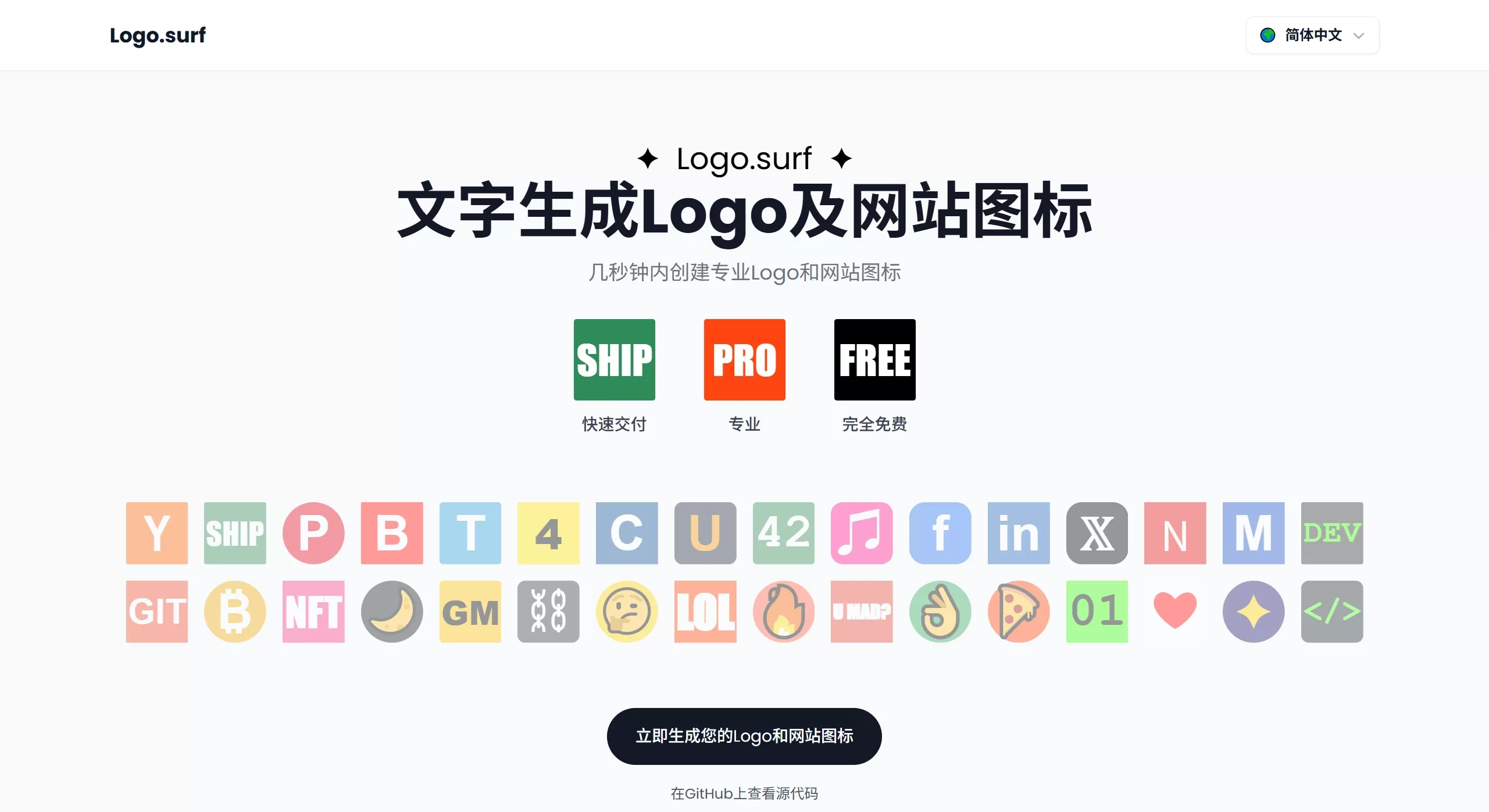
Logo.surf Features
Core Features
Text to Logo/Favicon: Generate from text input, with support for emojis and special characters
Multiple formats: Export as PNG, SVG, ICO, and more — compatible with various platforms and browsers
Real-time preview: See the effects instantly as you change settings
Customization Options
Fonts: Multiple fonts to choose from
Colors: Both text color and background color are adjustable
Sizing: Text size and position (top, bottom, left, right) can be adjusted
Styling: Rounded corners, padding, and more can be customized
Technical Highlights
Fully front-end processing: All operations run in the browser, with no personal data collected
Open-source and free: The code is open source, and the website is also free to use
Auto-generated code: Automatically generates HTML code for Favicons — just copy and paste it into your website
Logo.surf Use Cases
Startups / Entrepreneurs: When budgets are tight, quickly create branding assets for product prototypes and landing pages
Developers: Quickly make Favicons and Logos for projects or prototypes — done in minutes
Small businesses: Build an online brand identity — great for local shops, online stores, and service companies
Content creators: Create a consistent brand identity across social media, YouTube, and blogs
Students / Education: Make school projects, educational websites, or learn design basics
Freelancers: Quickly deliver concepts to clients and demo multiple Logo ideas
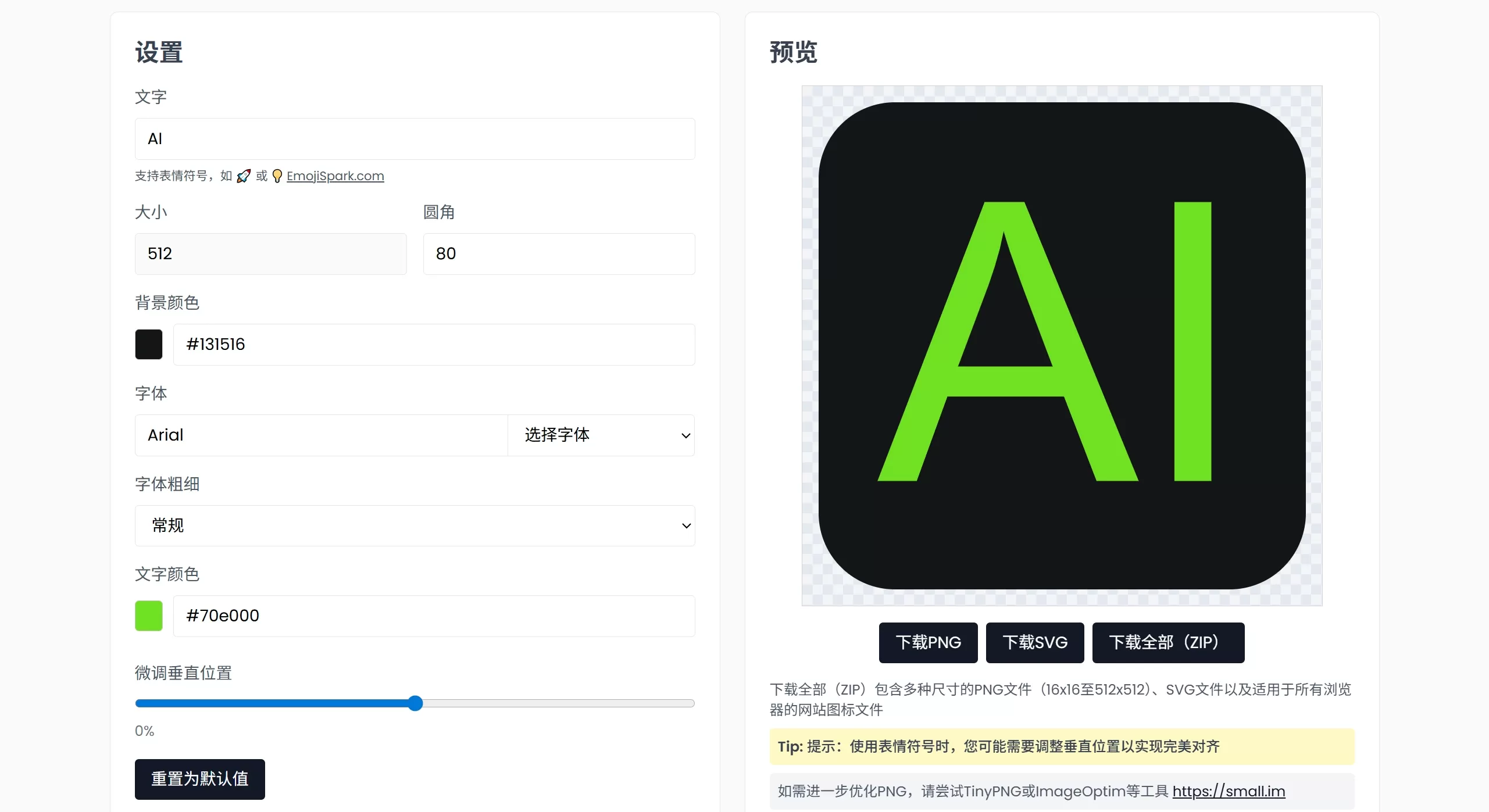
How to Use Logo.surf
Online Use
Open https://www.logo.surf
Enter text in the editor — English, numbers, Unicode, and emojis all work
Customize Your Design:
Choose a font
Adjust text color and background color
Set text size and position
Tweak styles like rounded corners
The preview updates in real time on the right — keep adjusting until you're happy with it
Click download and choose PNG, SVG, or ICO format — or download all sizes as a bundle at once
Local Deployment (Open-source Version)
git clone https://github.com/airyland/logo.surf.git
cd logo.surf
npm install
npm start
FAQ
Does Logo.surf cost anything? Free, and the code is open source
Does it require AI? No — it's purely text-to-Logo, and you control all design decisions
Does Logo.surf support Chinese? Unicode is supported, including Chinese, though some fonts don't render Chinese well
Emojis look different on different systems? Display varies by system — exporting as PNG gives the most consistent results
GitHub:https://github.com/airyland/logo.surf