
 Script Planner Assistant▸
 AI Apps
 AI News

Kimi Claw: Run Open Claw on Kimi's Cloud VM
Kimi Claw: Run Open Claw on Kimi's Cloud VMIntroduction
Kimi Claw is a cloud-based AI agent service launched by Moonshot AI. It is built on the open-source framework OpenClaw, but packaged as a "one-click ready" cloud service. You don't need to install any software or manage a server—you can use it directly, and it's online around the clock.
Unlike a locally deployed OpenClaw, Kimi Claw runs entirely in the cloud, comes with 40GB of storage, uses the Kimi K2.5 model, and integrates more than 5,000 community-built skill packages.
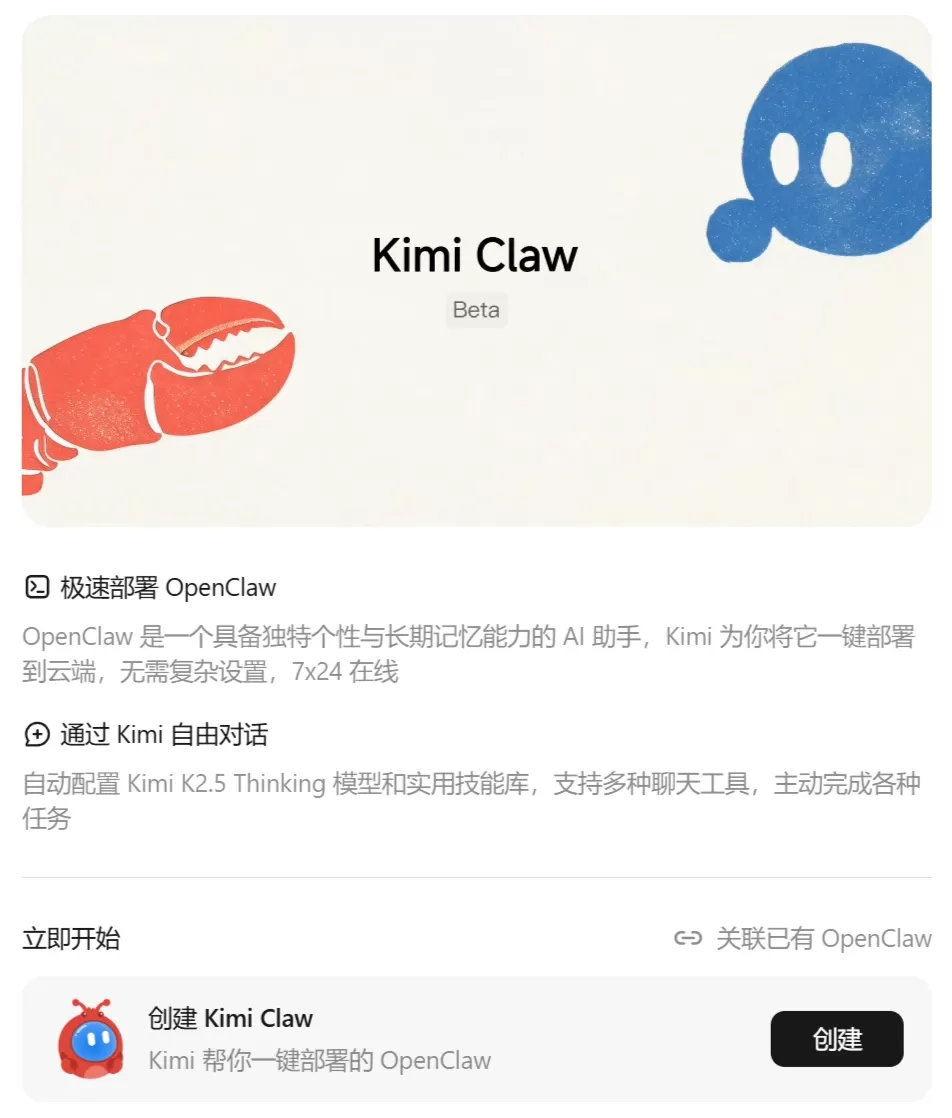
Features
| Feature | Description |
|---|---|
| One-click deployment | Set up on the Kimi platform in seconds, no complex configuration, available 24/7 |
| Long-term memory | Remembers past conversations and your preferences, so you don't have to start from scratch next time |
| Automated task execution | Supports scheduled reminders, condition-triggered actions, and runs multi-step workflows autonomously in the background |
| ClawHub skill library | Direct access to 5,000+ community skills—send emails, control browsers, analyze data, and more |
| Multi-platform chat | Chat on the Kimi web app, or connect to Telegram, Discord, and Feishu (Lark) |
| Connect local instances | Bridge your self-hosted OpenClaw to kimi.com and sync your settings over |
| K2.5 model | Built on Moonshot's in-house model, with strong reasoning, image understanding, and tool calling capabilities |
Use Cases
Personal Assistant
Automatically fetch and deliver daily news summaries
Manage to-do items and send reminders on time
Content Creation
Monitor trending topics across the web and batch-produce articles
Generate an initial draft of 4,000+ words in one go
Investment Analysis
Auto-monitor positions and track market data
Use professional skill packages to analyze investment opportunities
Document Processing
Asynchronously translate long documents, e.g., turning a 33-page English document into 7,000 Chinese characters
Package multi-step workflows into reusable skills for batch processing
Cross-platform Collaboration
Issue commands to the AI directly from Feishu (Lark) or Discord
How to Use
Prerequisites
Pricing: Currently available only to Allegretto members ($39/month) and above
Entry point: https://www.kimi.com/bot
Creation Steps
Go to https://www.kimi.com/bot
Click "One-click create Kimi Claw"
The system deploys to the cloud automatically—ready in seconds
Get your personal assistant with a lobster avatar and start chatting or connect it to third-party chat tools
Connecting to Feishu/Lark (Example)
Go to the Feishu (Lark) open platform and create an enterprise custom app with bot capabilities
Enable the required permissions (im:message, im:message.send_as_bot, etc.)
Send the Feishu App ID and App Secret to Kimi Claw
Select "Long connection" for event configuration and add the im.message.receive_v1 event
Create a version, publish it, and the bot will be searchable inside Feishu
Common Commands (Reference: OpenClaw)
Restart gateway: openclaw gateway restart
New conversation: /new
Change default model: openclaw models set [model-id]
FAQ
How is it different from OpenClaw? OpenClaw requires local installation, while Kimi Claw is the cloud-hosted version—ready out of the box with essentially the same features.
Can it be used in China? It's currently targeted mainly at international Kimi users, so access from within China may be restricted.
How do I add new capabilities? Use ready-made community skills from ClawHub, or write your own skills and teach it.
Is my data secure? Data is stored on Moonshot's cloud rather than being local-first like OpenClaw, so pay attention to your privacy settings.
Can it connect to an existing OpenClaw? Yes, local or third-party OpenClaw instances can be bridged to Kimi Claw.
Why is it paid? It's a value-added Beta service requiring an Allegretto membership ($39/month) or higher, but it includes Kimi API credits, Claude Code, PPT generation, and more.
How do I use the skill library? Just tell Kimi Claw what you want to do and it will search for the right skill on its own—you don't need to pick one.
Related News:
OpenClaw from Beginner to AI Master: 15 Recommended OpenClaw Skills















