Script Planner Assistant▸
 AI Apps
 AI News

Code Wiki: Google's AI-Powered Code Documentation Tool
Code Wiki: Google's AI-Powered Code Documentation ToolIntroduction
What is Code Wiki?
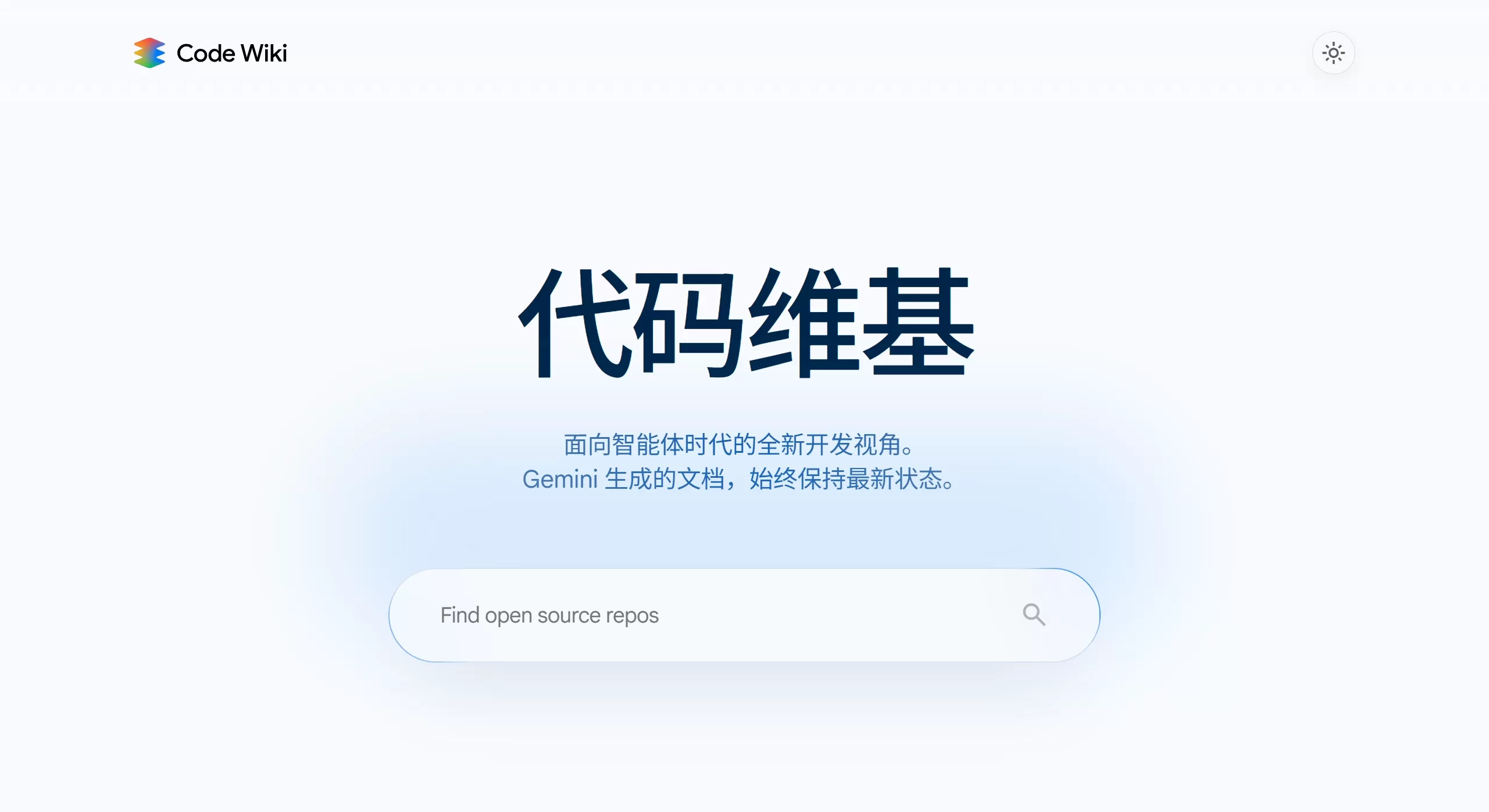
Code Wiki is an AI-powered code documentation tool released by Google in November 2025, designed to solve a long-standing problem in software development—the disconnect between code and documentation. It uses the Gemini AI model to automatically analyze GitHub repositories and generate clearly structured Wiki documentation that stays up to date.
Unlike traditional hand-written static documentation, Code Wiki automatically rescans and updates the documentation whenever the code changes, ensuring the docs always match the source code.
Features of Code Wiki
Automatic documentation generation and updates: It monitors Git commits and automatically regenerates the relevant Wiki pages after each pull request (PR) is merged. It doesn't just look at the README—it also analyzes class structures, how functions work together, and how interfaces are defined. The generated documentation is layered, including high-level system overviews, module descriptions, and detailed class and function explanations.
Automatic visualization diagrams: It can auto-generate architecture diagrams, class diagrams, and sequence diagrams. Elements in the diagrams are clickable and link directly to the corresponding source files and code lines. When the code changes, the diagrams update accordingly.
Ask questions with the Gemini-powered chat: A Gemini-based chat assistant is fully aware of the entire codebase. You can ask questions in plain language, such as "Where is the entry point for this service?" or "Which modules will this code affect?" Answers include code provenance and file links, reducing the chance of hallucination.
Click-to-navigate: Terminology, variable names, and class names in the documentation are all clickable. You can jump from high-level concepts directly to the specific code—much like holding Ctrl and clicking in an IDE.
AI Podcast generation: Based on the documentation content, it intelligently produces NotebookLM-style two-person conversational video podcasts, though this feature is only available for some projects.
Use Cases for Code Wiki
New hires onboarding: Quickly understand the architecture of a complex codebase. What used to take days to learn can now be done in 30 minutes to 2 hours.
Code review: Know in advance which modules' logic a PR touches, and ask questions like the authentication flow of a specific function.
Identifying technical debt: Find modules in the codebase that should be refactored—such as classes with too many methods or duplicated code.
Learning open-source projects: See how popular frameworks like React, Vue, and Next.js are designed.
Maintaining legacy code: Rebuild documentation for old codebases that lack documentation and whose original maintainers have left.
How to Use Code Wiki
Open https://codewiki.google/; enter a GitHub repository URL or author name in the search box on the homepage; the left side shows the documentation outline, the middle shows detailed descriptions and diagrams, and the right side allows you to chat with the Gemini assistant; click on links in the diagrams or documentation to jump to the specific code.
Frequently Asked Questions
Q1: Which programming languages are supported?
Mainly high-level languages like Java, Go, Python, and JavaScript/TypeScript. For systems languages like C/C++, the results are less effective due to challenges with pointers and manual memory management.
Q2: How accurate is the generated documentation?
Treat AI-generated documentation as a reference. For critical architectural decisions or security-related code, it's best to verify it yourself and confirm with colleagues—don't take it at face value.
Q3: Is it free?
Currently completely free (public preview version).
Q4: Why don't some projects have AI podcasts?
Not all projects have it; the specific timing for availability hasn't been clarified.
Q5: Can I export to PDF or Markdown?
There is no official support for this feature at the moment, although many users have requested it.
Google Code Wiki transforms code documentation—it used to be an extra manual task of hand-writing, but now it's living, structured, and continuously updated documentation. It's especially well-suited for teams that need to quickly understand large codebases, but it's best used alongside hand-written business logic documentation rather than as a full replacement.