
 Script Planner Assistant▸
 AI Apps
 AI News
AniStudio AI: Professional Cinematic-Native Animation AI Agent Platform
AniStudio AI: Professional Cinematic-Native Animation AI Agent PlatformIntroduction
What is AniStudio ai?
AniStudio AI is a conversational, professional-grade native animationAI Agentplatform that replaces traditional animation software. You don't have to do things manually like before when making animations — just say a sentence and let AI help out, and you can work about 3 times faster than old methods.
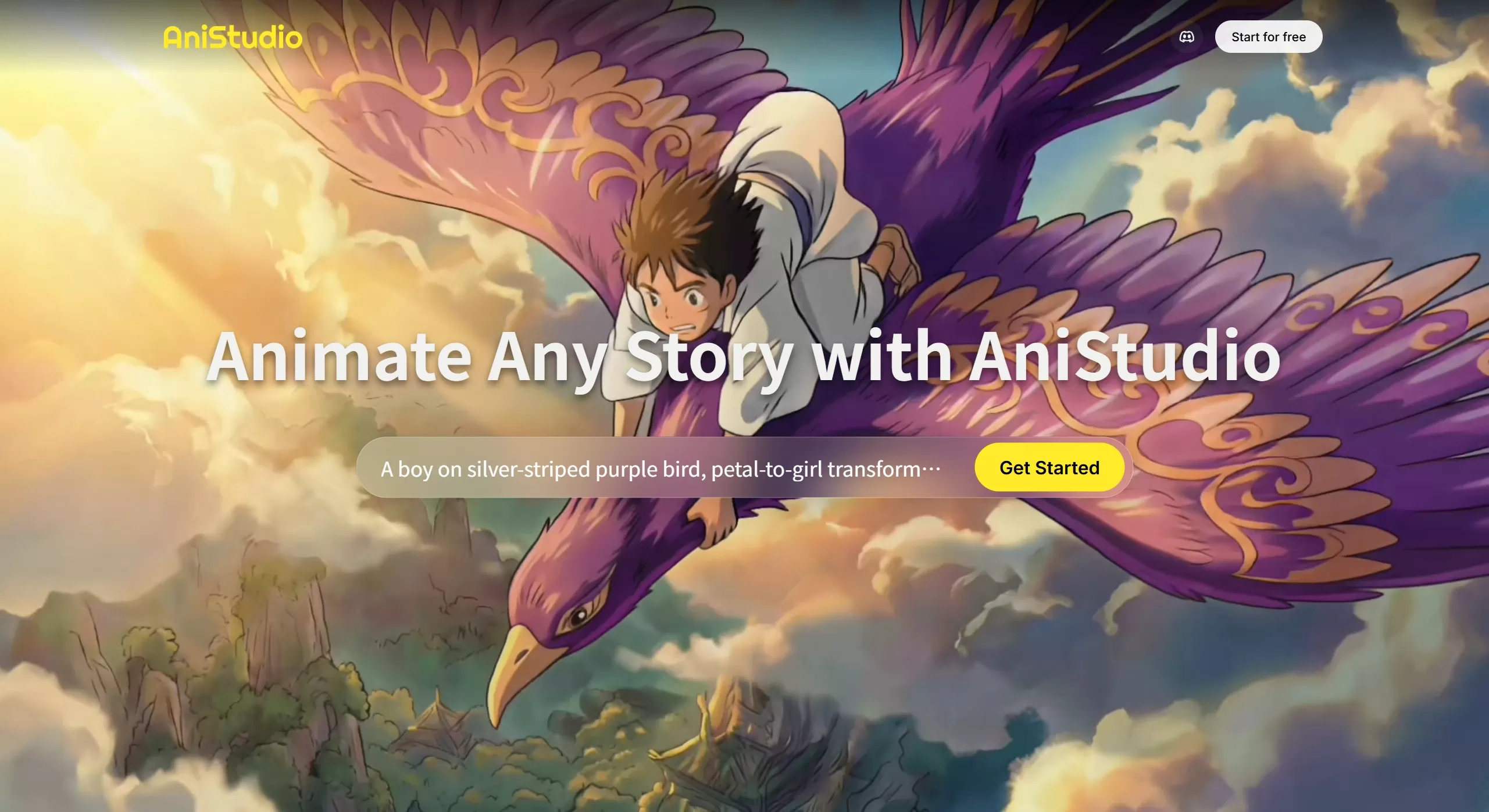
AniStudio AI Features
AI Agent Workflow: It has a natural-language interface — just tell it what you want, and it automatically builds the timeline, sets up scenes, and handles the animation without you having to manually tweak keyframes.
Character Consistency: It can create a character with a fixed appearance. No matter how many scenes change or how much the story evolves, the look stays the same. You can also upload reference images to keep the character in a specific pose or angle.
Lip Sync: A sync feature designed specifically for animation, with many voice options to choose from. You can also customize voice characteristics so the character's mouth movements are accurate and look natural when speaking.
Multi-Model Image Generation: It can work with several AI models (including Ideogram), allowing you to redo a scene with different models and pick the best result. Scene creation is also flexible.
Style Library: There are various beautiful styles ranging from classic to modern, and you can also train your own signature style to make your animations look unique.
Canvas Workflow: There's an intuitive canvas interface where you can go from idea to finished animation step by step, all in one place.
AniStudio AI Application Scenarios
Animated Storytelling: Produce web series or short films with consistent character appearances and professional quality.
Explainer Videos: Teachers or marketers can quickly create animations for course or product introductions without needing professional animation skills.
Social Content: Create animations for YouTube Shorts, TikTok, and Instagram — much faster than older methods.
Marketing: Produce promo videos, product launches, or branded content quickly with a consistent look.
Concept Creation: Creatives can quickly build animation prototypes and storyboards to show clients or use in pitches.
AniStudio AI Tutorial: How to Use It
Basic Steps: First, describe what kind of animation you want to make; AI provides ideas and a storyboard; upload reference images to adjust the character's look; use the built-in timeline editor to fine-tune the animation; finally, export the complete video.
How to Operate: Collaborate with AI through conversation; arrange scenes and modify content on the canvas; upload reference images to keep characters and scenes consistent.
Frequently Asked Questions
Q: Does it support image-to-image?
A: The current version doesn't have this feature yet — it's missing quite a few basics.
Q: How is AniStudio AI better than traditional software?
A: It's about 3 times faster, no need to work frame by frame, and animations can be generated just by speaking.
Q: Is AniStudio AI free?
A: There's a free entry tier; see the official website for specific limits.
Q: How do I keep a character looking the same across different scenes?
A: AniStudio AI has a character consistency feature — just upload reference images to lock in the character's traits.











