
 Script Planner Assistant▸
 AI Apps
 AI News
AniSora – Bilibili's Open-Source Anime Video Generation Model
AniSora – Bilibili's Open-Source Anime Video Generation ModelIntroduction
What is AniSora?
AniSora (full name Index-AniSora) is an open-source anime video generation model released by Bilibili, dubbed the "open-source gift dedicated to the world of二次元." It is currently the most powerful open-source anime video generation model, specifically optimized for anime content creation.
The project was officially released and open-sourced in May 2025 under the Apache 2.0 license, free for both personal and commercial use. AniSora was recognized with a paper at the IJCai'25 international academic conference, representing a new technological breakthrough in anime video generation.
Version Evolution
V1.0: Based on the CogVideoX-5B model, supports local region control and temporal control
V2.0: Switched to the Wan2.1-14B model, with more stable generation results
V3.0 (released July 2025): Improved generation quality and motion smoothness; the quantized version can run inference on a single RTX 4090
AniSora Core Features
Multi-style video generation: Capable of producing over 90% of anime video scenarios, including series, original Chinese animation, comic adaptations, VTuber content, animation PVs, and MAD (鬼畜) videos
Image-to-Video generation (I2V): Generate coherent animation from a single image while preserving character details and style
Frame interpolation: Provide keyframes and automatically generate in-between frames for smoother transitions, reducing the need to draw intermediate frames
Spatiotemporal mask control: Precisely control timing and space, such as setting the first frame, last frame, or any intermediate frame, and animate only specific regions
Multimodal guidance: Use text, images, and masks together as input for complex scenes
Style transfer: Convert one anime style into another
RLHF optimization: Trained with reinforcement learning from human feedback using 30,000 human-labeled samples, making outputs more aligned with human preferences
Hardware adaptation: Natively supports NVIDIA GPUs and Huawei Ascend 910B NPUs, with approximately 20% faster inference
AniSora Application Scenarios
Anime content creation: Quickly produce series clips and original Chinese animation; convert comics into video with automatic lip-sync and motion; create animation trailers or short animations
Virtual YouTubers (VTuber): Generate real-time character animations and backgrounds to enhance live streams and videos
Animation production assistance: Help professional animators fill in keyframes and modify local regions, eliminating the need to draw in-between frames and improving efficiency
Fan creation and 鬼畜 (MAD) videos: Support fan-made creations and comedic animations, bringing vitality to the 二次元 community
Gaming and education: Quickly produce game animation assets; create educational animations
Support for independent creators: Lower the barrier so small teams can produce high-quality animation at low cost
How to Use AniSora
Method 1: Local Deployment
1. Environment preparation: Install Python and a deep learning framework (such as PyTorch); hardware requires an NVIDIA GPU (RTX 4090 or above recommended) or a Huawei Ascend 910B NPU
2. Get the model: Clone the GitHub repository (git clone https://github.com/bilibili/Index-anisora); download model weights from Hugging Face (approximately 8GB)
3. Run generation: Prepare a text description or single image as input; adjust parameters (video length, style strength, motion magnitude, seed value, etc.); run the generation script and wait for the result (V3 takes about 2.5 minutes to generate a 4-second video)
4. Post-processing: Fine-tune the result using the provided control features
Method 2: ComfyUI Plugin
Install the ComfyUI-WanVideoWrapper plugin; use community-shared workflows: 【Anime-Specific】AniWan Text-to-Video 1280 HD Solution, 【Anime-Specific】AniWan Image-to-Video 1280 HD Solution
Method 3: Online Experience
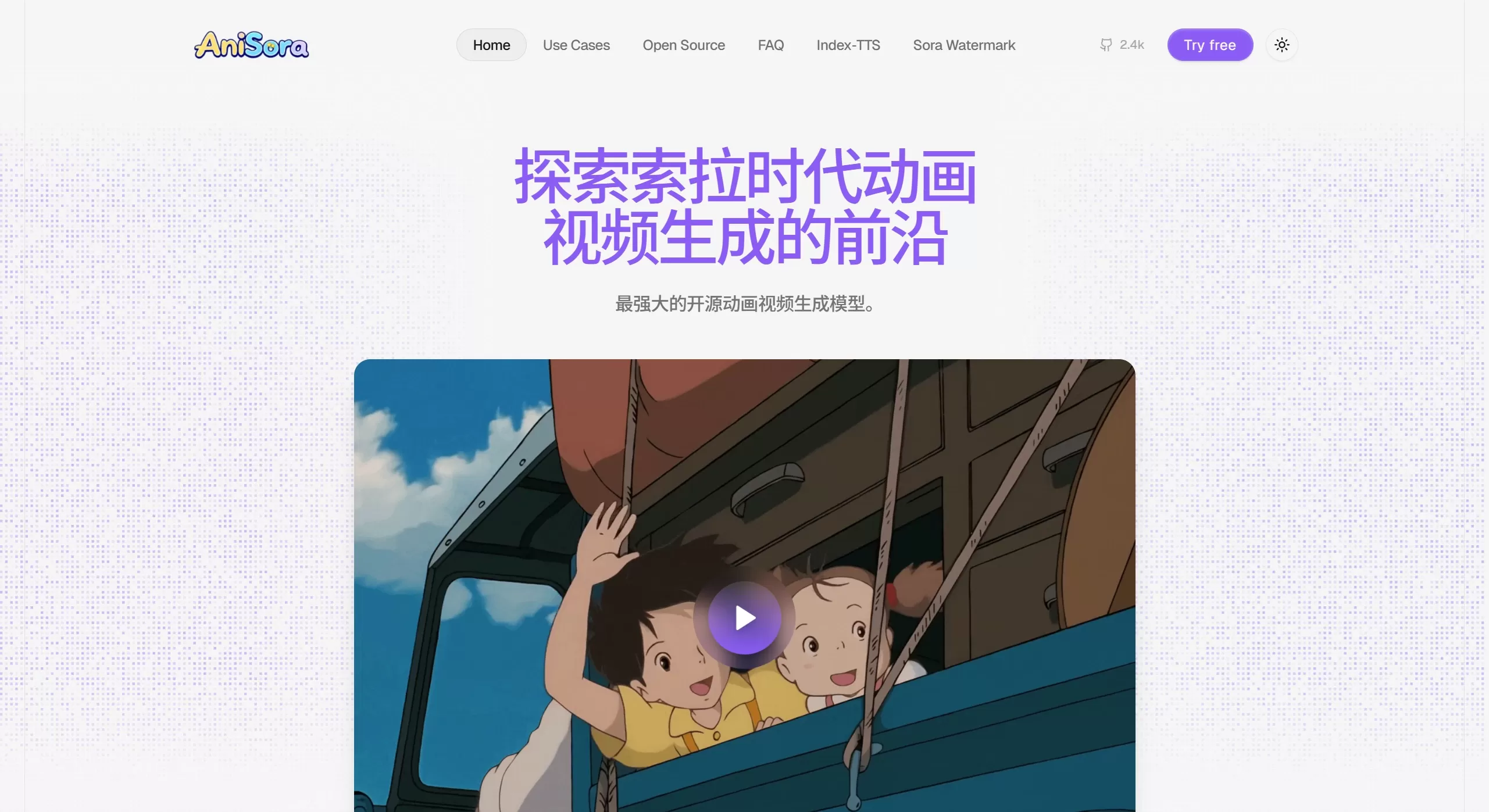
Visit the official demo website: www.anisora.ai
❓ Frequently Asked Questions
Q1: How is AniSora different from general models like Sora and Kling?
A: General models (e.g., OpenAI Sora, Kling) excel at natural scenes and real-person videos, but struggle with anime's exaggerated expressions and non-realistic rendering. AniSora is specifically optimized for anime, offering better character consistency, smoother motion, and a stronger "二次元 feel."
Q2: Are there any limits on video resolution and length?
A: V3 supports up to 1080p. Length is adjustable; typical short content is 4–5 seconds, and can be extended using temporal control.
Q3: Are the hardware requirements high?
A: The V3 quantized version can run on a single RTX 4090. A single 4-card 4090 setup takes 30 seconds to generate a 5-second 360p video; a single 8-card A800 setup only takes 8 seconds. Approximately 15% fewer artifacts compared to V2.
Q4: How can I obtain the training dataset?
A: The team has opened a high-quality training dataset application channel. Fill out the application form and send it to the designated email (e.g., [email protected]) to gain access to the V2.0 weights and the full dataset.
Q5: Which anime styles are supported?
A: Supports Japanese anime, original Chinese animation, comic adaptations, VTuber content, MAD videos, covering 90% of anime video scenarios.
Q6: What should I do if generation results are unstable?
A: Suggestions: Use a clear image when doing image-to-video; write detailed text prompts describing the action and scene clearly; adjust the seed value for consistent results; use first-and-last-frame guidance to control video direction
Resource Links
GitHub Repository: https://github.com/bilibili/Index-anisora
Model Download (HuggingFace): https://huggingface.co/IndexTeam/Index-anisora
Technical Paper: https://arxiv.org/pdf/2412.10255
Official Website: www.anisora.ai
Online Experience: https://anisora.art/zh/index.html
Related News:
AI Comic-Drama Production Tools
AniSora: Bilibili's Open-Source Anime Video Generation Model











