
 Script Planner Assistant▸
 AI Apps
 AI News

VEMUS: A One-Stop AI Music Creation Platform from Tencent
VEMUS: A One-Stop AI Music Creation Platform from TencentIntroduction
What is VEMUS (未音)?
VEMUS is an AI music creation platform launched by Tencent Music Entertainment Group (TME). It calls itself a "music creative buddy," focusing on "zero-threshold AI music creation" — meaning ordinary people who don't play instruments or know music theory can still produce complete songs.
This is an important move by Tencent Music in the AI music space, leveraging Tencent's strengths in audio processing, large-model training, and massive music data, with the goal of building a music creation and social community that everyone can participate in and share.
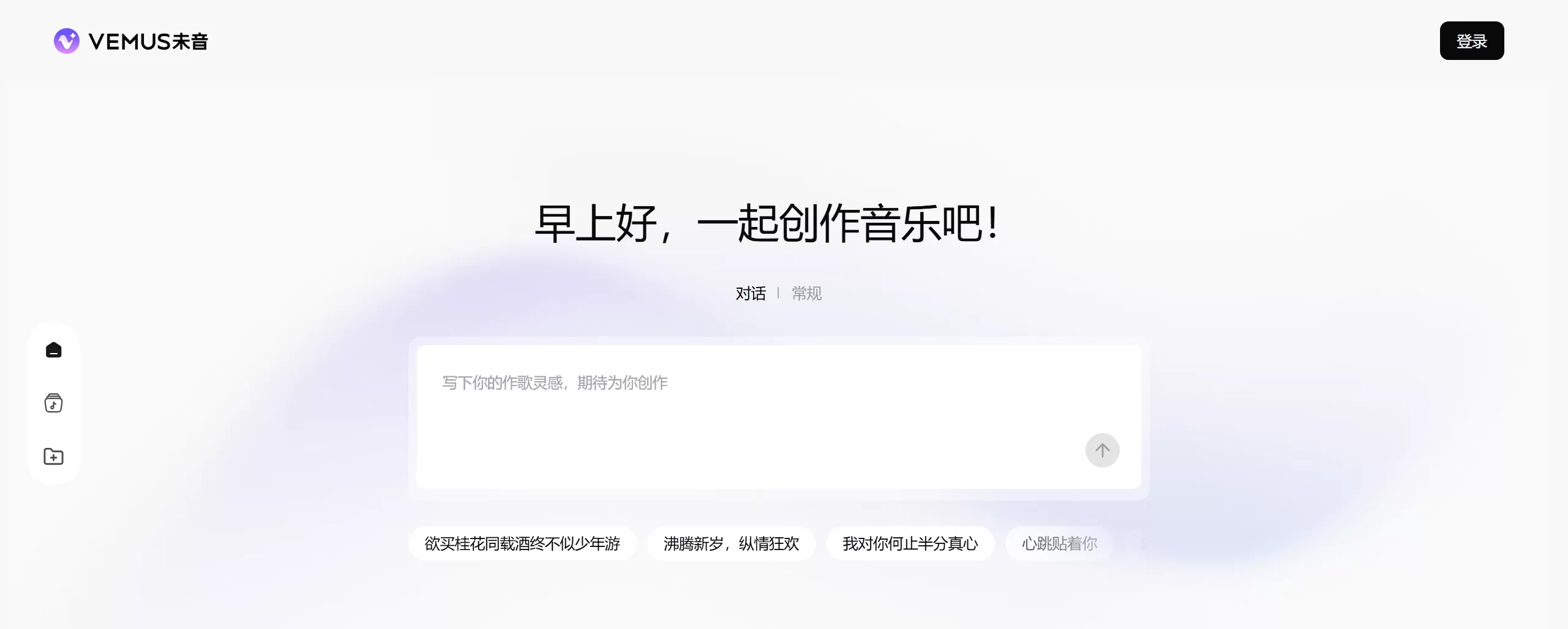
VEMUS Features
AI-powered basic creation (easy to use + multiple methods)
Input a simple melody, emotion word, or lyrics, and the AI can directly generate full accompaniment and chords.
Turn text or melodies into realistic singing/rap-like voices, with selectable tones and styles.
Give a theme or keyword, and the AI helps write rhyming, emotional lyrics, with support for multiple languages.
Automatically compose professional-level tracks across styles like pop, rock, jazz, electronic, and Chinese-style (国风).
Four song generation methods
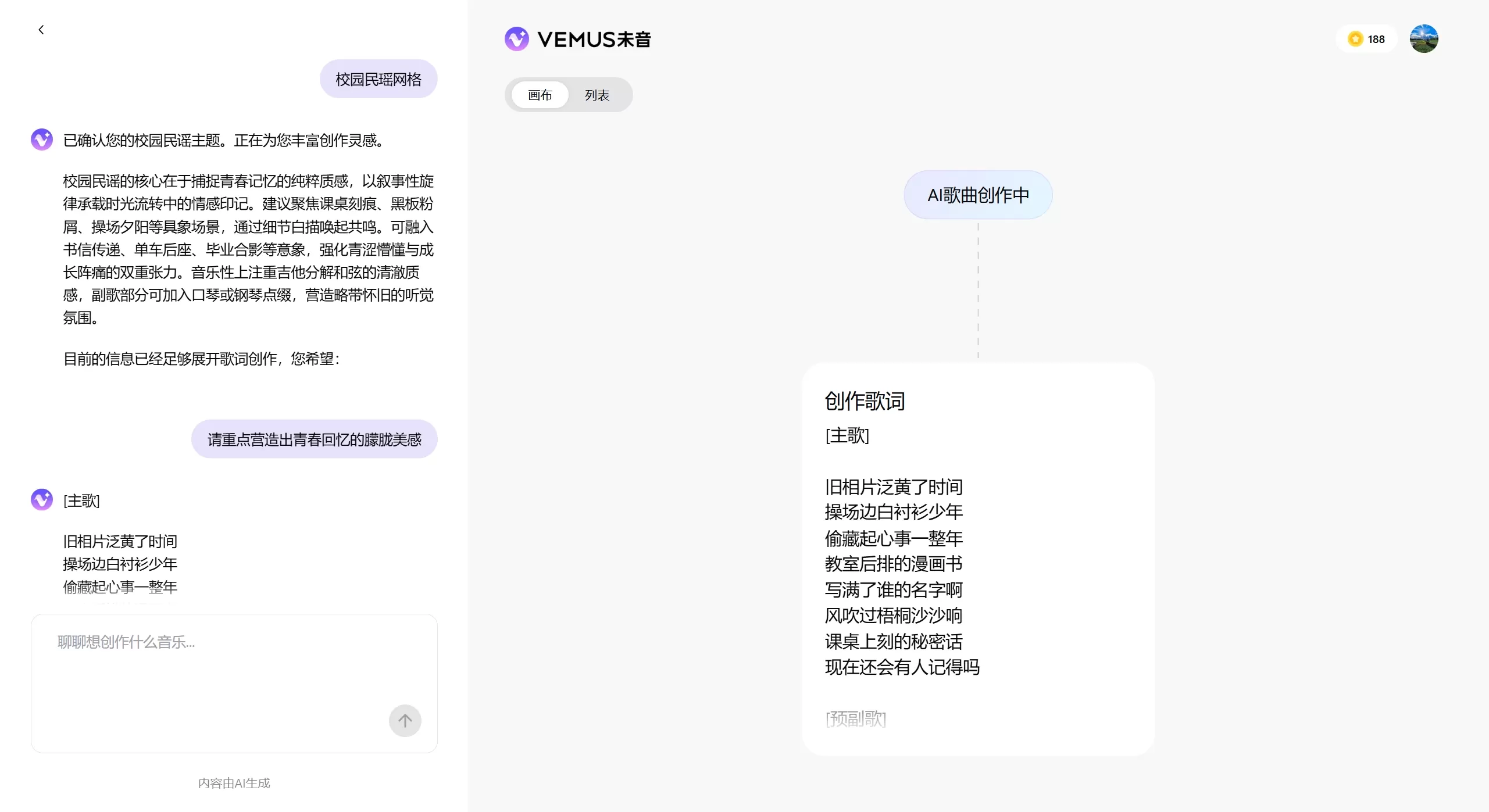
Chat-to-song: powered by a large model, you chat with the AI to revise lyrics and brainstorm ideas — great for beginners.
Inspiration-to-song: enter some text, describe a mood, or give a few words, and the AI produces professional lyrics, composition, and vocals within seconds.
Lyrics-to-song: provide complete lyrics, and the AI matches them with appropriate melodies and arrangement.
Image-to-song: upload an image plus text describing the vibe you want, and the AI generates a song based on the picture.
Exclusive remix and style swap
Any song can be re-styled — turn a lyrical ballad into rap, EDM, etc. with one click.
Swap voices timbre — male to female, or to other vocal tones.
Hum a tune and record it, and the AI can turn it into a full backing track.
Tencent's copyright benefits
Directly search and use licensed songs from QQ Music and KuGou as references.
Finished works can be published to Tencent-family music platforms like QQ Music and KuGou with one click.
Audio quality is comparable to QQ Music's built-in AI songwriting feature — likely using the same base model.
Interactive music community
Publish your songs, get likes, gain followers, and climb the trending charts.
Remix others' songs and collaborate with music lovers worldwide.
Built-in music player — play any song from the community.
Interface resembles TikTok (Douyin) and Kuaishou — swipe up and down to browse new works.
VEMUS Use Cases
Personal songwriting/singing: e.g., writing confession songs, funny songs, remixing classics into cyber-style — suited for people with no music theory background and music enthusiasts.
Short video background music: affordably produce royalty-free, exclusive BGM — great for short video creators and content producers.
Covers and remixes: create cover backing tracks, re-style classic songs — for music lovers and creative minds-twisters.
Music learning: use AI to understand composition and arrangement fundamentals — suitable for beginners learners and educators.
Virtual idols / digital humans: produce songs for virtual singers — ideal for virtual idol managers and game developers.
Social play: launch creation contests in the community, continue remixing others' songs — for young people and social butterflies.
How to Use VEMUS
Register and log in
Go to the VEMUS official site: https://y.qq.com/vemus/
Register/log in with your phone number or WeChat.
Beta users receive extra credits upon registration.
Basic song generation steps
Enter the creation interface and select Chat or Standard mode.
Enter your content. For Inspiration mode, e.g., "Write a breezy summer beach pop song"; for Chat mode, talk to the AI like "I want an electronic vibe for running"; for Lyrics mode, paste lyrics and choose style; for Image mode, upload a photo and describe the mood.
Select reference and style. In "Reference Song," search licensed tracks from QQ Music or KuGou as references, pick mood tags (cheerful, melancholic, passionate, etc.), and choose vocal timbre (male, female, virtual singer, etc.).
Generate and adjust. Click generate, wait a few to ten-plus seconds, preview the result, and you can switch styles or regenerate with one click. Save or publish when satisfied.

Community interaction
Publish works: after finishing, click publish and add a title and tags.
Remix: when browsing community songs, tap "Remix" to create based on someone else's track.
Like & follow: like, comment on, and follow other creators.
Publish works to platforms
When done, select [One-click Release], authorize sync to QQ Music and KuGou, and fill in song name, cover art, and description.
FAQ
Q1: Is it free?
A: Basic features are free, but usage is exchanged with credits. Song generation costs credits; beta users get free quotas or promotions.
Q2: Do my songs have copyright? Can I use them commercially?
A: Copyright depends on the official agreement. General users can use their own songs, but commercial use may have limits or require extra authorization — read the agreement carefully before commercial use.
Q3: Why are some features unavailable?
The product may still be in testing with features rolled out gradually; you need to log in with a QQ Music account for full features; insufficient credits or non-membership.
Q4: How's the audio quality?
Comparable to QQ Music's built-in AI song feature — professional grade, on par with traditionally produced music.
Q5: Can I export audio files?
Yes, but specific formats (MP3/WAV, etc.) and quality options depend on what the app actually offers.
Q6: Why won't the AI let me use a certain inspiration?
It may involve sensitive content or copyright issues. The platform blocks violations — avoid politics, violence, pornography, and don't directly copy copyrighted lyrics.
Q7: How is it different from QQ Music's AI song feature?
VEMUS is a standalone app with more complete features and stronger community focus; QQ Music's is an embedded feature. Technology may be similar, but VEMUS offers more professional tools and a social circle.
Q8: How do I participate in song remixing?
When browsing community works, tap [Remix] or [Chain] below the track to remix that song.
Q9: What languages are supported for lyrics?
Primarily Chinese, with multi-language support depending on what the app actually supports.
VEMUS Advantages
Backed by big-tech R&D — Tencent Music's copyright library and technology ensure reliable audio quality and model performance.
Truly zero-threshold — even without instrument or music theory skills, you can produce complete songs.
From generation, to sharing, to platform publishing — done in one flow, with direct access to the massive user bases of QQ Music and KuGou.
Strong community aspect — not just a tool, but a social hub for music lovers.
VEMUS is well-suited for beginner songwriters, short-video content creators, music educators, and anyone curious to try AI music.
Related news:














