
 Script Planner Assistant▸
 AI Apps
 AI News

元气AI Bot:国产OpenClaw ,一键安装,免费使用
元气AI Bot:国产OpenClaw ,一键安装,免费使用Introduction
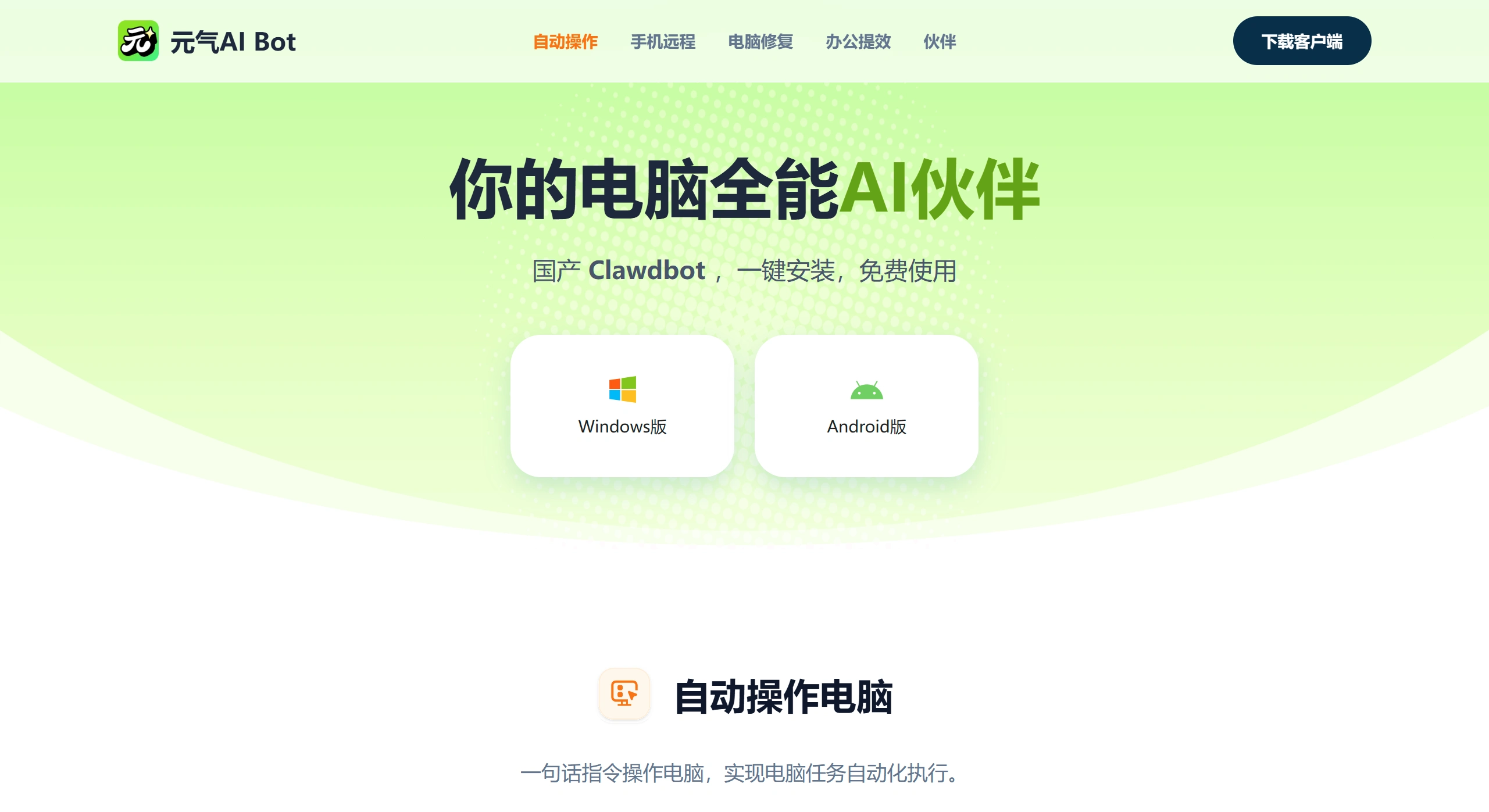
Yuanqi AI Bot is a domestic desktop AI made by Beijing Lingbao Intelligent Technology Co., Ltd., a product under Cheetah Mobile. Some people call it the "domestic OpenClaw." It is a desktop intelligent assistant that integrates "seeing, thinking, and doing." It is not just for chatting—it can directly control your computer to get real work done, turning it from just talking to actually taking action.
Yuanqi AI Bot Features
Direct Computer Control
Control your computer with voice commands, such as opening software, browsing the internet, viewing emails, and organizing files.
It uses the keyboard and mouse like a human, helping you reply to WeChat messages and handle complex files in batches.
All processing happens locally on your computer, so business information and personal privacy won't leak.
More Efficient Office Work
It can help you write content, and it writes pretty well.
Generate a PPT with just a voice command.
Meeting recordings and videos can be organized into text and transcribed immediately, with an accuracy rate of 98.2%.
It can use Excel to calculate complex data and automatically extract invoice information from PDFs.
Remote Mobile Control of Your Computer
Use Feishu or DingTalk to control your computer from your phone.
No matter where you are, send a command and the computer gets things done—perfect for when you're out or need temporary office work.
Remote access is encrypted using national cryptographic algorithms, which is fairly secure.
Computer Maintenance Helper
Automatically cleans junk files to make your computer run faster.
It can help troubleshoot basic common computer issues, making it usable even for those who don't understand maintenance.
One-click repair of problematic system files like wlanapi.dll.
More Personalized Experience
Features different AI companions, such as "Yuanqi Ji," making conversations more fun.
It remembers user habits, so you can just say "do it like last time."
There's a "Smart Skill Plaza" with hundreds of ready-made skill plugins that can be installed and used immediately.
Yuanqi AI Bot Use Scenarios
| Scenario Type | Specific Application | Case Effect |
|---|---|---|
| Remote Office | Check computer status, process files, and send emails via phone while out | Urgently need to handle company files after work; remotely instruct AI via phone to find and send them |
| Meeting Management | Pre-meeting reminders and material organization, real-time transcription during meetings, automatic minutes generation after meetings | Monday meeting pressure reduced by 70% |
| Data Processing | Batch invoice organization, report statistics, anomaly detection | 3-hour quarterly report processing shortened to 5 minutes |
| Content Creation | Simultaneously generate WeChat official account long-form articles, Weibo short content, and video scripts | Creation efficiency boosted 3x |
| System Maintenance | Regular junk cleaning, system file repair, performance optimization | No manual fixes required when their computer lags |
| Cross-Platform Collaboration | Trigger computer-side tasks by @-ing the bot in Feishu/DingTalk groups | Approval process automation, scheduled build deployment |
Tutorial: How to Use Yuanqi AI Bot
Download and Installation
Go to https://yuanqiai.net/ to download the Windows version, approximately 106MB.
Requires Windows 10 or above, preferably 8GB RAM or more.
Installation is simple—just one click, completes in about 30 seconds, no complex settings needed.
Basic Setup
After opening, follow the guide and grant sufficient computer permissions.
Scan a WeChat QR code or log in with your phone number.
Connect Feishu to Control Your Computer via Phone
Step 1: Log in to the Feishu Open Platform, create an enterprise-specific app, and add a bot feature.
Step 2: Enable two permissions—reading chat records and using the bot to send messages.
Step 3: In Yuanqi AI Bot, click "Mobile Interconnect," select Feishu, enter your App ID and Secret, and save settings.
Step 4: Create a version release, then add this app to your phone Feishu's "Workplace," and you can send commands in the chat box.
Connect DingTalk
Open the DingTalk group, click "Smart Assistant" - "Add Bot," search for "Yuanqi AI Bot," and authorize to bind.
Common Command Examples
"Open Bilibili, search for Hachi Mi videos, and like the top 3"
"Clean junk files from C drive"
"Calculate how much was spent last month by department"
"Organize last week's meeting minutes and send them to relevant people"
Frequently Asked Questions
Q1: Is it free?
A: The main functions are free, no hidden charges, and no bundling. Some advanced features or enterprise versions may require payment.
Q2: Does it support Mac or Linux?
A: Currently it mainly supports Windows. Mac and Linux versions are in development.
Q3: Can someone without a technical background use it?
A: Yes. It features a full graphical interface, ready to use out of the box, no coding or API configuration required.
Q4: Is data security ensured?
A: All processing happens locally, no uploads; you can set up your own server to use it; certified with Class 3 of Cybersecurity Classified Protection 2.0.
Q5: What if commands sent from the phone don't respond?
Make sure Feishu/DingTalk and Yuanqi AI Bot are logged in on the same computer;
Check whether the ID and secret are entered correctly;
Check if the network is stable; if not, restart the application.
Q6: Will it accidentally operate and cause computer damage?
It's possible. We recommend giving clear commands; important actions (like sending files) will require user confirmation; don't grant excessive permissions.
Q7: Can it completely replace humans?
No. It is an auxiliary tool, suitable for repetitive or simple tasks. Complex, professional, and high-risk tasks still need to be handled by humans.
Q8: What if the certificate is untrusted during installation?
For the enterprise version, manually allow it in "Settings - General - Device Management."
Summary
Yuanqi AI Bot is among the first batch of domestic AIs capable of "directly controlling computers through voice commands." Its advantage is that you can use automation without learning. It's suitable for: regular users wanting faster office work, those needing remote computer control, those wanting to try AI automation but lacking technical skills, and those who care about data security. However, currently it mainly handles basic office tasks, and complex professional matters still need humans. As more plugins become available in the "Smart Skill Plaza" in the future, it will be able to do much more.















