
 Script Planner Assistant▸
 AI Apps
 AI News

AniKuku: Animation Storyboard Tool by Ullr AI Lab
AniKuku: Animation Storyboard Tool by Ullr AI LabIntroduction
What is AniKuku?
AniKuku is an animation storyboarding tool from Ullr AI Lab that mainly turns scripts into motion comics and videos. It uses AI to turn the complex animation workflow into six simple steps, keeping characters looking consistent and producing cinematic animations.
Meaning of the name AniKuku
ANI stands for Animation, representing imagination and the energy of 2D culture. KUKU comes from the cuckoo's call "くく" and also sounds like "cool cool", meaning stay cool, keep a childlike heart, and stay creative.
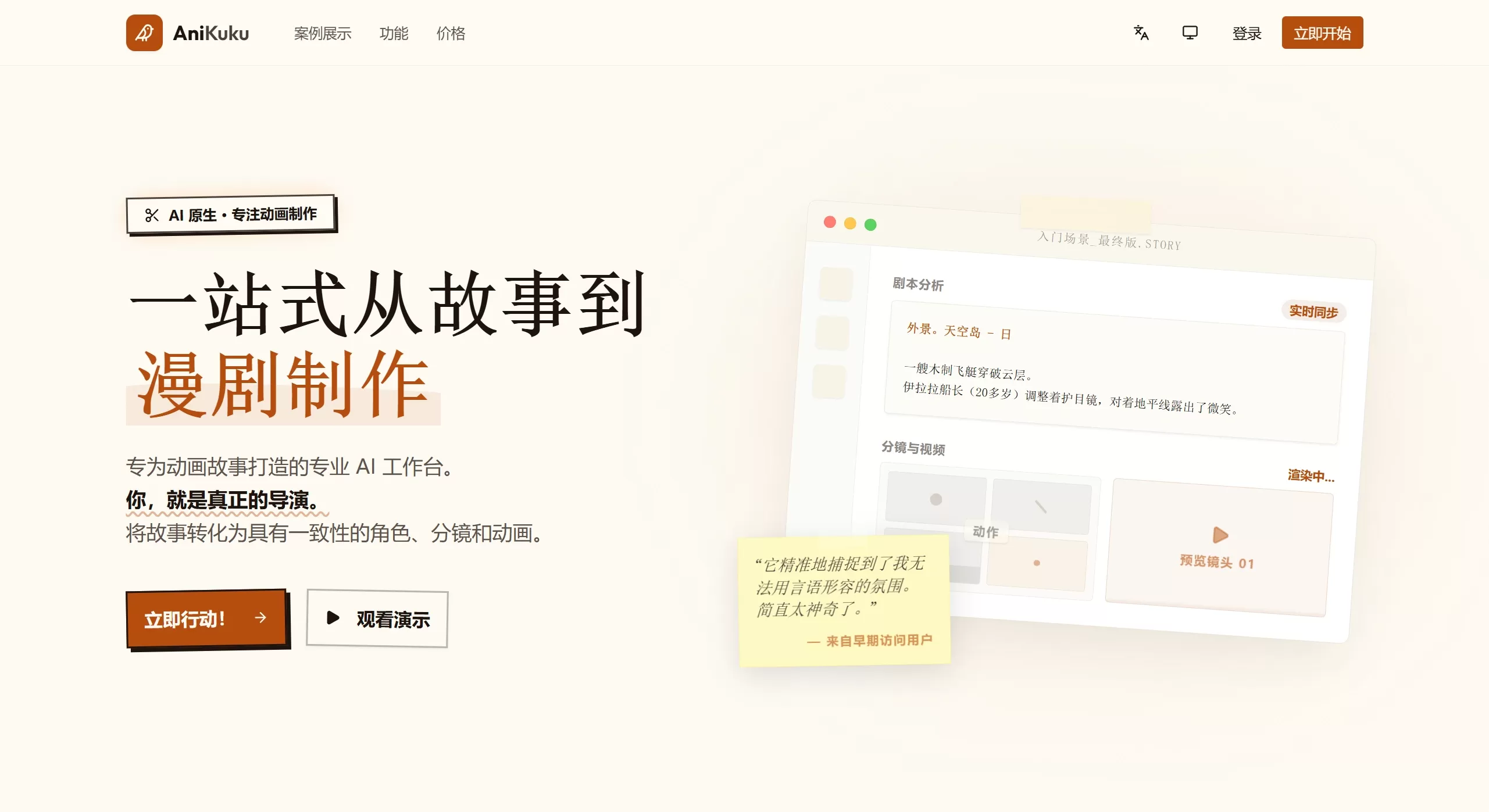
Main Features of AniKuku
Six Steps to Make an Animation
Script Analysis: Quickly turns text into storyboards, with AI automatically identifying characters, scenes, and props and building the story structure.
Consistent Characters and Scenes: Each shot keeps the same character face and style, and assets can be saved as reusable resources for a cohesive look.
Storyboard Drawing: You can see the composition and lighting before rendering, as AI quickly turns shot descriptions into professional sketches.
Director Mode: Fine-tune at will. Directly adjust prompts, redraw specific frames, change dialogue — you stay in control.
Animation Composition: It automatically combines visuals, voiceover, and effects, and the export can be further edited in common software.
Iterate Freely: Experiment without fear of mistakes. Every step can be revisited and tweaked, no need to start over, until you get the look you want.
Other Professional Features
Cloud Asset Library: Stored in the cloud, organized by project, scene, and shot for quick retrieval.
Character Consistency Engine: Train your own model or use the built-in one to keep characters identical in every frame.
Fast Rendering: Uses dedicated GPU clusters — no waiting — to produce 4K videos and complex scenes in minutes.
Multi-Format Export: Supports different aspect ratios (16:9, 9:16, 1:1) and high bitrates, suitable for online video or broadcast.
Team Collaboration: Share review links so teams or clients can view the work instantly.
Supported Art Styles
Japanese cel-shaded anime, chibi/cute style, bold-line American comics, Chinese colored manhua, felt craft style, Korean webtoon style, dark suspense comics.
AniKuku Use Cases
Solo Animation: Animators can quickly turn scripts into short films.
Motion Comics / Manhua Drama: Turn static comics into dynamic videos.
Web Novel Adaptation: Adapt web novels into short dramas or motion comics, with batch production support.
Pre-visualization: Studios use it to review storyboards and validate concepts.
Educational Content: Create teaching demos, science explainers, and children's content.
Social Media Publishing: Suitable for animations in various aspect ratios for YouTube, Bilibili, Douyin, Instagram, and more.
AniKuku How-to Tutorial
Basic Workflow
Go to the AniKuku official website
Enter or upload your script text.
The system automatically analyzes it, identifying characters, scenes, and props and breaking them down into shots.
Design or upload character designs and save them as reusable assets.
AI turns shot descriptions into comic storyboards.
In Director Mode, adjust prompts, redraw frames, and modify dialogue.
The system automatically composes the visuals, voiceover, and effects.
Export for editing, and continue refining in software like Premiere or Jianying.
Operation Highlights
Revisit and Edit: Any step can be modified without starting over.
Custom Characters: Train models to keep character appearances consistent.
Instant Collaboration: Generate a link and share it with your team or clients for review.
AniKuku Advantages
Professional Quality: Built to animation production standards, suitable for industrial-scale production.
Character Consistency: Solves the common AI animation problem of characters' faces looking different across frames.
End-to-End Workflow: From script to finished piece, all in one go.
Full Control: Director Mode lets AI assist without taking over — you stay in charge.
Cost-Effective: A powerful AI animation tool that's affordable for individual users.
Team-Friendly: Studios can review and work together seamlessly.
AniKuku Pricing and FAQ
Pricing
Monthly or annual subscription.
Credit Packs: For occasional use, buy credits on demand.
Free Trial: New users can try the basic features first.
FAQ
Q: Can I use it for commercial projects?
A: Yes. The Pro and Studio plans come with full intellectual property and commercial distribution rights — the work is entirely yours.
Q: What's the difference between credit packs and a subscription?
A: A subscription gives you access for a fixed period of time; a credit pack is a one-time purchase where credits are used as you go.
Q: What if I run out of credits?
A: Purchase another credit pack or upgrade to a subscription.
Q: Can I cancel my subscription at any time?
A: Yes, you can cancel. Refund rules are described in the official policy.











