
 Script Planner Assistant▸
 AI Apps
 AI News

Daoying AI – Video Creation Platform for Short Drama and Comic Drama
Daoying AI – Video Creation Platform for Short Drama and Comic DramaIntroduction
What Is Dao Ying AI?
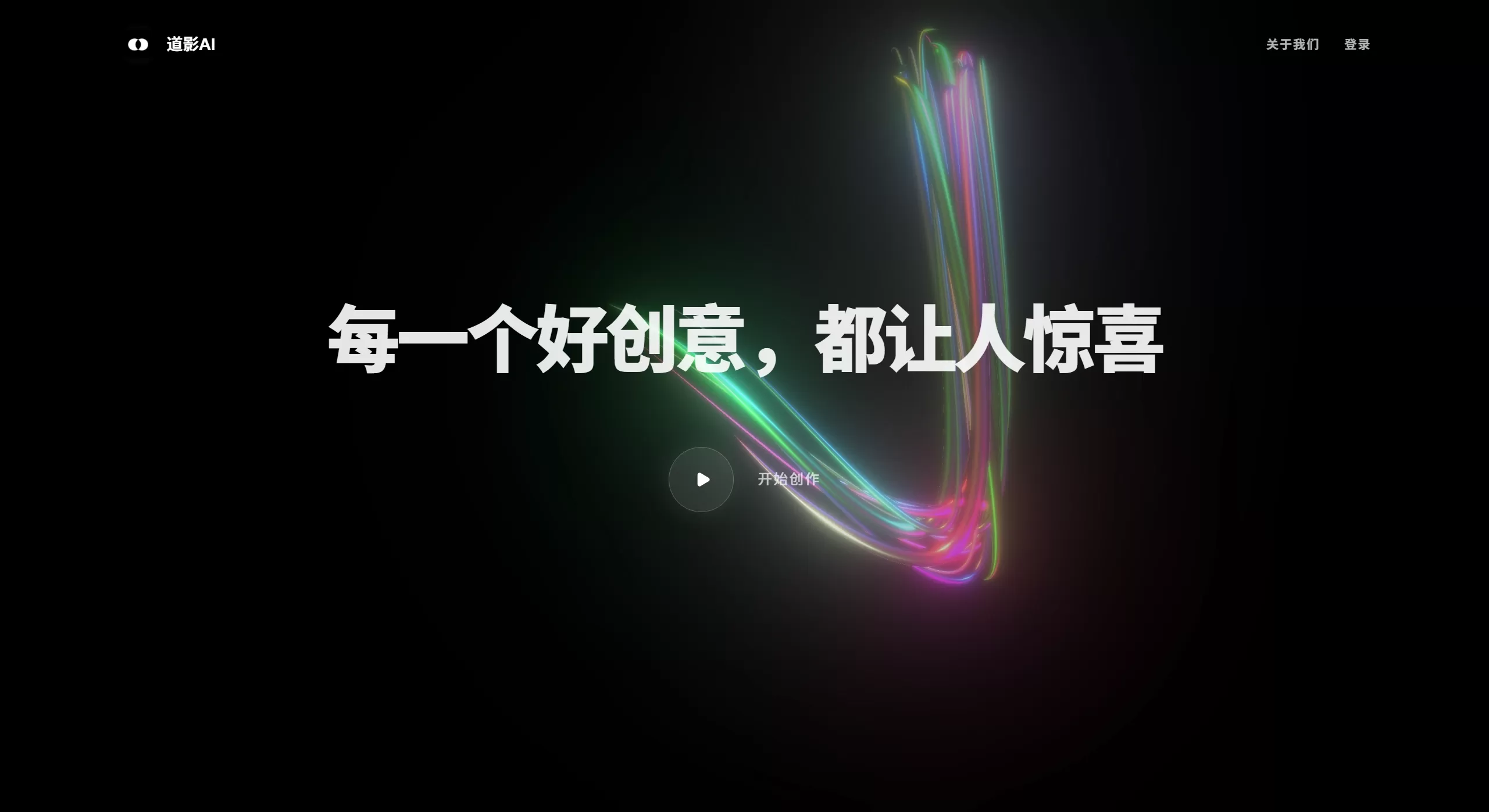
Dao Ying AI is a platform purpose-built for creating short dramas, comic dramas, and other video content. It brings together the entire workflow from script to finished film, allowing people without professional backgrounds to control every frame of a video as if they were a director.
Main Features of Dao Ying AI
Multi-Agent Coordination: The platform includes a variety of "digital employees" such as AI producers, character designers, and scene designers. They can automatically break down tasks and allocate resources 24/7; users only need to provide a creative brief.
Intelligent Prompt Reverse Engineering: After users upload reference images or videos, the system automatically analyzes them and generates optimized prompts. Users can also "tag" data to train a personal prompt library, solving the problem of "not knowing how to write prompts."
High-Precision Visual Control: Supports precise scene image generation, free camera-angle switching, local redrawing, and locked character three-view drawings, ensuring consistency of characters and style across different shots.
Ultra-HD High-Speed Rendering: Allows one-click output of 2K or 4K videos at very fast rendering speeds. For example, 5 seconds of footage can be completed in under 40 seconds, balancing low cost and high quality.
Rapid Multi-Storyboard Generation: Enter a scene description and you can batch-generate professional storyboards that include "duration suggestions + director's notes + shooting cues," with secondary editing supported on the timeline.
Diversified Model Matrix
Image-to-Video: Duo Ying (multi-asset fusion), Han Ying (combat), Huan Ying (effects), Ling Ying (coherent multi-shot).
Text-to-Image: Yi Ying (2K, fast speed), Mo Ying (1080P, high aesthetic appeal).
Audio & Video Post-Production: Supports replacing, adding, or removing elements, lip-syncing, AI music scoring, and more, without switching software throughout the entire workflow.
Dao Ying AI Application Scenarios
Batch Production of Short Dramas/Comic Dramas: Ideal for creating 1-3 minute vertical-screen dramas released on platforms such as Douyin, Kuaishou, and Fanqie Novel.
Ads/Promotional Videos: Quickly transforms product selling points into storyboards and finished films, delivering multiple versions within a single day.
IP Derivatives & Film Pre-Visualization: Used for anime-to-live-action adaptations, novel visualization, and film storyboard pre-visualization.
Education/Tourism/Government: Producing micro-lessons, city promotional videos, and short videos explaining policies.
Personal Creation: Making Vlog intros, music videos, and submitting to AI film festivals. The platform has already helped produce selected works such as "Little Monster" and "Shen You."
How to Use Dao Ying AI
Register/Login: Visit the official website daoying.studio and register with one click using WeChat or a phone number. New users will receive free credits.
Create a Project: On the homepage, click "New Work" and select either "Storyboard Creation" or "Direct Video Output" mode.
Input Your Creative Idea: Write a plot synopsis of 100 characters or fewer, or upload a reference image/video and use the "Prompt Reverse" feature to let the system parse it automatically.
Asset Generation: On the "Character/Scene/Prop" page, enter a description to generate three-view drawings or scene images, then add them to the asset library with one click.
Storyboard to Finished Film: Switch to the "Storyboard" page, select "Batch Generate," and you will receive storyboards with thumbnails, camera angles, and duration suggestions. After checking the storyboards, click "Generate Video," choose a model (such as Duo Ying, Han Ying, etc.) and 2K or 4K resolution, then submit for rendering.
Post-Production Tweaks: In the video editor, use text commands (e.g., "change the coffee cup to red," "add an explosion effect") for local redrawing. It also supports one-click syncing of music, subtitles, and transitions.
Export/Publish: After rendering is complete, you can batch-download MP4 files or publish directly to your bound Douyin and Kuaishou accounts.
Frequently Asked Questions About Dao Ying AI
Q: Does Dao Ying AI charge a fee?
A: Registration comes with free credits that allow you to experience low-resolution output. To export HD 2K/4K videos or for commercial use, you will need to top up or subscribe to a membership.
Q: Can the generated videos be used commercially?
A: After paid export, you receive a legitimate commercial license and may use the videos for advertising and short drama distribution, but not for illegal or noisy content.
Q: Will a character's face change across shots?
A: Dao Ying AI uses "three-view drawing + high-dimensional feature locking" technology, ensuring over 90% facial consistency across shots. If discrepancies occur, you can correct them with the "Local Redraw" feature.
Q: Does it support multi-user collaboration?
A: The Enterprise edition provides team workspaces, permission management, and API interfaces that can integrate with MCN or film company workflows. The Personal edition does not currently support real-time multi-user collaboration.
Q: What is the maximum length of video that can be generated?
A: A single shot can be up to 10 seconds long, but by splicing multiple storyboards, you can produce complete short dramas of 3-5 minutes. Total 4K rendering time is approximately 8 times the original duration.
Q: Are the hardware requirements high?
A: All operations are completed in the cloud and can be performed in a browser, with no local GPU required. Network bandwidth is only needed when downloading finished videos.
Q: What if I don't know how to write a script?
A: Dao Ying AI has a built-in "AI Story Generator" feature that can automatically output a 1-3 minute short drama structure. You can also import passages from novel platforms such as Fanqie or Qidian, and the system will automatically split them into scenes.
Related Information:
AI Comic Drama Production Tools
2026 Recommended AI Animation Production Generators












