
 Script Planner Assistant▸
 AI Apps
 AI News

Miaoyan Xiaozhi: Free AI Image Translation & Processing Platform
Miaoyan Xiaozhi: Free AI Image Translation & Processing PlatformIntroduction
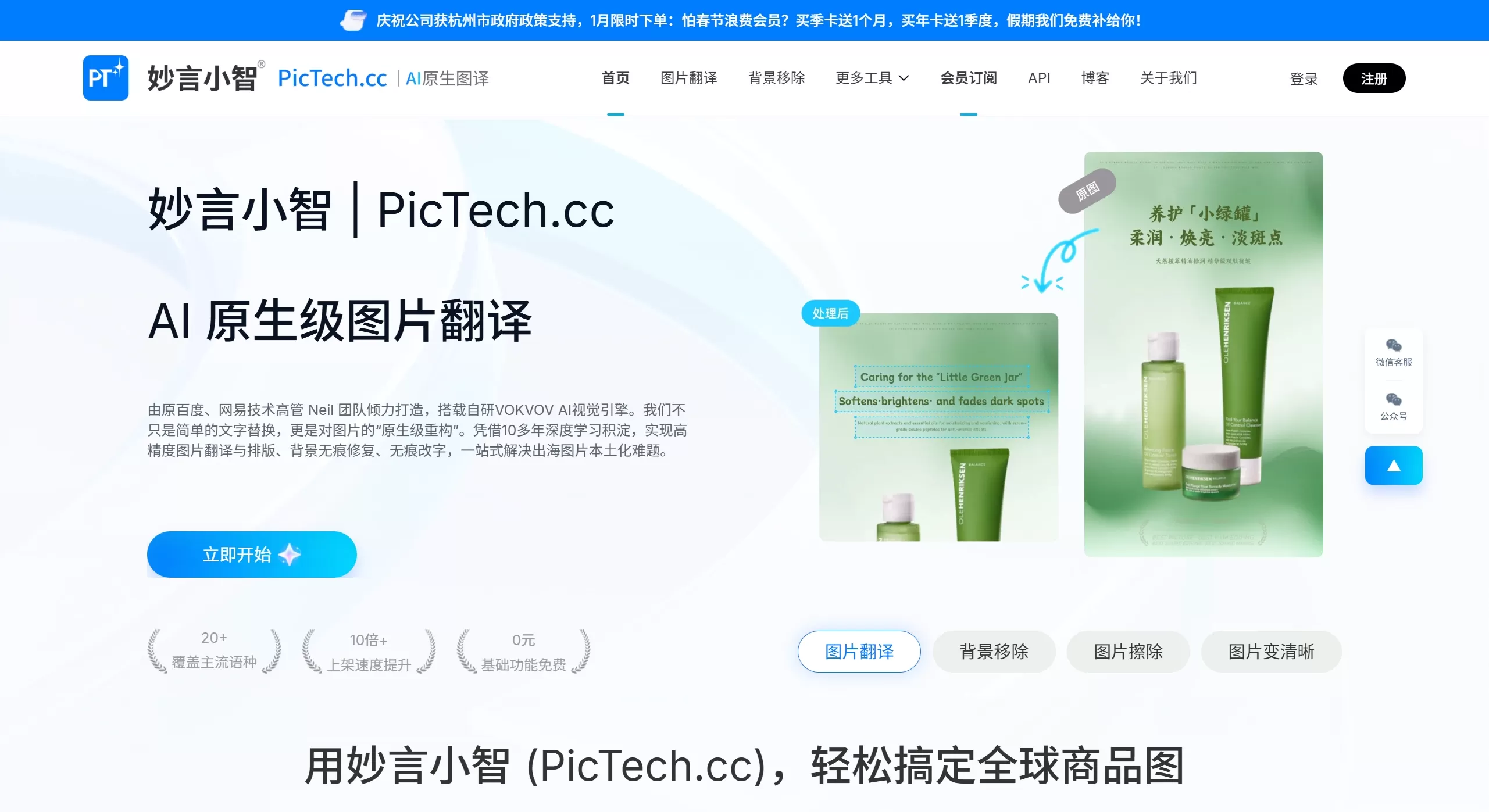
PicTech, also known as 妙言小智, is a cross-border e-commerce AI tool developed by the Hangzhou "Learning for Practical Use" team. They built the VOKVOV visual engine in-house, which mainly addresses the localization translation and batch processing of product images, achieving high-precision image translation and layout, seamless background restoration, and seamless text modification, providing a one-stop solution for the localization challenges of overseas product images.
PicTech Core Features
AI Image Translation: Supports translation between 18 languages. It can erase the text from the original image and fill in new text while preserving the complex layout of posters or parameter tables.
Hair-level cutout: Generate transparent or white background images with one click. Supports batch processing and meets the main image requirements of platforms like Amazon and Shopee.
Smart Erasure and Completion: Brush over watermarks, text, or passersby to remove them, and AI will automatically generate backgrounds to fill the gaps.
Image Quality Enhancement: Can turn old photos or blurry images into 4K clarity while reducing noise and optimizing faces.
ID Photo Generation: Convert everyday photos to red, white, blue, and other background colors, and crop them to different countries' visa sizes with one click. Pay only after you're satisfied and ready to download.
Batch Toolbox: Supports batch creation of white background images, adding watermarks, compression, resizing, format conversion, etc., and can process them in queue.
API and Integration: Provides interfaces that can be embedded into ERP/CRM systems, and new accounts get 500 free test attempts.
Data Security: The core algorithm supports local browser computing, so images can be processed without being uploaded, protecting privacy.
PicTech Application Scenarios
Cross-border E-commerce Operations: Used to create multilingual versions of product main images, posters, and size charts.
Independent Site Product Listing: Batch creation of white background images, image compression, and adding watermarks to prevent theft.
Foreign Trade Salespeople: When communicating with customers, instantly generate product images with annotations in the customer's language.
Design Studios: Delegate repetitive cutout and erasure work to AI, saving time for more creative design work.
Individual Sellers or WeChat Business: Quickly create ID photos, holiday promotional posters, and social media materials.
How to Use PicTech
1. Open pictech.cc, register with WeChat or email, and new users will receive free credits.
2. Click the function card to upload images, supporting batch drag-and-drop.
3. Select the target language or output specifications and click "Process Now".
4. After previewing and being satisfied, click download, supporting single image download or batch packaging into ZIP for download.
5. If you want to use the API, apply for a Key in the "Developer Center" in the backend, test it first before official use.
Frequently Asked Questions
How is PicTech charged: Basic features like cutout, translation, erasure, and format conversion are completely free, with no watermark, no limit on the number of uses, and support for HD download. Batch processing features are aimed at e-commerce sellers and require a membership subscription. From November 14, 2025, using the translation feature requires logging into an account first, to facilitate saving records and compliance.
Will translation mess up the layout: PicTech's Smart Layout 2.0 has been optimized for e-commerce posters and parameter tables, and will automatically fix table borders and line spacing. It is enabled by default for members.
What is the batch limit: PicTech's web version can upload several hundred images at once, and the API queue supports tens of thousands of images, which are automatically packaged and pushed after processing.
Will data be uploaded: There is a "local computing" mode where images will not leave your computer. Data is only uploaded when using API mode, and the platform promises automatic deletion within 24 hours.
Can PicTech be integrated into ERP: Standard interfaces are provided, with examples in Python, PHP, Java, and Node. Some people have already integrated it with ERP systems like Dianxiaomi and Mabang.















