
 Script Planner Assistant▸
 AI Apps
 AI News

Holopix AI: Drawing Tool for Games, Anime & Illustrations
Holopix AI: Drawing Tool for Games, Anime & IllustrationsIntroduction
Holopix ai is a drawing tool designed for games, anime, and illustration. It focuses on being easy to pick up while keeping results controllable. It can handle the full workflow—from original concept art, creating 3D, to making icons and promotional images—turning ideas into finished artwork quickly. It is made by Guangzhou Guanghui Technology and is specifically designed to save game developers time and money, solving problems like expensive illustration, slow turnaround, and inconsistent styles.
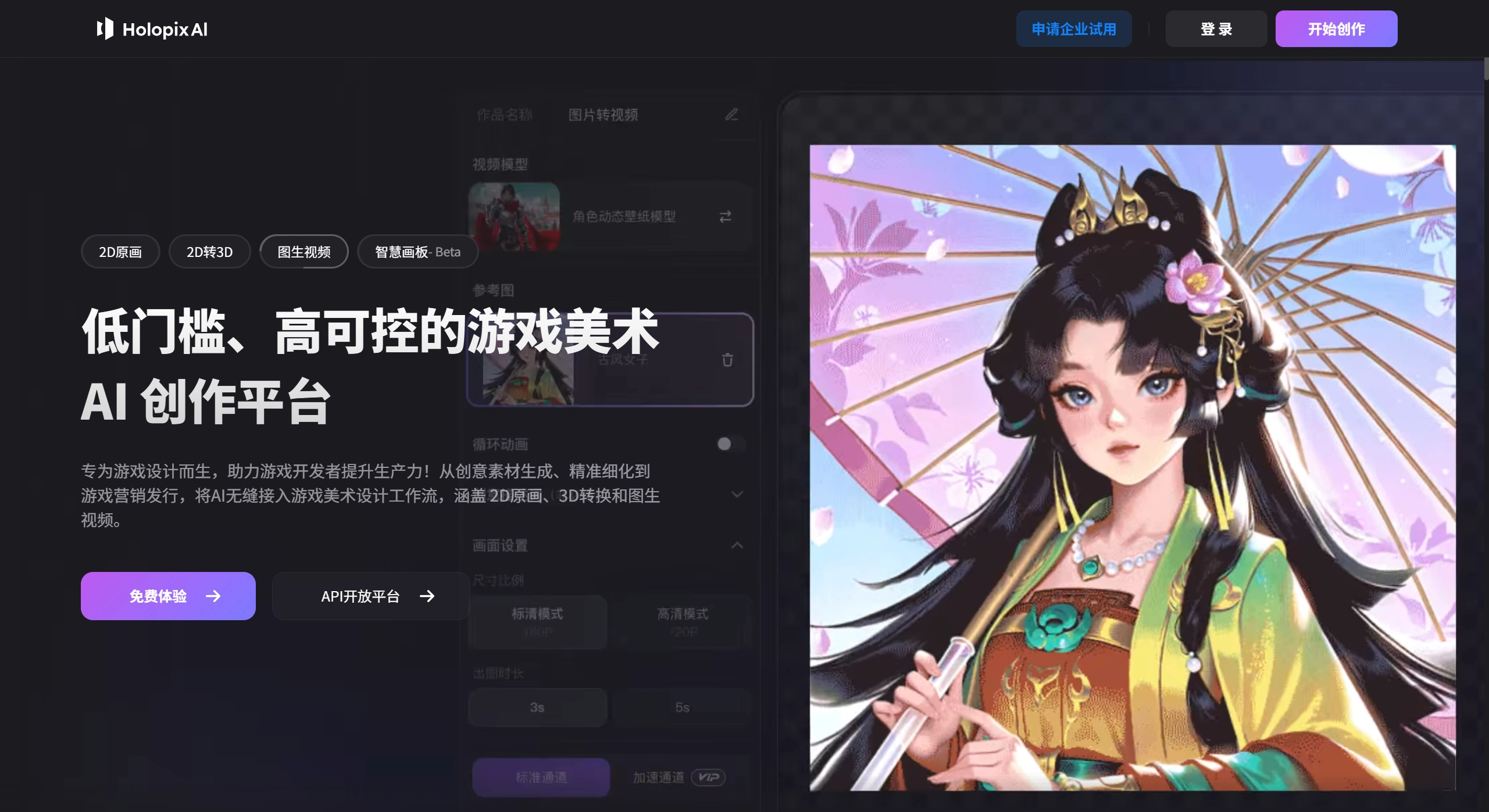
What Can Holopix AI Mainly Do
Draw from text or images: Type a description or provide a sketch, color block, or pose reference, and it will help you render details and colors.
2D to 3D: Give it a 2D image and it can be converted directly into 3D, with the ability to export 2D reference views from different angles.
Make it into video: Static characters or scenes can be turned into short videos.
Define your own style: No coding required. Drop in a few images to train it, and it will draw in your style from then on, ensuring all images look like part of the same series.
Rich editing tools: Edit anywhere you want—erase, swap elements, upscale for clarity, cut out subjects, split layers, refine lines. It basically handles all kinds of retouching tasks.
Collaborative drawing: The current beta version puts AI drawing, Photoshop-like retouching, and team collaboration on a single canvas, with version management included.
Holopix AI Applications
Game development: Draw characters, scenes, props, and icons. Batch-produce images in a consistent style, making game creation much faster.
Character design: Provide a mood image or simple drawing, and it will automatically outline and color. Using the "Pose-based Drawing" and "Variant Similar Images" features, you can generate a variety of character expressions and actions at once.
Social media content: With the cutout and outpainting features, you can batch-create transparent-background stickers, comic strips, livestream gifts, or short video assets.
Education: Schools can use it to teach game art. Students don't need strong drawing skills to produce a playable game demo.
How to Use Holopix AI
Sign up: Register on the official website and get 30 free credits.
Pick a model: Head to the Style Plaza and choose from over 300 preset models, including anime, Chinese style, and Western thick-paint styles. Or click "Train," upload 10 to 30 images, and create your own.
Draw:
Text to image: Write a description, choose size and steps, then click Generate.
Image to image: Upload a sketch, set the denoising strength, then click Generate.
Retouch: Use features like Local Refine, Smart Replace, and HD Upscale to polish your image.
Export: Download as PNG, layered PSD, 3D view images, MP4 video, or share directly to the community.
FAQ
Can I use Chinese? Yes, just type your description in Chinese directly—no need to translate to English.
How do credits work? Registration gives you 30 credits, and daily check-ins grant an additional 5 to 10 credits. Generating HD images, videos, and training models cost more credits. You can subscribe monthly or top up as needed.
Who owns the copyright? The platform states that generated images belong to you, but you cannot redistribute the platform's model source code. If you plan to commercially print in large quantities, it's best to train your own model for more stable rights.
Can it be used offline? Currently it requires an internet connection. An offline version is in testing—stay tuned.
Do I need to label data for training? No. Upload 10 to 30 images of the same style at 512×512 resolution or higher, and it will auto-label and learn on its own, finishing in about 10 to 20 minutes.
What if faces or hands look distorted? Use the Face Fix feature, or lower the denoising strength. If that doesn't work, try uploading a pose reference image, or turn on the ControlNet option and try again.















