Script Planner Assistant▸
 AI Apps
 AI News

Biying AMZ: Free Data Analytics and Ad Management Tool for Amazon Sellers
Biying AMZ: Free Data Analytics and Ad Management Tool for Amazon SellersIntroduction
Biying AMZ is a tool designed specifically for Amazon sellers. It helps sellers analyze data and manage operations, and it is also an officially certified Amazon service provider. This tool enables small and medium-sized sellers to make data-driven decisions, optimize advertising spend, increase store profits, keep an eye on competitors, and drive business performance upward.
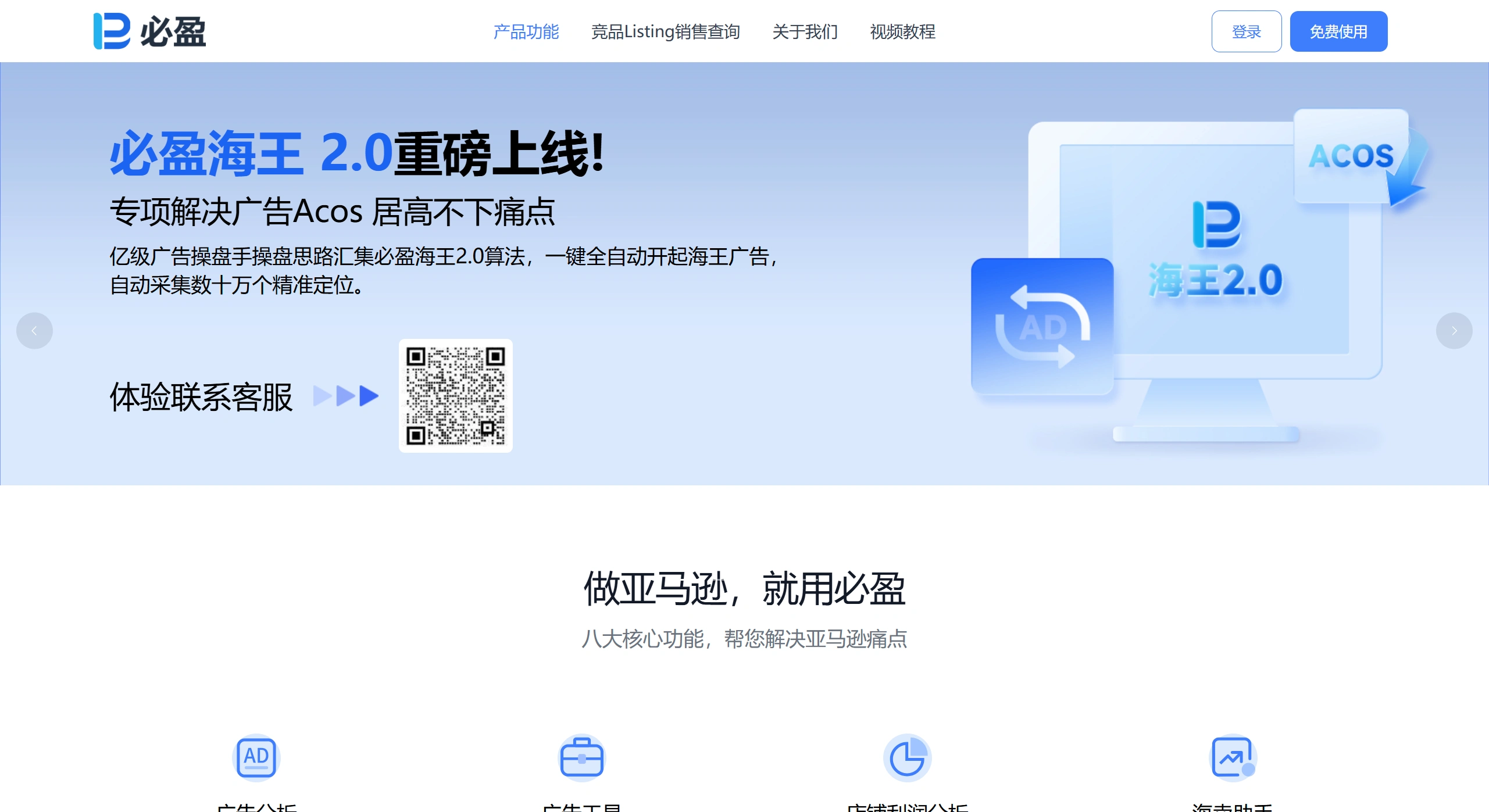
The core features of Biying AMZ are as follows:
For advertising analysis, it provides real-time analysis of Amazon advertising data, campaign result comparison, data attribution, and metric filtering, including over 80 advanced features that are not available in the Amazon backend.
The advertising tools include intelligent features such as automated bid adjustments, keyword mining, and auto-campaign generation, allowing you to complete in 5 minutes what would manually take 3 days.
Store profit analysis uses profit analysis templates from billion-level top-selling stores, automatically aggregating sales data and expense details across multiple stores and sites.
The Sales Assistant displays near-real-time order data, return information, expense details, as well as organic traffic and advertising attribution.
Product analysis provides visualized analysis of product data, automatically categorizing colors and sizes, and analyzing 24-hour order timing, return reasons, and more.
Listing analysis supports competitor sales analysis across 12 countries, and can reverse-lookup ASIN keywords, search volumes, category rankings, and more.
The Monitoring Center can monitor stores for anomalies. If WeChat is linked, you will receive immediate alerts whenever an anomaly occurs.
The AI tools fully integrate with ChatGPT, providing 18 common operational terms to quickly generate custom scripts.
Biying AMZ also has many notable highlights:
All basic features are free, regardless of the number of stores or orders.
For data security, it connects through the official Amazon API, with no association risk.
Multi-platform support is available, with both a web version and a WeChat mini program, allowing you to check data anytime.
It can help sellers increase advertising performance by 300%.
Biying AMZ also has a wide range of application scenarios:
In advertising optimization scenarios, it can automatically negate buyer search terms with high ACOS, set time-based bidding, perform auto-campaign keyword harvesting, and keyword mining.
In profit management scenarios, it automatically aggregates profits across multiple stores and sites, intelligently categorizes and compares various Amazon fees, and supports period-on-period reviews and trend analysis to identify operational gaps.
In competitor analysis scenarios, it can reverse-lookup competitors' traffic keywords and search volumes, track sales trends and category ranking changes, and uncover potential hit products.
Daily operation monitoring allows real-time viewing of core data on orders, advertising, and traffic. The mobile side, through the WeChat mini program, lets you stay updated on store dynamics anytime, and automatically sends alerts for data anomalies.
How to use Biying AMZ:
Registration and integration: Register an account on the official website, then authorize and link your Amazon stores (multiple stores can be linked). The system will automatically sync data from your Amazon backend.
Core operation examples:
Setting up negative keywords (automation): Go to the "Buyer Search Terms" page in the backend, check the search terms you want to negate, click "Add to Negative Keywords," or use the "Auto-Negate Buyer Search Terms" tool. Set the negation conditions, such as ACOS greater than 50 and ad spend greater than 100, select a time range, such as the last 3 days, then click "Apply" to the specified ad campaign, and the system will execute automatically.
Profit analysis operation: The system automatically aggregates sales data and expense details, allowing you to filter and view by ASIN, SKU, and time dimensions, and generate trend charts and period-on-period analysis reports with one click.
Frequently Asked Questions:
Q1: Does Biying AMZ charge a fee?
A: Basic features are completely free, regardless of the number of stores or orders. Some advanced features may require payment, but new users who register can receive free use of all basic features throughout 2024.
Q2: Will using Biying cause Amazon to flag my account as associated?
A: No. Biying is an officially certified Amazon service provider that connects through the official API. Data transmission is secure and stable, with no association risk.
Q3: What is the data sync frequency?
A: Advertising data syncs in real time, and order data is updated near real-time, allowing sellers to stay on top of store dynamics promptly.
Q4: Which Amazon sites are supported?
A: All major Amazon sites worldwide are supported, and the Listing analysis feature covers 12 countries.
Q5: How do I set up automatic negation rules?
A: In "Auxiliary Tools → Auto-Negate Buyer Search Terms," add a new rule and set conditions such as ACOS and ad spend. The system will automatically negate search terms that meet the conditions.
Q6: Can I view data on my phone?
A: Yes. Biying has a WeChat mini program. Once linked, you can check store operations and product sales data anytime, and receive anomaly alerts.
Notes:
When using the AI tool for the first time, you need to integrate with the ChatGPT API. It is recommended to link WeChat to receive important alert notifications. All advertising operations are logged for easy traceability.
Related Information: