Script Planner Assistant▸
 AI Apps
 AI News

ChatLab: Chat Log Analysis Laboratory
ChatLab: Chat Log Analysis LaboratoryIntroduction
What is ChatLab?
ChatLab is a free, open-source desktop application designed for analyzing chat history. It can store data exported from WeChat, QQ, Telegram, and others into a local database, and uses ai to help you find patterns out of messy conversations, with a strong emphasis on protecting your privacy.
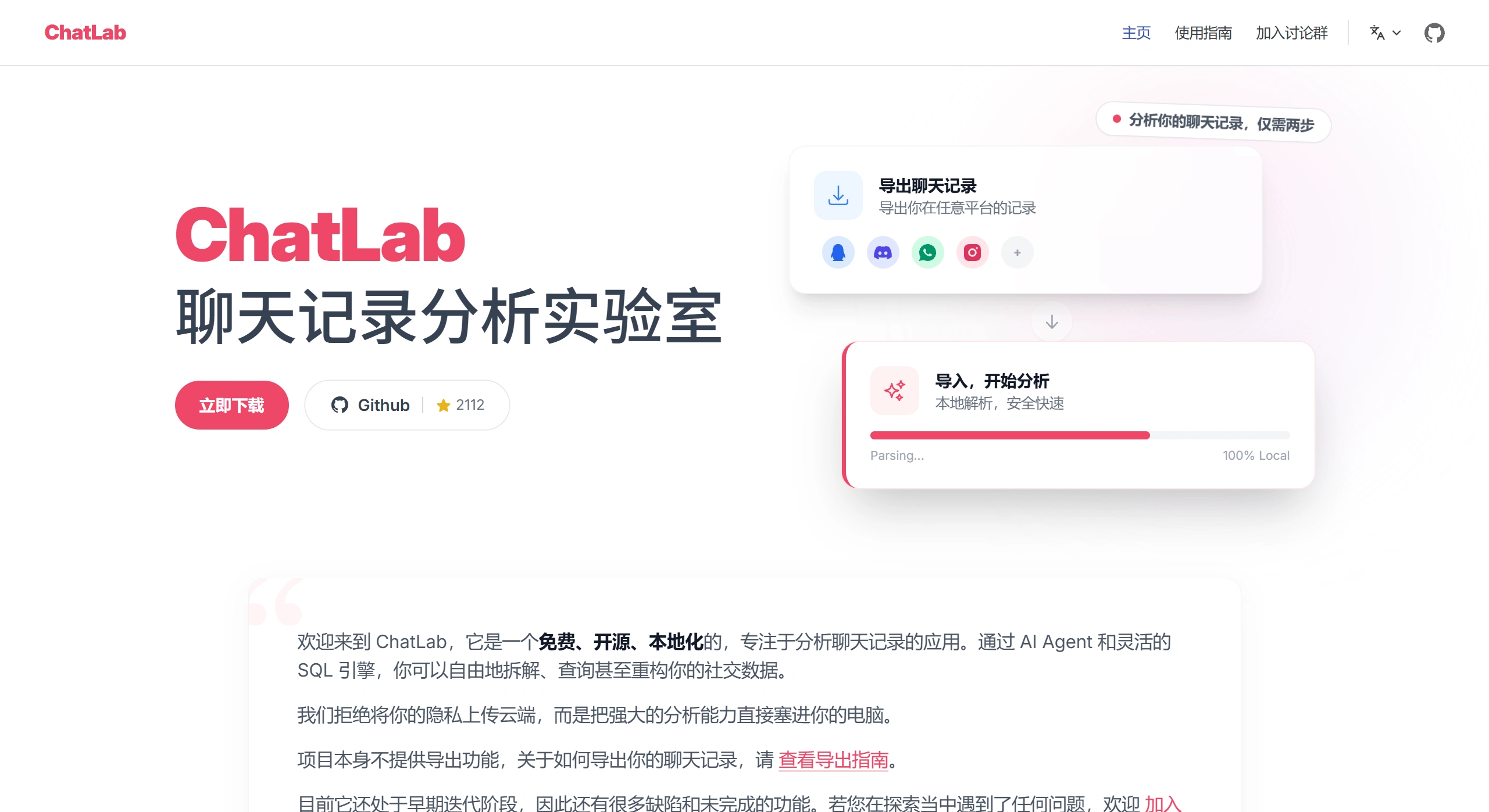
ChatLab's analysis methods are simple:
Write your own SQL queries to explore the data.
Use local or online AI models to automatically analyze emotions, keywords, and relationships between people.
ChatLab Main Features
Fast Import: Drag and drop files to get recognized; even millions of messages can be imported quickly.
SQL Analysis: All data tables are queryable. If you know SQL, you can analyze your social interactions on your own.
AI Analysis: Comes with over a dozen built-in analysis tools, such as finding out who is the most active or who has the worst mood. It can run locally on your computer without the internet, protecting your privacy.
Quick Visualizations: View activity changes, peak talking hours each day, and relationships between people. Generate charts with a single click.
Generate Summaries: Automatically count who talks the most and which words are used most frequently, generating leaderboards.
Search Records: Search by keyword, date, or person, with relevant conversations highlighted.
Common Uses of ChatLab
Group Management: Identify important figures in a group, see what everyone is talking about, and check who becomes more active before and after events.
Self-Reflection: Create an annual summary to see who you chatted with most throughout the year and how your mood has been.
Research: Use SQL to query data and study people's behavior or how information spreads.
Check Company Groups: Use it on a work computer to inspect company groups for violations without worrying about data leaks.
How to Use ChatLab
Export: Use the built-in backup feature of WeChat and other apps to save your records as txt or json files.
Import: Open ChatLab, drag the files into it, and the system will automatically store them locally.
Analyze:
Write SQL: For example, SELECT speaker, COUNT(*) ... to find out who talks the most.
Use AI: Ask in the dialog box "What has everyone been talking about this week?", and AI will automatically summarize it.
View Results: Click "Generate Chart" to see trend charts, word clouds, and relationship graphs.
Export: Reports can be saved as images or PDF, and data can be saved as spreadsheets.
Frequently Asked Questions
Does ChatLab cost money? It is completely free, and the code can be downloaded on GitHub.
Will the data be uploaded? By default, it runs locally on your computer and does not connect to the internet. An internet connection is only needed when using online AI, and that can also be disabled.
What software does ChatLab support? It currently supports WeChat, QQ, and Telegram, with more to come in the future.
Is it fast? Even millions of records can be processed quickly, and data queries are fast as well.
In short, ChatLab stores all your chat records from various sources locally, letting you query and analyze them however you want, while keeping the data on your own computer at all times.
GitHub Open Source Address:https://github.com/hellodigua/ChatLab