
 Script Planner Assistant▸
 AI Apps
 AI News

Simplified: All-in-One AI Marketing Tool for Marketing Teams
Simplified: All-in-One AI Marketing Tool for Marketing TeamsIntroduction
Simplified is an all-in-one AI marketing tool built for marketing teams and content creators. It brings together commonly used tools like design, copywriting, video, social media scheduling, and team collaboration into a single web workspace. Its core idea is to use AI to connect the creative workflow, helping users complete the entire process—from finding inspiration to publishing content—on one page.
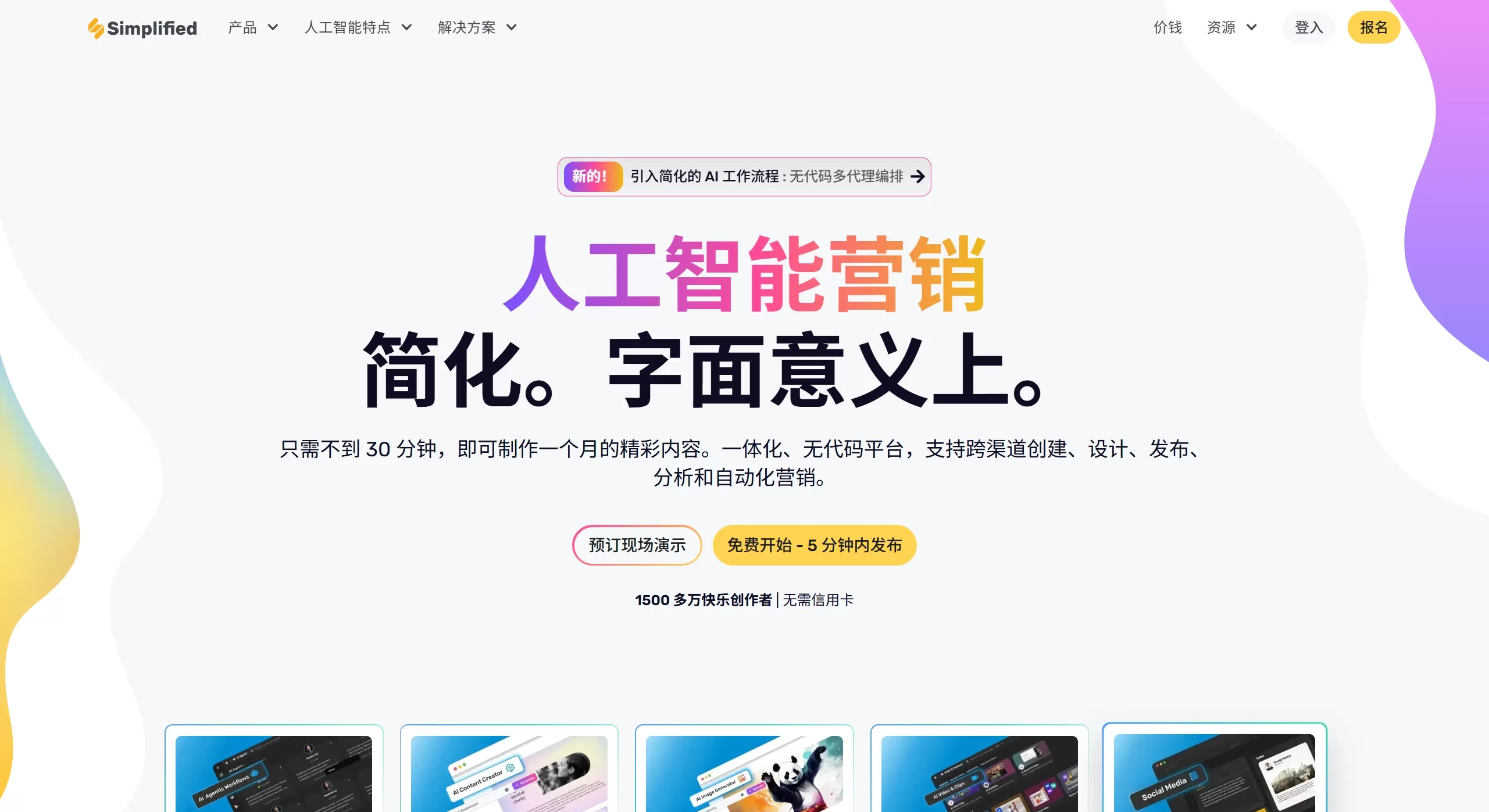
Simplified Features
AI Writing: Generate blogs, ads, SEO articles, and product descriptions in seconds. You can choose the tone, keywords, and length, with built-in rewriting and plagiarism checks.
AI Design: A drag-and-drop editor with over 100,000 free templates; one-click background removal, automatic resizing, and the ability to lock in brand colors and fonts; supports creating posters, PPTs, ad banners, and social media covers.
AI Video: Convert text into short videos; long videos can be intelligently split into smaller clips with auto-added subtitles, transitions, and background music; export sizes optimized for Instagram Reels, TikTok, and YouTube Shorts.
Social Media Management: Schedule posts across multiple accounts with a single click, queueing up to 10,000 posts in advance; receive best-time-to-post suggestions, automatic comment replies, and a data dashboard.
Brand Asset Library: Centrally store logos, color palettes, fonts, and templates; AI-generated content automatically applies your brand guidelines, ensuring consistent style across different platforms.
Collaboration and Approvals: Unlimited workspaces, configurable folder permissions, support for @mentions/comments/annotations, shareable global links, and customer–agency–employee approval workflows.
Common Use Cases for Simplified
Small businesses / e-commerce: Batch-generate a 30-day social media calendar, product hero images, and short videos in half an hour, then schedule them directly to Facebook, Instagram, and TikTok.
Ad agencies: Handle creative proposals, short video scripts, client annotations, and final publishing within a single project—no need to switch between Photoshop, Docs, or Trello.
Education and knowledge products: Automatically convert course text into subtitled short videos and publish them simultaneously to YouTube and Bilibili.
Events / brand launches: Quickly create countdown posters, press releases, and short video teasers while keeping brand visuals consistent.
Cross-border teams: Use multilingual AI copy and multi-timezone scheduling for localized operations.
How to Use Simplified
Sign up and choose a workspace: Register for free on the Simplified website, create a new "Brand," upload your logo, color palette, and fonts, and the system will automatically generate a brand kit.
Choose a template or start from scratch:
Design: Select an "Instagram Post" template, enter your copy, and the AI will automatically match images and colors.
Writing: Click "Blog Ideas," enter your keywords, generate an outline, and expand it into a full article with one click.
Video: Choose "Text to Video," paste your script, select a style, and the AI will automatically segment it, add subtitles, and add background music.
Adjust: Drag and drop to swap images, edit sentences, and adjust the timeline; the "Brand" toggle on the right unifies fonts and colors with a single click.
Collaboration and approval: Click "Share" in the top-right corner, choose "Comment" or "Approval," and clients/colleagues can annotate without registering.
Publish / Export:
Social media: Select your account, set the time, and schedule with one click; CSV bulk import is supported.
Download: Export as PNG/JPG, PDF, MP4, or GIF, or copy embed code.
FAQ
Is Simplified free?
There is a permanent free plan that gives you 5,000 AI-generated words per month, 1 GB of storage, and access to some templates; the paid plan unlocks advanced AI models, unlimited workspaces, and more team seats.
Does Simplified support Chinese?
The interface has been fully localized into Chinese; AI writing and video subtitles both support Simplified Chinese, with automatic semantic recognition.
Can the assets generated by Simplified be used commercially?
Images, videos, and fonts on the platform come with commercial licenses; you'll need to verify the rights for materials you upload yourself.
Can it be used offline?
It is currently web-only and requires being online; however, you can export local files to edit offline.
How is Simplified different from Canva, Notion, and Hootsuite?
Simplified uses AI to connect the entire "write-design-edit-publish" workflow, emphasizing "a month's worth of content in half an hour." Canva focuses mainly on design, Hootsuite on scheduling, and Notion on document collaboration.
How does Simplified pricing work?
Paid plans are generally priced based on team size and AI generation volume (e.g., how many words or images are generated per month). The individual plan is around $12 per month, and the team plan is around $30 per month.















