
 Script Planner Assistant▸
 AI Apps
 AI News

DeeVid AI: Generate Pro Videos from Text, Images, or Video
DeeVid AI: Generate Pro Videos from Text, Images, or VideoIntroduction
What is DeeVid ai?
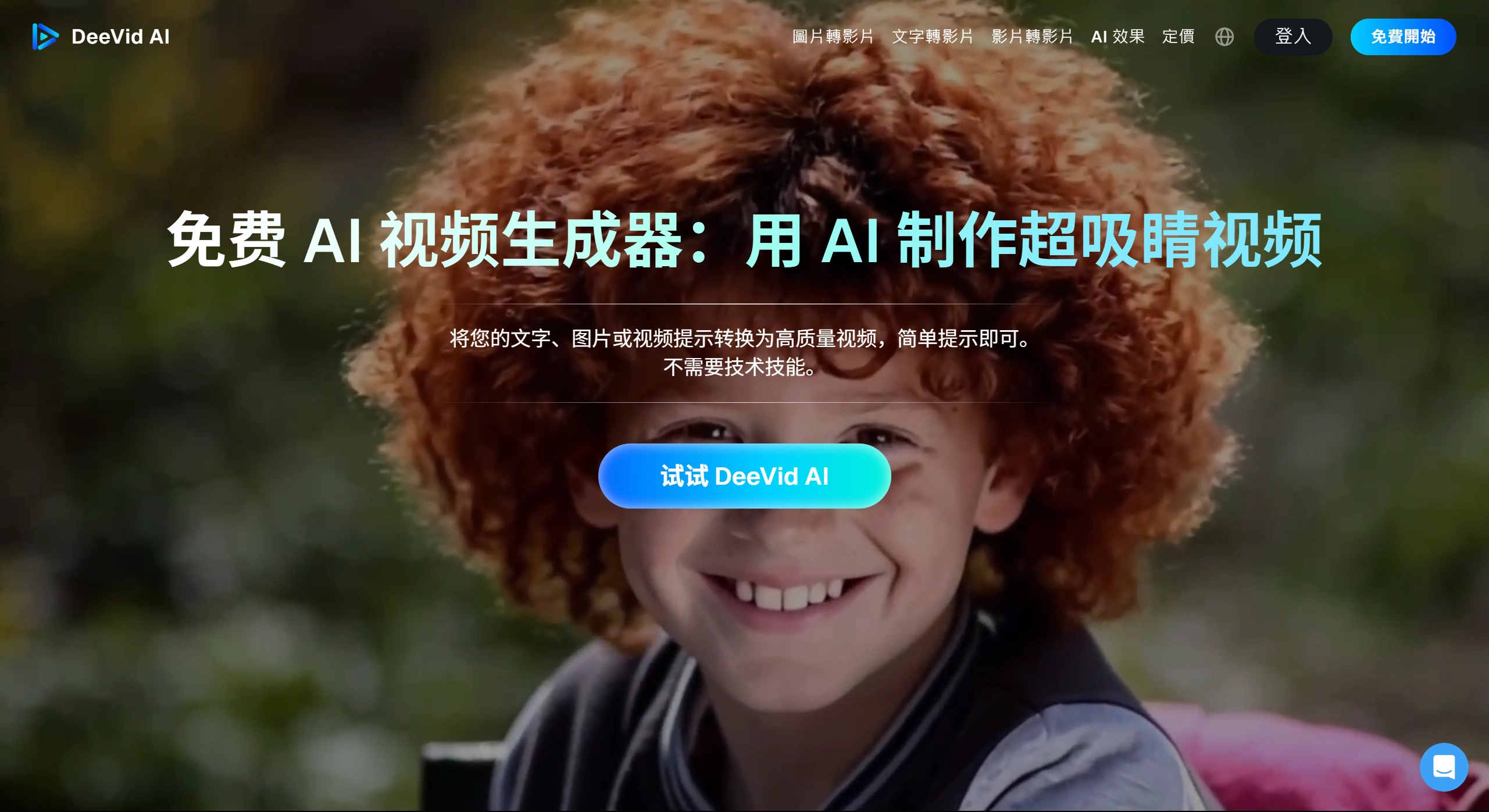
DeeVid AI is an tool for generating videos with AI. It enables people with no technical background to quickly produce high-quality professional videos by inputting text, images, or videos. The platform uses AI to automatically handle animation, lip-sync, and transitions, making video creation very simple.
Main Features
DeeVid AI has several main features:
Multiple ways to generate videos
Text-to-video: Enter a description and AI will create a matching video.
Image-to-video: Upload a static image and AI can bring it to life, such as making a character blink, smile, or moving the background.
Video-to-video: Transform an existing video into a different style, or create new content based on the original video.
AI lip-sync and expressions
Upload an audio clip and AI can analyze the sound, sync the character's mouth movements to the voice, producing realistic effects of people talking or singing, supporting multiple languages.
Quick creation with templates
The platform offers many ready-made templates, suitable for making ads, social media content, or instructional videos. Users can change the virtual characters, parameters inside, and quickly create videos that match their own style.
Fast and high quality
Very fast: Generating a video takes about 1 minute.
Clear quality: Can export 1080P HD videos.
Great results: Uses relatively advanced models, producing natural-looking lighting and motion.
Cloud-based, no installation required
This is a web-based tool that works right in the browser, no software download needed. The interface is simple, and no editing skills are required to get started.
Use Cases
DeeVid AI can be used in many scenarios:
Marketing and advertising
Quickly create engaging promotional videos, turn product images into dynamic displays, and make social media content more appealing.
Social media posting
Turn static images or simple copy into interesting short videos, ready to post on TikTok, Instagram, or YouTube.
Teaching and training
Transform boring lessons or charts into lively animations, helping students better learn and remember the content.
Business and office use
Create professional presentation videos, internal announcements, or product introductions without professional equipment, saving significant costs.
Entertainment and personal creation
Make personalized greeting videos, short stories, or play with creative ideas, such as bringing your selfies to life.
️How to Use
The steps to create videos with DeeVid AI are simple:
Register an account
Visit the DeeVid AI official website or download the app, and register an account. New users can typically try it for free.
Choose a creation method
On the main page, select the feature you want to use, such as "Text-to-video", "Image-to-video", or "Use a template".
Input content and adjust
Text-to-video: Enter your description in the box.
Image-to-video: Upload your image.
Use a template: Select a template and replace the content inside.
You can adjust the video's style, length, voiceover, and other settings.
Generate the video
Click the "Generate" button and AI will start creating the video. You'll see a preview very quickly.
Export and modify
Once satisfied, download the HD version. If something isn't quite right, you can make further adjustments until you're happy with it.











