Script Planner Assistant▸
 AI Apps
 AI News

Monotype Fonts: Enterprise Font Subscription & Management Platform
Monotype Fonts: Enterprise Font Subscription & Management PlatformIntroduction
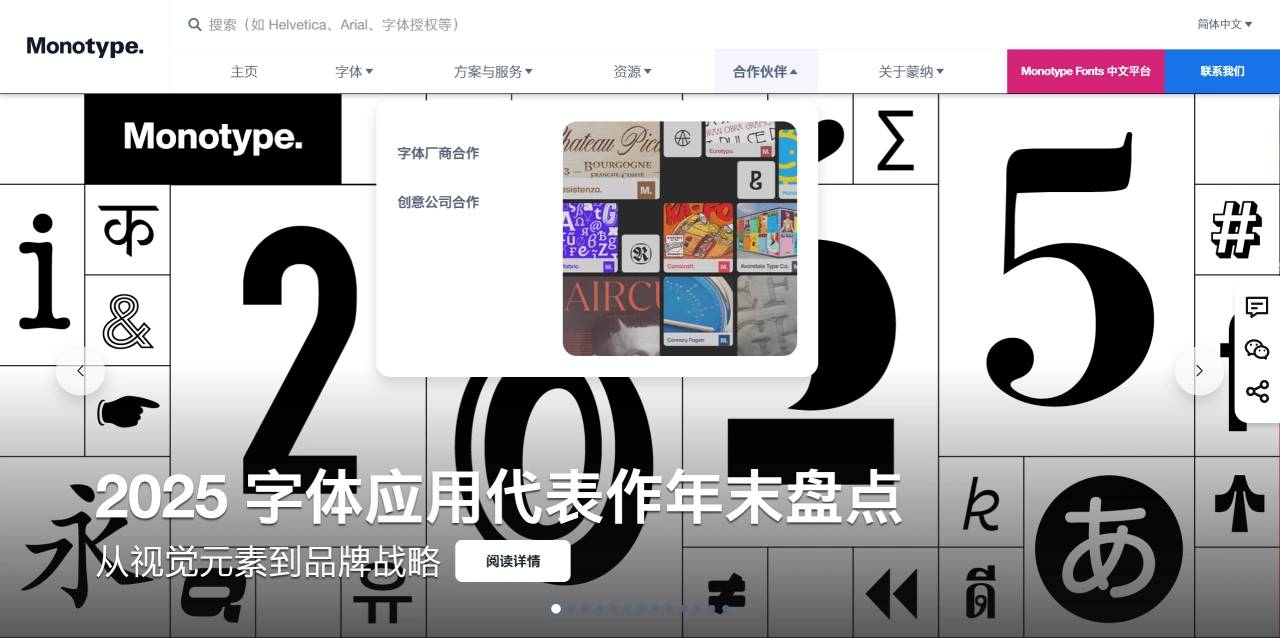
Monotype Fonts is an enterprise font subscription and management platform built by Monotype, focused on providing a one-stop solution for typography needs. It now offers over 250,000 fonts and supports more than 550 languages. It includes classic typefaces like Helvetica Now and Futura Now, and keeps adding new fonts from independent foundries such as Playtype, TypeTogether, and Black Foundry.
Main Features of Monotype Fonts
Unlimited drafts. During the subscription period, you can freely create mockups, proposals, and prototypes. You only need to pay additionally when fonts are actually used in a final, live product.
Use AI to help find fonts. You can filter by style, appearance, language, weight, width, and other criteria, or click "Similar Fonts" or "Font Pairing" to quickly find what you need.
Unified management of fonts from different sources. Administrators can upload third-party fonts purchased elsewhere and centrally manage permissions and check licenses. Designers can sync and use them with a single click through the Monotype App.
Easy desktop integration. Once the Monotype App is installed, fonts sync quickly and appear directly in Adobe, Figma, and Office. You can also manually download TTF or OTF files for offline installation.
Easy team collaboration. You can create shared font lists, assign permissions by role, and ensure everyone — whether remote or across different groups — uses the same versions.
Globally compliant font usage. A single enterprise agreement covers all fonts, so there's no need to purchase them one by one, and it saves the trouble of auditing and compliance.
How to Use Monotype Fonts
First, sign up for a 14-day or 30-day trial, then choose a subscription plan, download and log in to the Monotype App. Next, find or search for fonts, and click "Sync family" to sync them to your computer. After that, you can start designing in any software. To use fonts offline, go to "Download & sync options," select the desired weights and formats, and download them.
Where Monotype Fonts Is Suitable
Brand logos and complete visual identity systems, magazine/book/newspaper typesetting, UI and UX design, advertising and promotional materials, and multilingual international projects. Monotype supports many non-Latin scripts, such as Chinese, Arabic, and various Indian languages.
Some Representative Fonts from Monotype
It has many classic and new fonts. For example, Times New Roman, originally designed for The Times, is one of the most widely used serif fonts in the world. Arial is a sans-serif font often used as a substitute for Helvetica and is very common on Windows. It also has a licensed version of Helvetica Neue. Gill Sans is a humanist sans-serif font with a distinctly British character. Bodoni and Didot are modern serifs with strong contrast. Frutiger was specifically designed for airport signage and is very legible. Neo Sans, designed by Monotype's own designers, is now used by many brands, such as Intel. Monotype also helped Google with the glyphs for part of the Noto Fonts.
Monotype Fonts was previously known as Fonts.com and Mosaic, primarily serving enterprise users and designers. Its key strengths include a vast library of over 150,000 fonts covering styles from classic to modern, handwritten, and decorative. It automatically manages licensing to reduce legal risks. Multiple users can work with a single set of fonts, keeping brand typography consistent. It also integrates directly with Adobe, Figma, Sketch, and web development tools. Fonts can also be embedded into websites and apps with ready-made solutions.
Differences from Adobe Fonts
Monotype Fonts focuses more on enterprise licensing and font management, with a strong collection of classic typefaces. Adobe Fonts comes bundled with Creative Cloud, has a larger total number of fonts, and offers a richer selection of modern and independent works, but it lacks enterprise-level permissions and license tracking features.