
 Script Planner Assistant▸
 AI Apps
 AI News

Flova AI: AI Creation Platform for Short Films, Ads, Animations & Social Media Creators
Flova AI: AI Creation Platform for Short Films, Ads, Animations & Social Media CreatorsIntroduction
What is Flova ai?
Flova AI is an AI creation platform designed for short films, ads, animations, and social media creators. It can turn a script directly into a finished video with sound, storyboards, consistent characters, and professional camera movements—no traditional filming equipment or post-production software required, yet still produces cinematic short films.
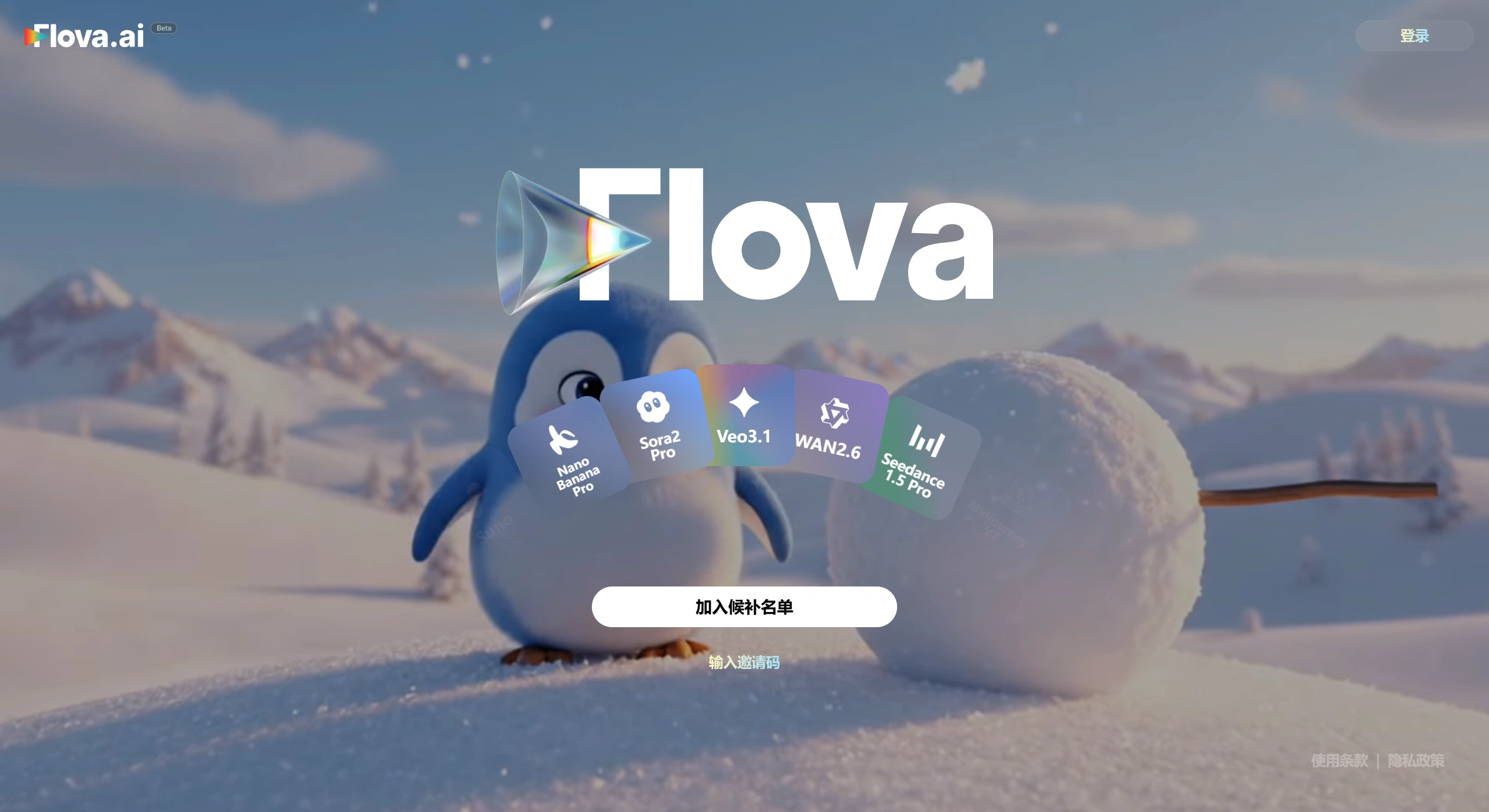
What Flova AI Can Do
From writing scripts, drawing storyboards, generating visuals, to music composition, voiceover, and sound effects—everything is done by AI. Finally, you can fine-tune editing and color grading on the timeline.
Characters won't "change face" or "change outfit." Just upload one front view and one back view, and no matter how the camera pans, pushes, or pulls, the character stays consistent.
Supports a variety of common cinematic camera movements, such as follow shots, whip pans, crane shots, push-ins, etc.—all available with just one sentence.
Can produce multi-scene, 10+ minute narrative short films or animations, not just a few seconds of short video.
The platform automatically selects the most suitable AI model (such as Sora 2, Kling 2.6, Veo 3.1, etc.), so you don't have to choose yourself.
How Flova AI Works
Enter a one-sentence idea on the Flova AI website, such as "An astronaut's fantasy story of planting flowers on Mars."
The AI will generate a story outline, script, character design, and initial storyboards.
Adjust the shot order or add/delete content in the "Smart Canvas" by dragging nodes.
Click generate, and visuals, voiceover, and music are automatically produced.
Enter a Premiere-like timeline interface to edit, color grade, add effects, and download with one click when done.
Who Flova AI Is For
Individual bloggers: Produce a video in 5 minutes, no worries about style inconsistency even with daily updates.
Independent filmmakers or students: Low-cost rapid validation of story ideas, with full storyboards available before shooting.
Educational institutions: Easily produce multilingual teaching videos with high localization efficiency.
Brand marketing teams: Ad films and product launch videos—from script to finished piece in just a day or two.
Technical Highlights
Multi-view generation: Use a few reference images to lock in a character's 3D features, so any subsequent angle generation won't distort.
Node-based creation: Text, images, video, and audio can all be dragged as nodes and modified at any time.
Version comparison: The same project can try two different camera plans simultaneously—compare them, then merge.
Asset reuse: Upload characters, props, and backgrounds once, and use them across multiple projects—teams can also share them.
Frequently Asked Questions
What types of videos can Flova AI make?
Supports long-form content (such as animated films), short videos (TikTok, Reels, etc.), product demos, instructional videos, and more. Output formats are compatible with professional editing software for further refinement.
How does the platform keep characters consistent?
The system analyzes your multi-angle character uploads and uses consistency technology to automatically correct deviations, ensuring the character's appearance and proportions remain unchanged.
Can I use my own assets?
Yes. Upload your own characters, logos, and brand elements, and the AI will learn your style and keep it consistent across projects. These assets can also be reused in other projects.
Which AI models are used?
Integrated models include Sora 2, Kling 2.6 (excellent for realistic human expressions), Veo 3.1 (high resolution), Vidu (smooth motion), and more. The platform automatically picks the best model based on the content.
How are credits calculated?
Different operations consume different amounts of credits. Free users receive 500 credits per month or week. Paid plans offer better value and support monthly or annual billing.
Can I edit after generation?
Yes. The built-in timeline editor lets you freely adjust shots, transitions, effects, volume, colors, etc. You can also export to professional software for further processing.
How do I try it? What does it cost?
The official website https://www.flova.ai is currently in open Beta, with trial credits given upon registration. Pricing is approximately $0.24 per 100 credits, and new users also receive a 150% credit bonus and a 50% re-run discount.
Flova AI turns "writing a script" into "producing a finished video" through chat and drag-and-drop. Its biggest advantages are characters that never break no matter how they're filmed and cinematic camera movements achievable with a single sentence—making it especially ideal for individuals or small teams that lack equipment but need high-frequency output.











