
 Script Planner Assistant▸
 AI Apps
 AI News

Sourcegraph: Code Intelligence Platform for Large Codebases
Sourcegraph: Code Intelligence Platform for Large CodebasesIntroduction
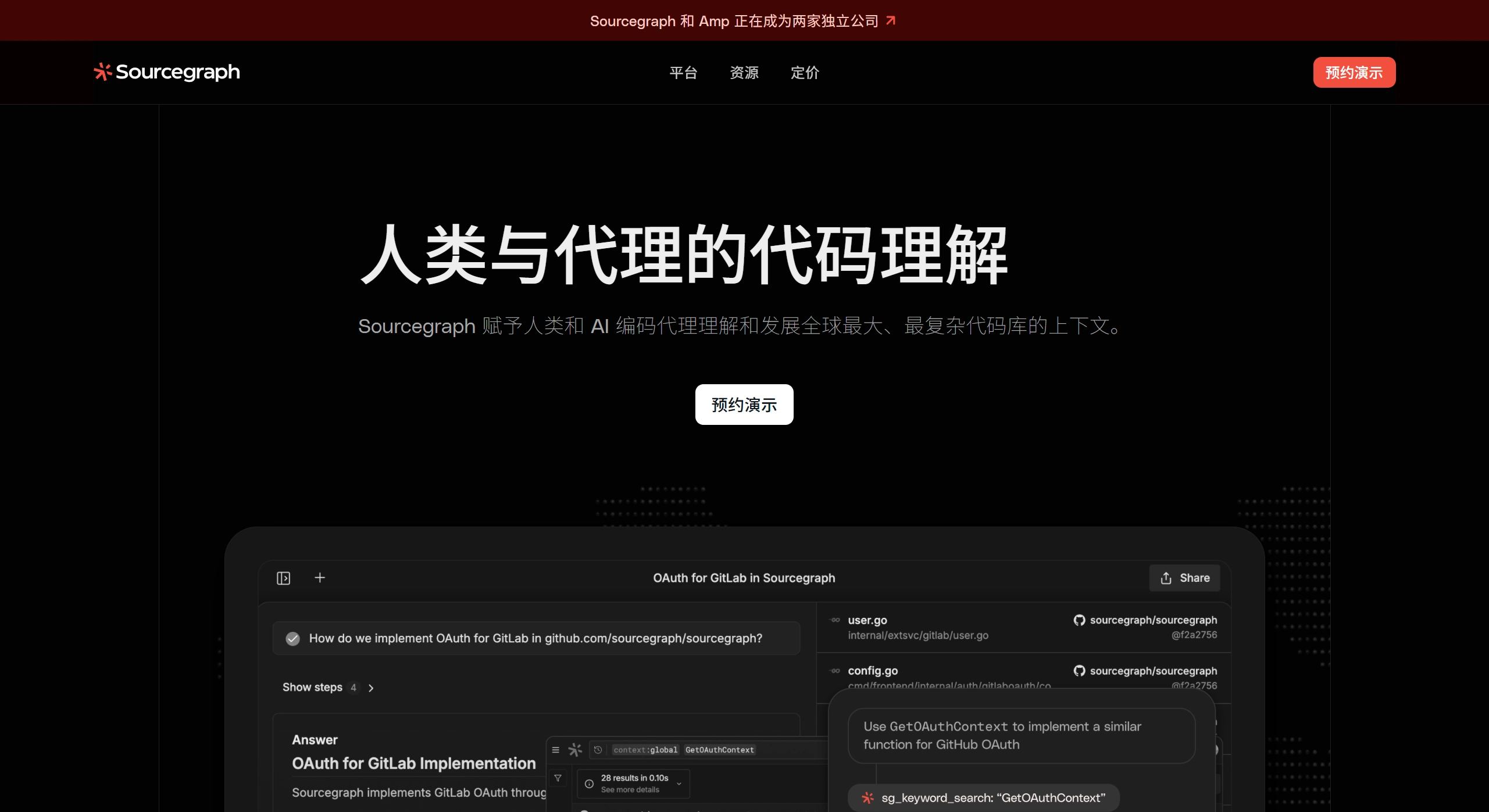
Sourcegraph is a code intelligence platform built for large codebases. It was founded in the United States in 2013 and has raised several rounds of funding totaling hundreds of millions of dollars, currently valued at $2.6 billion. It uses a unified search engine and AI assistant to connect scattered code repositories from GitHub, GitLab, Bitbucket, and other platforms into a searchable codebase, allowing developers to quickly find code, understand dependencies, and make batch changes.
Sourcegraph Main Features
Cross-repository code search: supports full-text search, regex search, structural search, and symbol search. For example, using syntax like
lang:go file:^src/ FUNC(ARGS), you can query hundreds or thousands of repositories at once.Code navigation: jump to definitions, find where code is used, view call hierarchies, and see who made past changes. Install a browser extension to use it directly on GitHub pages.
AI assistant Cody: powered by models such as DeepSeek-Coder-V2 and Claude 3.7, it can autocomplete code lines, chat with contextual awareness, and make automatic changes across files. Response time is under 1 second, and 40% of suggestions are accepted by users.
Codebase analytics: turn code into queryable data and build custom dashboards to monitor technical debt, upgrade progress, and security compliance coverage.
Batch code changes: send PRs to multiple repositories at once, with automatic branch creation, rollback, and merging. Ideal for large-scale dependency upgrades, API replacements, and security patches.
Security and compliance: search for sensitive information, look up CVE vulnerabilities, and identify code owners. Also supports enterprise security features like mTLS, SSO, and audit logs.
Sourcegraph Common Use Cases
Unified code management for large companies: with microservices, multiple languages, and many repositories, you can quickly identify the impact of shared libraries and assess refactoring risks.
Faster onboarding for new team members: global navigation and AI explanations reduce the time needed to learn legacy systems.
Faster code reviews: Cody can summarize what changed and flag contextual issues, allowing reviewers to apply its suggestions with a single click.
Security and compliance checks: use structured search to find hardcoded secrets and outdated encryption algorithms in one go.
Teaching or open-source collaboration: schools and training institutions use it to demonstrate the structure of real-world large projects, making courses more practical.
How to Use Sourcegraph
Sign up and connect repositories: go to sourcegraph.com or set up your own server, log in with a GitHub/GitLab account, and select the public or private repositories you want to index.
Try a search: in the search box, enter
lang:python repo:myorg/.* "requests.get("to find HTTP calls without a timeout set across all Python repositories.Enable Cody: click Cody in the sidebar and type "find all unclosed database connections." You'll get a cross-file list with fix suggestions, and can directly Apply them to generate patches.
Create a Code Insight: go to the Dashboard, click New Insight, enter the query
file:.(js|ts)$ lodashto view how lodash usage in frontend projects changes over time, and set up weekly email reports.Batch change example (using CLI): first install src-cli (
brew install sourcegraph/src-cli/src), then write a spec.yml withname: upgrade-log4j, scoped tolang:java log4j:1.xrepositories, using comby to replacelog4j:1.xwithlog4j:2.17.2. Finally, runsrc batch apply -f spec.ymlto execute and generate PRs.IDE and CI integration: install the VS Code extension to search code and use Cody for completions directly in the editor; configure Cody review in GitHub Actions to trigger automatic PR reviews that flag risk points.
Sourcegraph is a tool combining a code search engine, AI assistant, and batch code modification. Whether you're an individual wanting to understand open-source projects faster, or an enterprise needing to manage thousands of repositories, perform security compliance, or use AI-assisted reviews, it can handle the job. Start with the free cloud version to see how it works, then choose Enterprise or self-host based on team size—either way, it significantly boosts the efficiency of finding, changing, and managing code.












