
 Script Planner Assistant▸
 AI Apps
 AI News

MagicLight AI: AI Story-to-Video Platform
MagicLight AI: AI Story-to-Video PlatformIntroduction
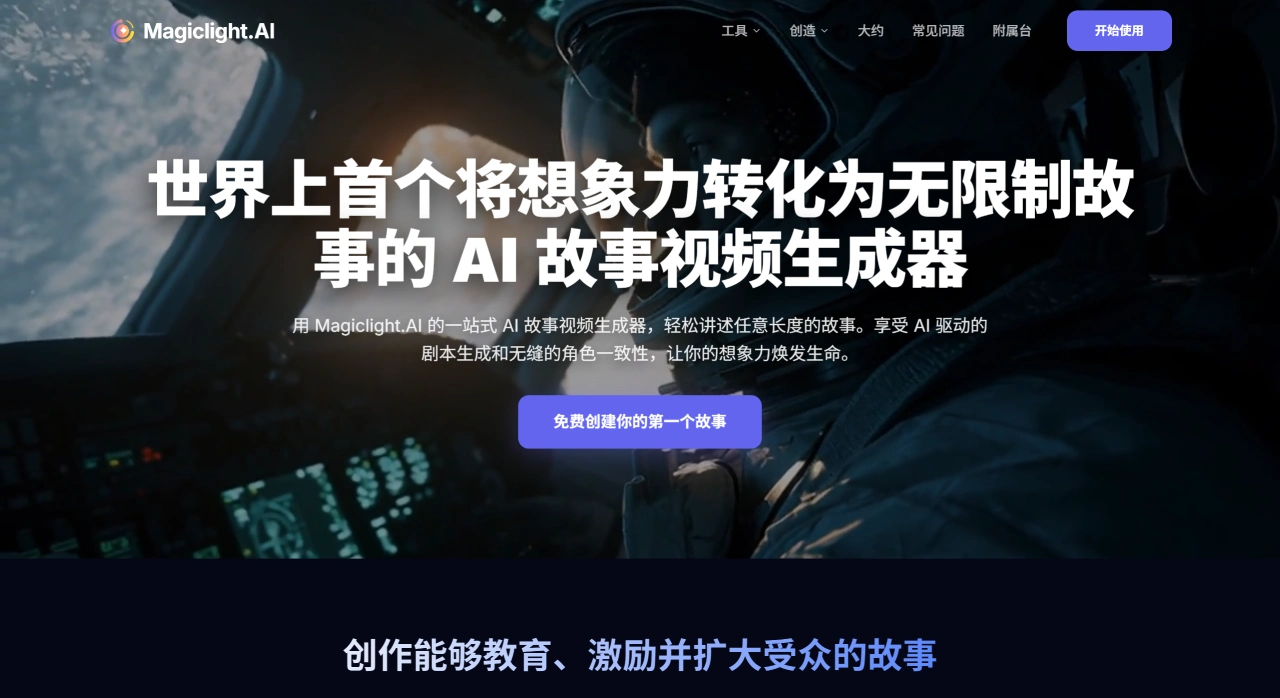
MagicLight AI is a platform for AI story generation and video creation. It can automatically produce storyboards, character animations, voiceovers, and subtitles from a script or a single sentence, while keeping characters and style consistent. It can create videos up to about 30 minutes long, making it suitable for short videos, education, brand promotion, children's stories, and more. MagicLight AI works in the browser and can produce commercially usable content that can also be distributed.
MagicLight AI Main Features
Long video creation: Can produce a single 30–50 minute video in 1080p or 4K animation, automatically split into segments for generation, and merged with one click when complete.
Consistent characters across different shots: Self-developed models combined with Face-ID locking keep the main character's appearance, clothing, and colors unchanged across more than 1,000 shots.
Automatic script-to-storyboard conversion: Input a script of up to 12,000 characters, and the AI will automatically break it into scenes and shots, mark shot sizes, and provide camera movement paths.
Plugin that extracts product selling points: Paste an Amazon or Shopify link, and it turns into a script in 10 seconds.
Many visual styles to switch between: More than 20 styles available, such as ink wash, Guochao (Chinese trend), cyberpunk, 3D realistic, Disney 2D, Ghibli, low-poly, pixel art, black-and-white comics, etc., switchable with a single click.
Multilingual voiceover and lip-sync: Supports 15 languages, over 50 voice types, and emotions such as happy, sad, surprised, and angry.
AI automatically separates narration from dialogue and generates lip-sync keyframes, with particularly accurate mouth shapes for Chinese, Japanese, and Spanish.
Characters and scenes can be selected or customized: The official library includes more than 800 characters and over 1,200 scenes. You can also upload 5–10 of your own images, spend 30 minutes training a private character, and use it afterward.
Camera movements and effects: Supports push, pull, pan, tilt, 360° rotation, drone dive, bullet time, and can add rain, snow, particles, and light/shadow fog effects with real-time preview.
Automated video pipeline: Can pull blogs or news from RSS feeds and convert them into 60-second short animations on a schedule.
Each row in a spreadsheet can be treated as a knowledge point, allowing batch creation of 30 episodes at once and automatic upload to YouTube playlists.
Open API and white-label: Offers REST API, allowing all features to be integrated. The team version allows changing Logo, URL, and default fonts, enabling you to build and sell your own SaaS service.
MagicLight AI Technical Overview
The frontend uses React and Three.js, providing real-time preview in the browser at 60 frames per second.
The backend consists of Python microservices:
ScriptLLM uses GPT-4-turbo combined with a self-developed 13B story model to convert scripts into storyboards.
ConsistencyNet uses a temporal consistency diffusion model, built on SDXL with added temporal attention mechanisms.
AudioNet combines multilingual speech synthesis (VITS-X) with a lip-sync GAN.
Rendering runs in the cloud on A100 or H100 GPUs: approximately 3 minutes for one minute of 1080p, or about 12 minutes for one minute of 4K.
For data security, European and US data is stored on AWS, GDPR-compliant, with data processing agreements available on request. Educational or government enterprises can also purchase local encrypted drives.
MagicLight AI Application Examples
Educational micro-lessons: A teacher pastes 800 characters of 8th-grade physics content, selects the cartoon science style, and an 18-minute animated video with voiceover is produced, ready to be uploaded directly to a DingTalk group.
Cross-border e-commerce product promotion: A Shopify seller pastes a product page link, the plugin extracts the selling points, generates a 30-second ink-wash short video for TikTok, increasing click-through rate by 32%.
Faceless story channels: Operators pull trending stories from Reddit daily, batch-produce 8-minute 2D Disney-style animations, post 3 videos per day, gaining 280,000 new followers in 3 months.
Government cultural tourism promotion: The Xi'an Cultural Tourism Bureau inputs a "Prosperous Tang Chang'an" theme with a 15-minute duration, producing a Guochao ink-wash 4K video that loops on the 8K big screen at the train station.
Ad agency pitch: An agency uses the API to simultaneously turn 5 product slogans into five 15-second cyberpunk-style shorts for a next-day proposal, with the client immediately signing a 2 million annual framework agreement.
How to Use MagicLight AI
Open magiclight.ai and sign in with Google.
Click Create, select SmartScript, and paste your script or product link.
Select style, duration, and language, then click GenerateStoryboard.
Review the storyboard online, where you can change characters, adjust shots, edit copy; if satisfied, click Render.
Once complete, download the MP4 or publish directly to YouTube, TikTok, Bilibili; the API supports one-click upload.
MagicLight AI Pros and Cons
Pros:
Few platforms can produce 50-minute long videos while maintaining character consistency.
Good Chinese script handling and lip-sync effects.
Over 20 styles plus the ability to create custom characters cover most marketing and educational scenarios.
Credit-based pricing with affordable monthly plans that can be paused anytime.
API and white-label options make it easy for agencies to rebrand it as their own product.
Cons:
4K rendering queues can mean waiting about 20 minutes during peak times.
Complex fight scenes or mechanical transformation shots still require manual keyframe adjustments.
The free version is limited to 1-minute videos, offering limited trial capacity.
Data is stored on AWS in North America, so government or enterprise users with confidentiality requirements need additional evaluation.
Frequently Asked Questions
Can videos generated by MagicLight AI be used commercially?
Pro and above versions include assets with commercial licenses, allowing sales and ad placements.
Can MagicLight AI use real-person photos as the main character?
Yes, upload 5–10 images to train a private character, completed in 30 minutes, and reusable thereafter.
Is MagicLight AI's Chinese voiceover natural-sounding?
Using Microsoft's Azure new voices combined with emotion tags, it achieves over 95% human-like quality, and you can also clone your own voice.












