
 Script Planner Assistant▸
 AI Apps
 AI News

SiteForge.io: AI-Powered Online Prototype & Wireframe Generator
SiteForge.io: AI-Powered Online Prototype & Wireframe GeneratorIntroduction
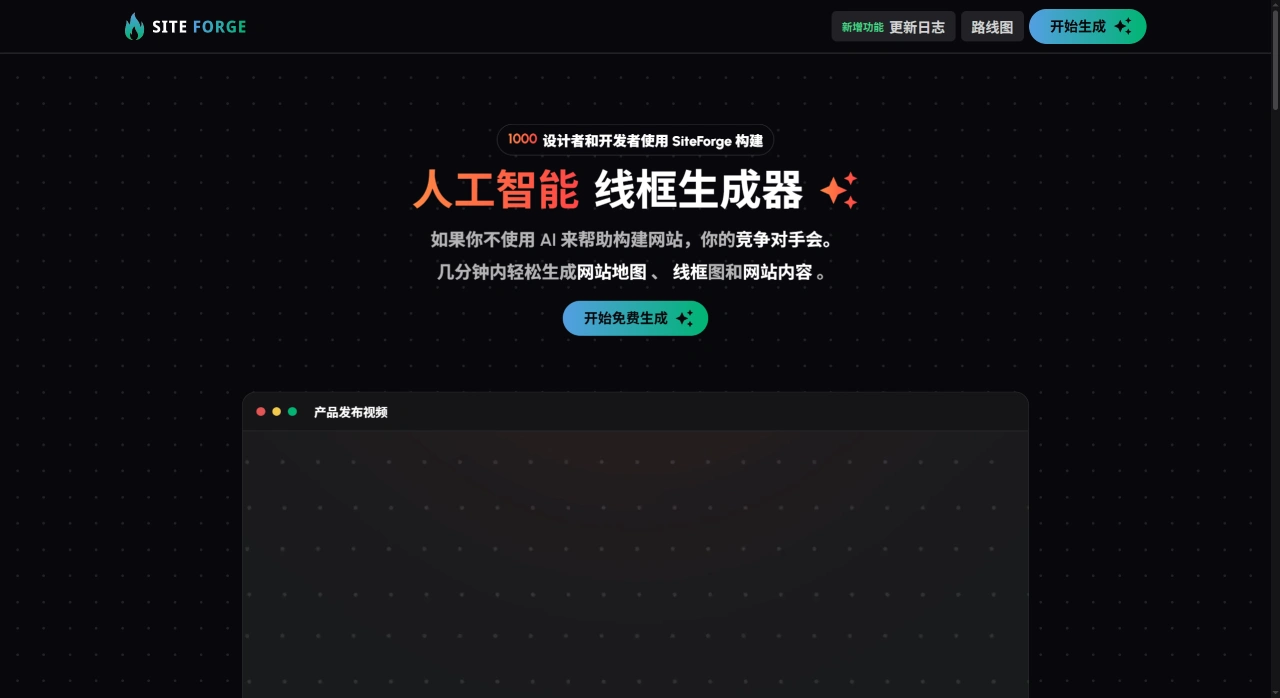
SiteForge.io is an AI online prototyping and wireframe generation tool. You just need to describe your business in simple words, and it can automatically create a site map, simple wireframes, and matching copy. It also allows you to directly export PNG, PDF, or Figma files, making it easy for designers or clients to continue working on them.
SiteForge.io Main Features
AI Site Map: Generates 5 to 30 pages based on your business description, automatically arranging parent-child relationships, which you can drag to modify.
AI Wireframes: Instantly provides black-and-white simple frameworks for each page, including 20+ ready-made modules such as Hero, Features, Pricing, and FAQ. You can add, delete, reorder, or change layouts.
AI Copywriting: Automatically writes headlines, selling points, and button text based on the page's purpose. You can switch between 8 tones or languages with one click, including Simplified Chinese.
Multiplayer Collaboration: Generate read-only links so people can comment without logging in. The Team version allows everyone to edit together, with @mention reminders.
Multi-Format Export: PNG is exported at 2x high resolution, PDFs can be split into pages with a table of contents, Figma files have clear layers, and there are no watermarks.
White Label & Themes: The Team version allows you to change the logo and primary colors, displaying the client's branding when viewed online.
SiteForge.io Use Cases
Agencies or Freelance Designers: Create a clickable draft with copy in 1 hour, saving significant communication effort.
Product Managers Starting a New Product: Quickly experiment with information architecture and messaging before handing off to UI designers.
Startups Preparing Pitch Decks: Include the PDF in your business plan to show what the complete website will look like.
Pre-Outsourcing Estimation: Run a page count in SiteForge first to help calculate time and costs.
SiteForge.io Pricing
Free: 3 projects, up to 10 pages each, PNGs have watermarks, shared links expire in 7 days.
Pro: $19 per month (or $190 annually), unlimited projects and pages, no watermark on exports, links remain active permanently.
Team: $49 per month (5 seats, or $490 annually), multi-user editing, custom logo and colors, comment threads.
How to Use SiteForge.io
Sign Up: Log in directly with your Google account, no card required.
Create a Project: Describe your business in the input box in Chinese or English, for example: "A subscription finance SaaS for SMBs in North America, emphasizing automated reporting and CPA partnerships."
Generate and Modify: First review the AI-generated site map, where you can drag to add or delete pages; enter each page to change layouts, add or remove modules, and edit copy.
Collaborate and Confirm: Click Share to send a read-only link to clients or colleagues to collect feedback.
Export to Continue: Once finalized, export Figma files so designers can add visuals and animations.
SiteForge.io Pros and Cons
Pros:
Accurate recognition of Chinese input, and most industry pages generated can be used directly;
Exported Figma components are clear, so designers don't have to redraw frames;
Shared links allow logged-out users to comment, so clients can provide feedback without signing up.
Cons:
Wireframes only have a simple gray style, with no option for medium or high-fidelity versions;
Custom brand colors cannot be used in exported files—only visible online;
The free version has many limitations, requiring payment for more than 10 pages;
No offline or local deployment option; data is stored on AWS in North America, so sensitive projects need to consider compliance on their own.












