
 Script Planner Assistant▸
 AI Apps
 AI News

MindPPT: AI-Powered PPT Maker
MindPPT: AI-Powered PPT MakerIntroduction
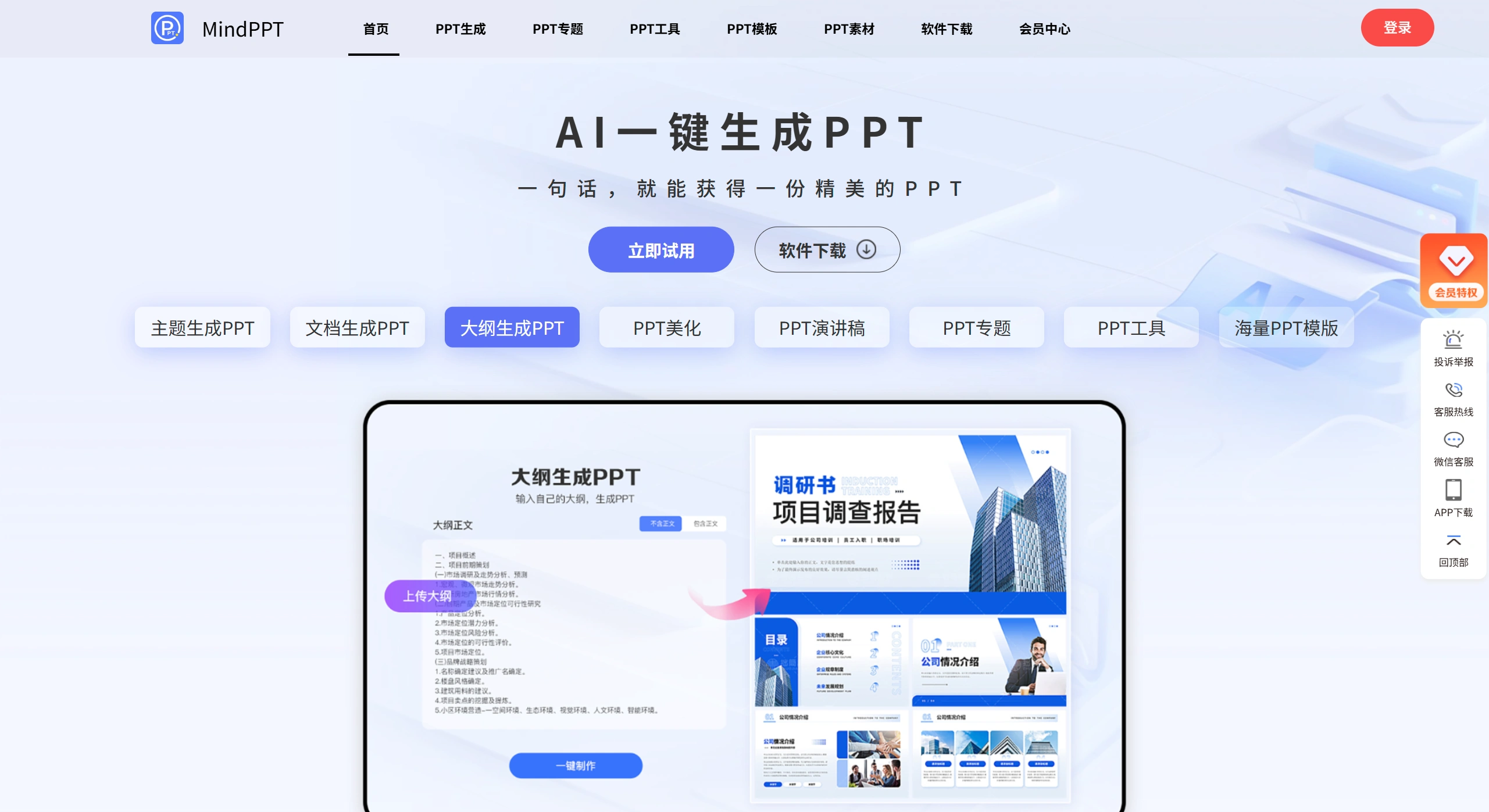
Mindppt is an AI PPT generation tool developed by Hefei Oumi Information Technology Co., Ltd. It supports quickly creating PPTs through themes, documents, text, outlines, or templates, and provides beautification, speech generation, template library, and online editing features. It is suitable for multiple industry scenarios, supports mobile phones, computers and other devices, helping users efficiently complete professional PPTs.
MindPPT Main Features
Intelligent Generation
Theme Generation: Enter a theme (such as "2026 New Energy Vehicle Market Analysis"), and the AI quickly generates an outline, automatically recommending titles, chapters, and illustrations.
Document Generation: Upload Word, PDF, or TXT files, and the AI extracts key content and automatically generates a formatted PPT.
Outline Generation: Use AI to generate a mind map-style outline, manually tweak it, and convert it to a PPT with one click, ideal for logically clear reports.
Intelligent Beautification
Quick Restyling: Switch between 30+ templates with one click, automatically adjusting fonts, color schemes, and icons.
Smart Image Matching: Automatically matches royalty-free images based on content keywords; members can generate AI illustrations.
Chart Creation: Paste Excel data, and the AI automatically recommends chart types and beautifies them.
Content Assistance
AI Writing: Supports continuing, polishing, and condensing copy, with Chinese-English bilingual options.
Speech Generation: Automatically generates a speech with time prompts based on PPT content, supporting teleprompter playback.
Format Conversion: Supports converting PPT to PDF, long images, or online links for easy multi-platform sharing.
Collaboration & Export
Cloud Collaboration: Real-time draft saving, supports multi-user online editing (Enterprise edition feature).
Flexible Export: Export editable PPTX files (compatible with Office, WPS, etc.), or non-modifiable PDF/long images for review.
MindPPT Usage Workflow
Quick Creation for Beginners: Enter theme → AI generates outline → choose template → fine-tune → export, takes 3-5 minutes.
Optimizing Existing Materials: Upload document → AI parses and generates draft → manually adjust → beautify → export.
Logic-Focused Creation: Plan framework with mind map tool → adjust nodes → convert to PPT → beautify → export.
MindPPT Applicable Scenarios
Workplace: Weekly reports, monthly reports, project reviews, year-end summaries.
Education: Lesson plans for various subjects, training courseware, parent meeting materials.
Medical Research: Case reports, converting academic posters to PPT.
Business: Business plans, product launches, investment plans, including Business Model Canvas templates.
Government: Party-building reports, budget explanations, with official document style templates.
MindPPT Pros & Cons
Pros: Fast generation speed (draft in 10-30 seconds), saves formatting time; clear industry template classification such as medical, education; multi-device sync; free version allows 2 free generations per day.
Cons: Basic animation effects (only supports simple effects like fade-in); complex layouts require manual adjustment; AI generation requires internet connection, cannot be used offline; some HD images require membership to download.
Price & Versions
Free Version: 2 AI generations per day, 50 community templates, exports with watermark.
Pro Version (¥25/month): 500+ templates, HD image downloads, no watermark, 100 generations per month.
Team Version (¥498/year/5 users): Includes cloud collaboration, brand font locking, custom watermark.
Enterprise Version: Supports local server deployment, API interface, requires contacting official for custom quote.















