
 Script Planner Assistant▸
 AI Apps
 AI News

Zhipu AI Input: Smart Voice Input Assistant Powered by AutoGLM
Zhipu AI Input: Smart Voice Input Assistant Powered by AutoGLMIntroduction
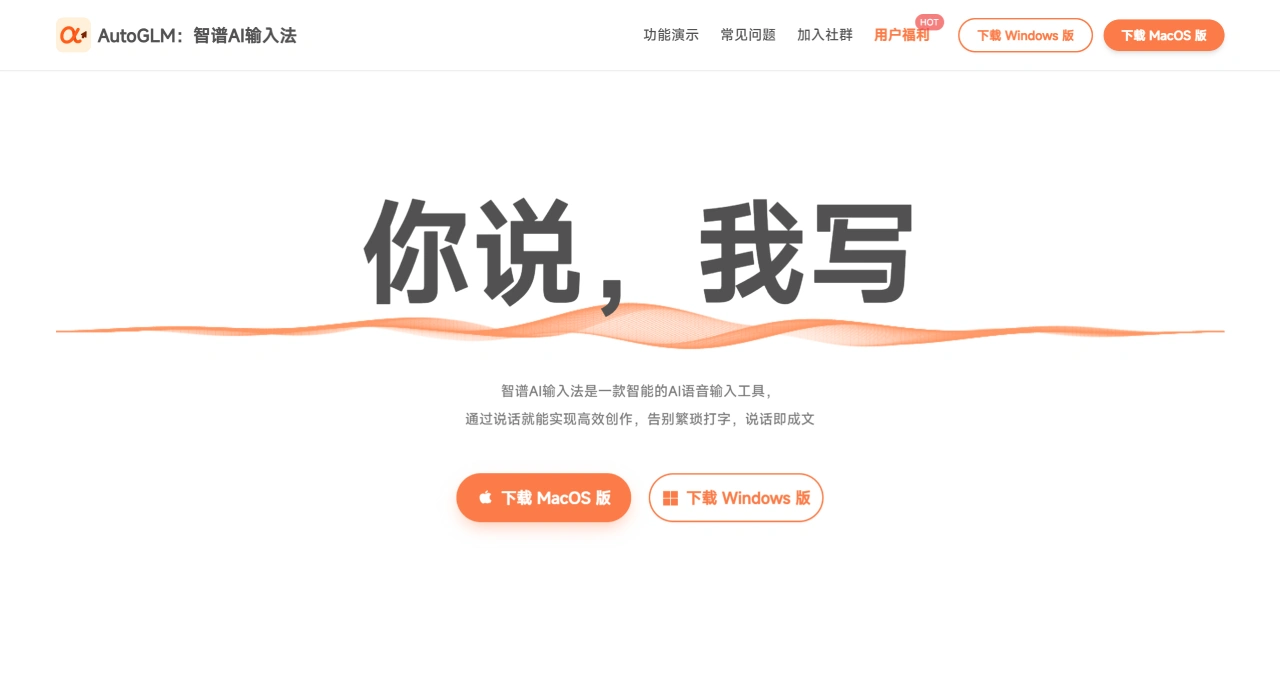
智谱AI Input Method is an intelligent voice input tool developed by the AutoGLM team. With a simple Fn shortcut operation, it can convert your voice into high-quality text in real time, covering scenarios such as chatting, office work, and professional writing, significantly boosting typing efficiency.
Core Technologies of 智谱AI Input Method
Cloud Model (GLM-ASR-2512): Works well across multiple scenarios and accents, with a measured character error rate of only 0.0717%, and supports real-time speech-to-text conversion.
On-device Model (GLM-ASR-Nano-2512): Only 1.5B parameters, runs entirely locally, no internet required, privacy-friendly with low latency. The model is open-source and achieves top-tier performance in the industry.
Main Features of 智谱AI Input Method
Multi-scenario Input:
Daily Typing: Speak to convert speech into text, usable for chatting, writing documents, coding, and can sync across different applications.
Document Generation: Generate invitations, meeting notices, contracts, lesson plans, purchase orders, etc. with a simple sentence, automatically formatted with standardized layouts and necessary clauses.
Text Optimization: Organize fragmented spoken language into formal text, polish writing, and expand keywords into complete content.
Translation & Multilingual: Supports English, French, German, Japanese, Korean, etc., with real-time translation and automatic formatting.
Utility Tools: Built-in features for bookkeeping, salary calculation, math calculation, unit conversion, and more, ready to use anytime.
Personalized Expression:
Selectable Speaking Styles: Switch tones for different audiences such as bosses, colleagues, or partners. You can also choose unique styles like translation-style, Lu Xun-style, or classical Chinese-style. Generate up to 9 versions simultaneously, and add your own custom styles.
Custom Instructions: Set personalized commands based on your needs, such as fixed expressions for specific scenarios.
Why is 智谱AI Input Method So Useful?
Fast and Convenient: Voice input is 4 times faster than typing, saving an average of 72% of your time. No need to hit the keyboard, freeing your hands for other tasks.
Highly Accurate: 97.8% voice recognition accuracy, capable of understanding whispers, Beijing dialect, Cantonese, and other dialects and accents with mature technology.
Direct Output: No need to organize your language in advance—just speak whatever comes to mind. The software automatically handles hesitations (such as "meet at nine... or eleven") to produce smoother output.
Hand-Friendly: Less keyboard use means less strain on your hands. Users with limited hand mobility can use it easily, and global activation allows you to start inputting anytime.
Who is 智谱AI Input Method For?
Creators: Capture inspiration, generate scripts and copy.
Managers: Quickly organize meeting minutes.
HR/Lawyers: Draft contracts and process documents.
Efficiency Enthusiasts: Seamless input across various applications.
Sales/Headhunters: Sync customer communication records to CRM.
Investors: Distill interview notes and generate reports.
Translators: Handle multilingual documents.
Teachers: Create lesson plans and courseware.
Other Professions: Bloggers, designers, programmers, operations, purchasing, tour guides, etc. Tasks like writing scripts, organizing design ideas, and generating code comments can all be done with voice.
How to Use 智谱AI Input Method
Download & Install:
Visit the official 智谱AI Input Method website (https://autoglm.zhipuai.cn/autotyper/) to download the version for your system. After installation, open it and log in with the same phone number used for "GLM Coding Plan." New users can enter the invitation code CYFEU88M to receive 2000 credits (approximately 28 days of free usage). Follow the onboarding guide and remember to record your "exclusive hot words" (such as project codes or uncommon names) to boost recognition accuracy.
Basic Operations:
Voice Typing: Hold the right Ctrl key (use Fn on Mac) → speak → release, and the text will appear. Even whispers can be recognized.
Modify Selected Text: Select a portion of text in the input box, press the same shortcut, and directly say "translate into English," "shorten by 30%," or "change the tone for the boss." Once you release the key, the text will be modified as instructed.
Invoke Xiao'ao (Intelligent Assistant): Hold the shortcut key and say "Xiao'ao, help me write a 3-day Beijing travel guide." The output will be placed directly at the cursor location.
Advanced Tips:
Switch Speaking Styles: Click the icon in the upper right corner to quickly toggle between styles such as "for boss," "for client," or "for partner." The same sentence will automatically switch tones.
Vibe Coding: In VSCode, terminal, and other environments, directly say "write a Python quick sort with Chinese comments," and a full code block will be generated. Integrated with Coding Plan accounts, it can look up Linux commands and perform math calculations.
History Records: View previous voice records on the left side of the main panel, with keyword search support for easy reuse.
FAQ & Troubleshooting
First-time recognition inaccurate? Go to "Settings → Dictionary" to add your personal proper nouns (such as names or technical terms) and try again.
Shortcut key conflicts? Go to "Settings → Hotkeys" and change it to Alt+Space or another combination.
Worried about disturbing others in public places? Enable "Whisper Mode" and speak softly within 10 centimeters of the microphone.
Remember this: "Hold the right Ctrl, speak directly for what you need." Typing, translation, editing, and coding can all be done with a single sentence.
Download / Experience
Client: https://autoglm.zhipuai.cn/autotyper/
Online Experience: https://bigmodel.cn/trialcenter/modeltrial/voice
Open-source Model (GitHub): https://github.com/zai-org/GLM-ASR
Hugging Face: https://huggingface.co/zai-org/GLM-ASR-Nano-2512
Related Information:















