
 Script Planner Assistant▸
 AI Apps
 AI News

Nightmare AI: Online Image Upscaling and Enhancement Tool
Nightmare AI: Online Image Upscaling and Enhancement ToolIntroduction
What is Nightmare ai?
Nightmare AI is an online tool powered by Real-ESRGAN, mainly used for upscaling and enhancing images. It specializes in handling low-resolution, blurry, or pixelated images, and can upscale them up to 4K while preserving the original look and clarity as much as possible. Whether it's photos, anime, or digital art, you can upscale to 4K with one click, retaining a high level of detail with fewer artifacts.
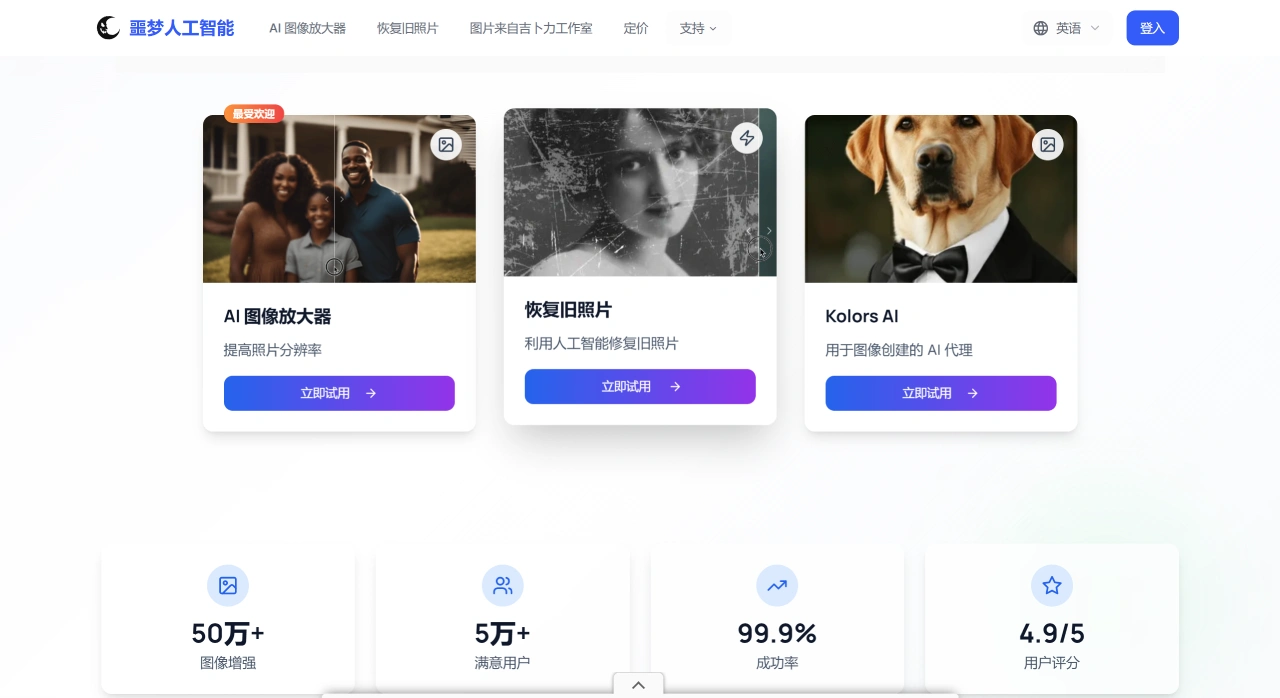
Main Features of Nightmare AI
Anime Upscaling: Designed for anime, cartoon, and comic images. It can add details on its own, preserve the original art style, upscale to 4K, and fix blurriness without losing image quality.
Photo Upscaling: Removes blur from photos, making them clearer and more visually appealing. Supports 2x and 4x upscaling, and can turn photos into HD, 2K, or 4K while preserving the true photographic texture.
General Upscaling: Uses relatively new algorithms to maintain clarity and full detail during upscaling, achieving natural 4K results that work on any image.
Other Features: Can restore old photos, optimize faces (looking natural), and process line art (without extra artifacts).
How Nightmare AI Works
It uses the Real-ESRGAN model, an enhanced version of Super-Resolution GAN. It supports 2x and 4x upscaling, up to 4K. For anime and cartoon images, an additional lightweight 6B model is trained, so that lines won't blur together after upscaling.
How to Use Nightmare AI
Select the image you want to process and upload it.
Click the upscale button, choose your desired resolution, such as 2K or 4K, and the system will process it automatically.
Click download to get the finished high-definition image.
Who is Nightmare AI For?
Photo Restoration: Restore old and blurry family photos for easy preservation or printing.
Anime and Artwork: Make anime screenshots and digital art clearer, perfect for wallpapers, printing, or posting online.
Professional Creation: Help photographers and designers upscale low-resolution images for portfolios, commercial projects, high-quality printing, or video.
Social Media: Make images clearer and larger, so they look great on any device.
Frequently Asked Questions
What formats are supported? JPG and PNG, up to 10 MB per image.
What's the maximum upscale? 4K (short side up to 4096 pixels).
Is there a free trial? You get 5 images per day, and 2x upscaling can be previewed, but the download button cannot be used. To get watermark-free HD images, you need to pay.
How is it priced? Starting at $9.9 per month, unlimited downloads and 4K results. Cancel anytime and billing stops immediately—no further charges.
How long does processing take? Going from 1080p to 4K takes about 30 seconds to 2 minutes, depending on queue and file size.
Will my privacy be compromised? Officially, server caches are deleted within 24 hours. No mention of adding watermarks or sharing data with others.
Can I use it commercially? Subscribers have full rights to use the output images, including for commercial use, but the copyright of the original image remains with the uploader.
Is there an API? The page doesn't mention one; currently you can only upload manually through the web.
Can I get a refund if the results aren't good? No refund policy is listed. It's recommended to use the free preview to check the results before paying.
If you just occasionally need to upscale a few anime screenshots or travel photos, this online version is enough. For batch or commercial use, you can install the open-source Real-ESRGAN locally and choose a model based on your VRAM.














