
 Script Planner Assistant▸
 AI Apps
 AI News
FlipaClip – Professional Mobile Animation App
FlipaClip – Professional Mobile Animation AppIntroduction
FlipaClip is a mobile animation app built around "frame-by-frame hand-drawing," with an interface that feels like an endlessly flipping digital flipbook. It reworks the traditional animation workflow of "frames, layers, and timelines" into touch-friendly controls. Beginners can finish their first GIF in about ten minutes, which is why Google Play named it an "App of the Year." Today it has been installed by more than 30 million users worldwide.
FlipaClip Feature Highlights
| Category | Core Highlights | Free Version | FlipaClip Plus (Subscription) |
|---|---|---|---|
| Canvas & Resolution | Up to 1920×1920, supports 300 dpi export | ✔ | Custom sizes of any dimension |
| Drawing | Pressure-sensitive pen, lasso, fill, eyedropper, shapes, text, ruler | ✔ | Extra brush packs |
| Layers | Up to 3 layers, blend modes, opacity, lock | ✔ | Up to 10 layers |
| Onion Skin | Semi-transparent overlay of previous/next frames, adjustable range and color | ✔ | Customizable depth and frame count |
| Timeline | Drag to add/remove frames, looping range, frame rate 1–30 fps | ✔ | Advanced easing curves |
| Audio | 6 audio tracks, recording + 100+ built-in SFX | ✔ | Import local audio, volume envelope |
| Asset Import | PNG/JPEG/GIF, MP4/MOV video tracing | ✔ | Longer videos, 4K input |
| Export | MP4, GIF, PNG sequence, transparent channel | With watermark | No watermark, batch export |
| Community & Challenges | Built-in gallery, weekly themed contests | ✔ | Featured placement, judge feedback |
FlipaClip Use Cases
Social media short videos: Create 15–30 second hand-drawn animations or meme GIFs for TikTok or Xiaohongshu, finishable during your commute.
Education & science communication: Teachers can make chemistry experiment demos or short historical stories at a low frame rate of 8–12 fps, cutting down prep time.
Ads & product demos: Startups create 5–10 second looping animations for Kickstarter or Taobao product pages, cheaper than shooting video.
Storyboarding & animatics: Film or game teams sketch 30–60 second animatics in FlipaClip first to lock down the pacing before moving into AE or Blender.
Personal creation & NFT: Artists animate a series of characters, export transparent PNG sequences, and turn them directly into NFTs or digital collectibles.
How to Use FlipaClip
Create a new project: Open the app, tap "+", choose a resolution and frame rate (starting at 12 fps is recommended), set the background color or import a reference image.
Draw the first frame: Use the "Pencil" on Layer 1 to sketch the key pose; Layer 2 can be used for rough drafts, which you can delete or hide afterward.
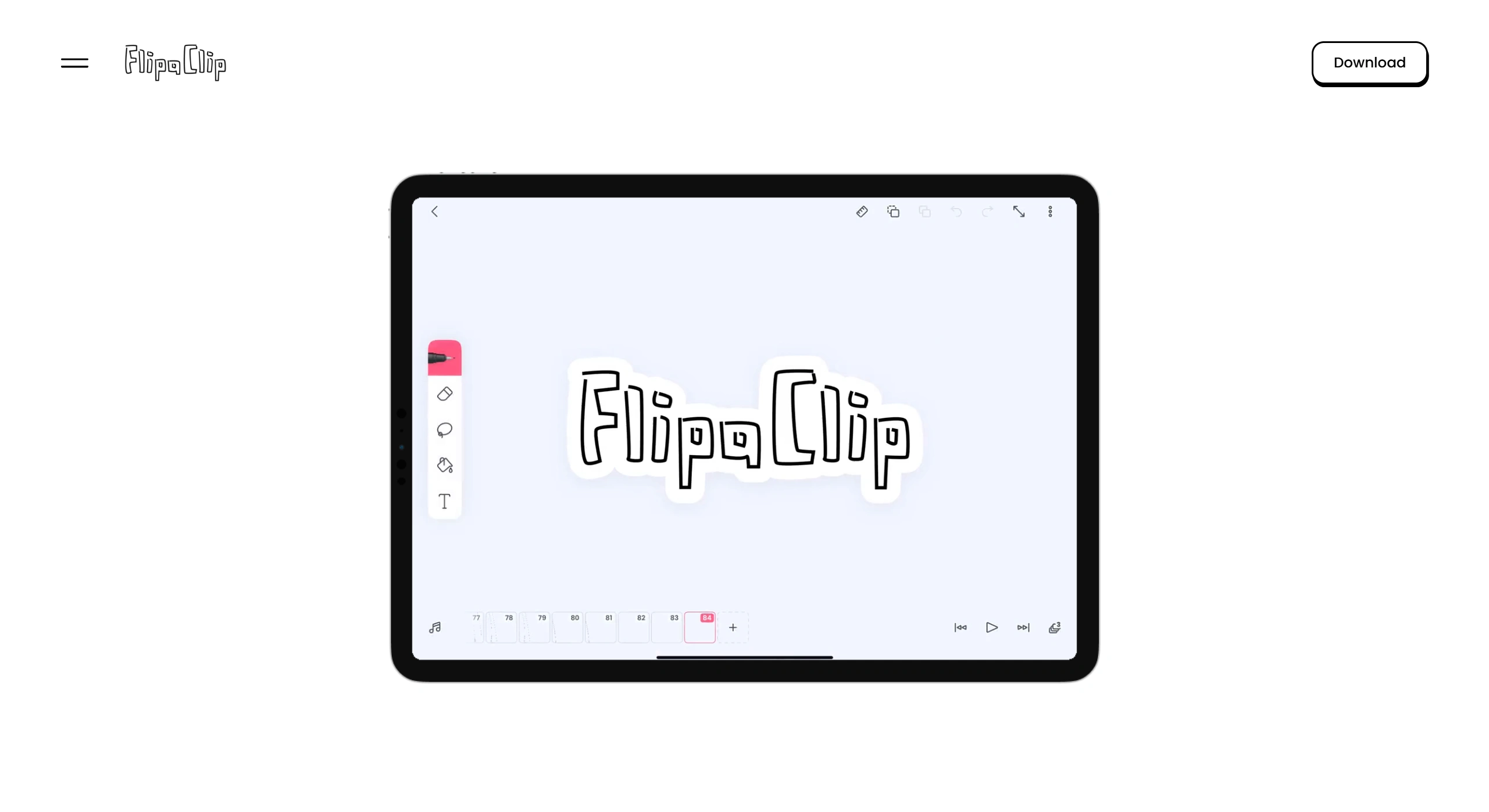
Onion skin & frame operations: Turn on the "Onion Skin" icon, tap "+" on the right-side timeline to add a new frame, and trace over the semi-transparent outline so the motion flows smoothly.
Duplicate & loop: Long-press a frame thumbnail and choose "Duplicate Right" to quickly add in-between frames; select several frames and tap "Loop 3×" to create the repeating portion of a GIF.
Add audio: Tap the music note icon at the bottom, choose "Record" or "Built-in SFX," and slide along the timeline to sync to mouth movement; Plus users can import their own background music and adjust volume levels.
Export & share: Tap "Make Movie" in the top-right corner, choose MP4 (HD 1080p) or GIF (1–3 second memes), and share with one tap to TikTok, WeChat, Weibo, or save to your photo gallery.
Advanced FlipaClip Tips
Layer management: Put backgrounds, characters, and effects on separate layers so you can export PNG sequences individually and drop them into AE to add particle effects later.
Keyframes + in-betweens: Draw the key poses first, then use "Onion Skin" at 30% opacity to fill in the in-between frames; bumping the frame rate to 24 fps gives you smooth motion.
Pressure-pen calibration: Enable "Pen Pressure" in settings and use a Huawei M-Pen or Apple Pencil to get variable line weight for better-looking strokes.
Community challenges: Weekly official contests—e.g., "Emoji Contest," "Holiday Theme"—feature winning works on the front page, helping you grow followers faster and offering Plus redemption codes as prizes.
FlipaClip turns "professional frame-by-frame animation" into "a flipbook in your pocket": low barrier to learn, a finished piece in ten minutes, and versatile enough for classroom demos and commercial ads alike. The free version covers everyday use, while the Plus subscription unlocks 4K and watermark-free exports and lets you connect to a computer for fine-tuning—making it a great starting point for mobile animation.
Related News:
AI Manga Image Generation Tools
2026 Recommendations: Review of 5 AI Manga Drama Production Tools











