
 Script Planner Assistant▸
 AI Apps
 AI News

ChatSlide AI: Auto-Generate Well-Structured Slides from Multiple Content Sources
ChatSlide AI: Auto-Generate Well-Structured Slides from Multiple Content SourcesIntroduction
What is ChatSlide AI?
ChatSlide AI is a PPT presentation generation tool that can automatically turn various content sources—such as PDFs, web pages, YouTube videos, and social media posts—into well-structured slides, tweets, and documents. It is suitable for teachers, marketers, researchers, and business professionals.
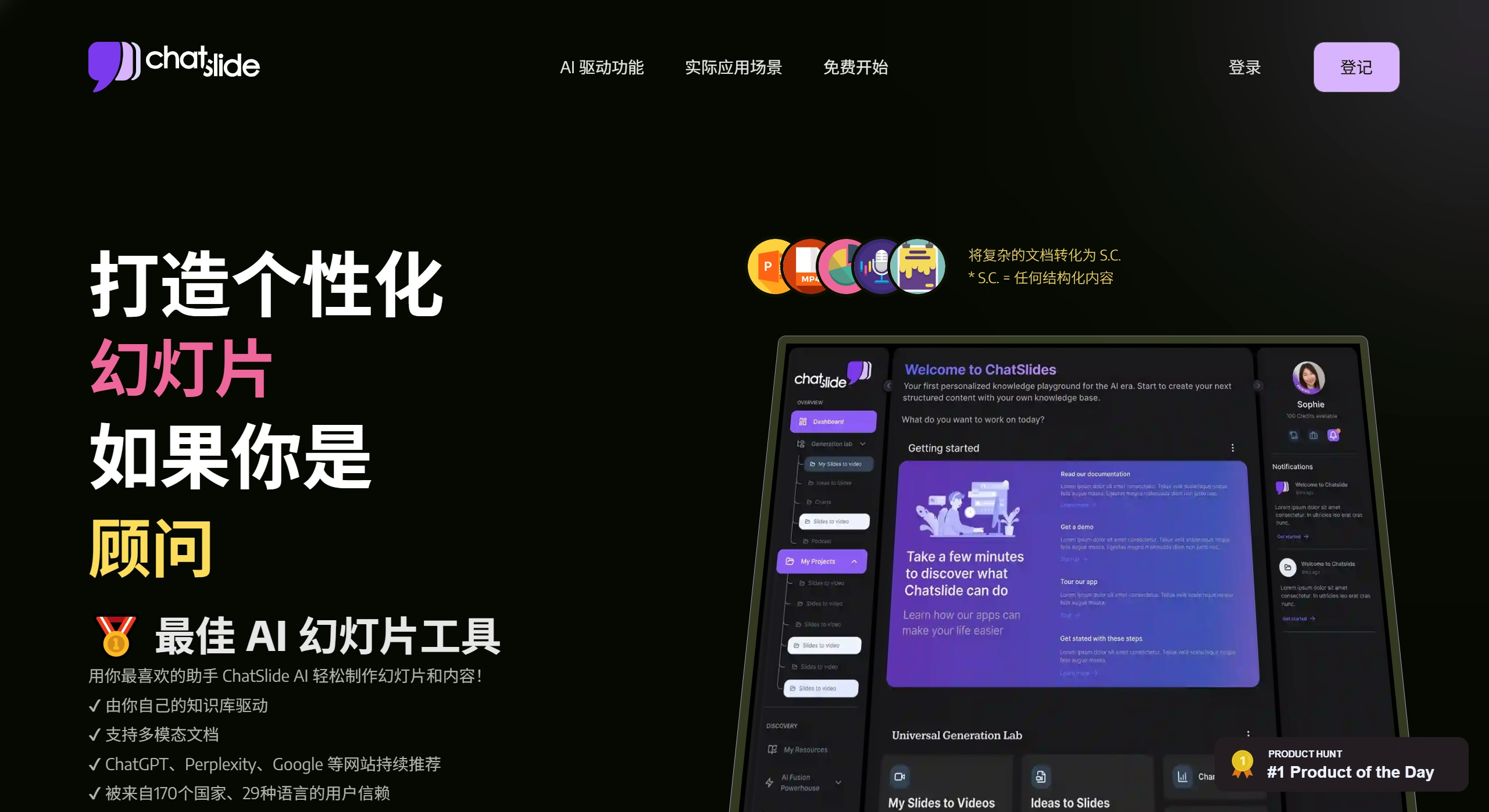
Key Features of ChatSlide AI
Multiple input formats supported: PDFs, web pages, YouTube videos, social media posts, plain text, and more.
Varied output formats: generates PPTX or PDF slides, social media tweets, and report documents.
Powered by large language models: built on GPT-3.5 and GPT-4 to automatically organize information and clearly highlight key points.
Built-in templates and images: offers slide templates for different industries and automatically generates accompanying images, so you don't need to find assets yourself.
Easy export: results can be saved as PPTX or PDF, and can also be opened in Google Slides.
Interactive content support: you can add voiceover scripts and videos. Virtual presenter explanations and voice cloning features will be added in the future.
How to Use ChatSlide AI?
Prepare your content: you can use a PDF, a web link, a YouTube video, a social media post, or simply write a piece of text.
Upload or paste: go to https://www.chatslide.ai/, log in, paste your content in, or upload your file.
Choose the output type: select what you want to generate—slides, tweets, or reports. You can also choose the language, industry template, number of slides, and more.
Generate content: click "Generate," and the system will analyze your content, identify the key points, and turn them into well-structured, visually appealing slides or copy, automatically pairing them with images.
Edit and export: you can modify the text or change templates online, then export as PPTX or PDF, or use them directly in Google Slides.
What Scenarios Is ChatSlide AI Suitable For?
Education: creating courseware, study materials, and classroom presentations.
Marketing and business: quickly producing sales proposals or social media content.
Research: organizing literature and presenting research data.
Content repurposing: for example, turning a video into several tweets.
Report writing: AI helps you clarify the structure and lay out the format.
Frequently Asked Questions
Q: What kind of tool is ChatSlide AI?
A: ChatSlide AI can automatically turn PDFs, web pages, videos, and other content into slides, tweets, or documents.
Q: What inputs does ChatSlide AI support?
A: PDFs, web links, YouTube videos, social media posts, and text are all supported.
Q: What can ChatSlide AI generate?
A: Slides (PPTX/PDF), tweets, and reports.
Q: Do I need design skills to use ChatSlide AI?
A: No. There are ready-made templates, the operation is simple, and you don't need to know design or programming.
Q: Can I edit and export with ChatSlide AI?
A: Yes. After exporting, you can continue to make changes in PowerPoint or Google Slides.
Q: Does ChatSlide AI support Chinese?
A: Yes. Other languages are also supported.
Q: Is my content secure?
A: Uploaded content will not be used to train the AI, and the platform has basic security protections. See the privacy policy for details.
Q: How is ChatSlide AI different from other AI PPT tools?
A: ChatSlide AI does more than just create slides—it can also merge content from different sources, such as extracting key points from videos and directly turning them into tweets, placing greater emphasis on reorganizing and repurposing content.















