Script Planner Assistant▸
 AI Apps
 AI News

AnimeTrace: AI-Powered Anime Image Search Engine
AnimeTrace: AI-Powered Anime Image Search EngineIntroduction
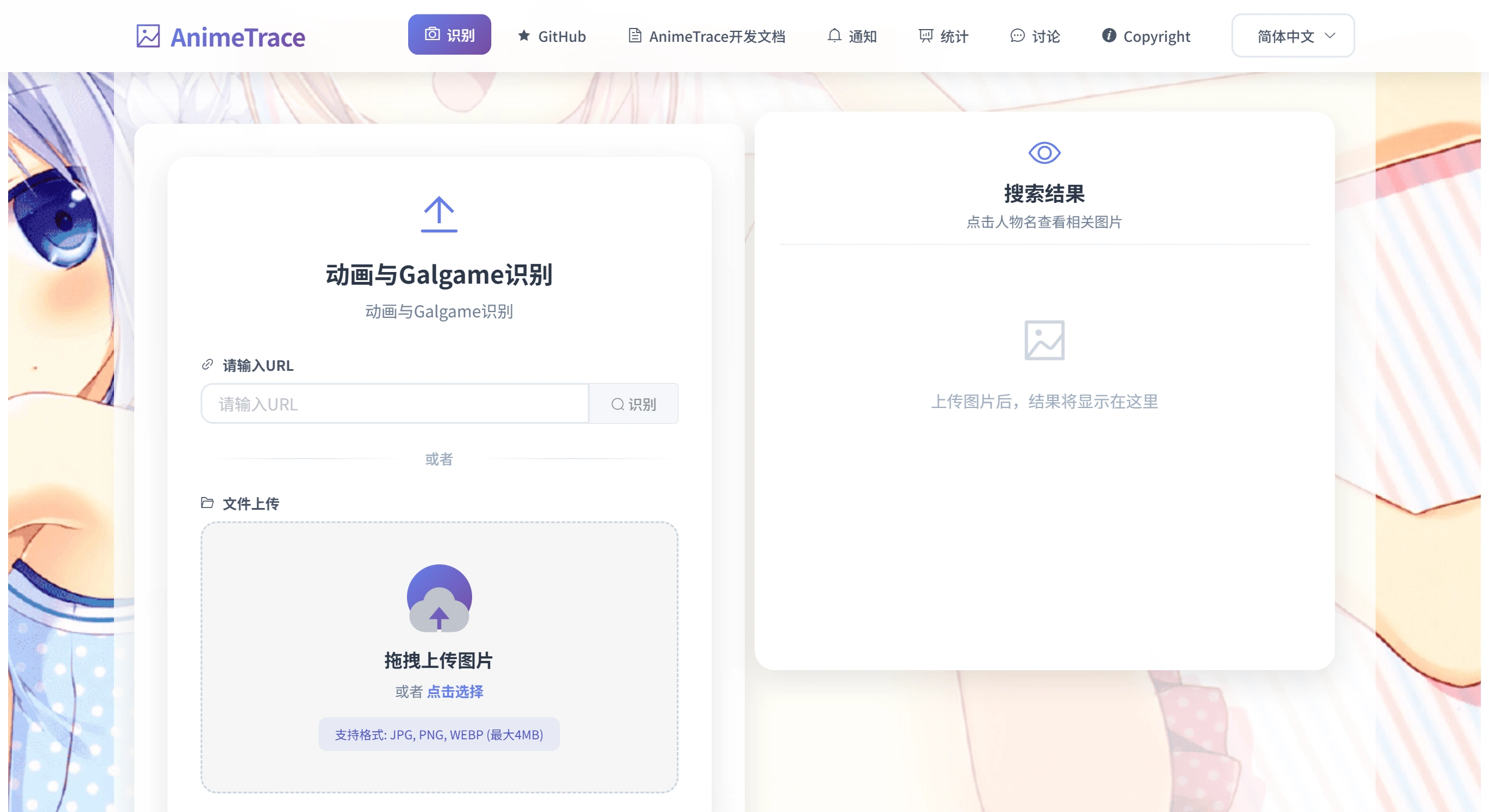
AnimeTrace is an online image recognition tool designed for anime and manga enthusiasts. It uses ai to quickly identify screenshots from anime, Galgame, or doujin illustrations. You simply upload an image, and within seconds the system can tell you the name of the character in the picture, which work it comes from, who the artist is, and even the relationships between characters. It also provides related images for you to confirm the result.
AnimeTrace Main Features
Multiple Upload Methods: You can drag and drop images into the designated area, paste screenshots directly from the clipboard, click the upload button to select a local file, or even enter the URL of an image.
Accurate Recognition: It can not only find the character and the work, but also locate the specific episode and timestamp, while providing similarity scores and multiple possible results for your reference.
Wide Range of Applications: In addition to common TV anime, it can also identify images from Galgames in some cases.
Great User Experience: The interface is simple and clean, with no ad distractions. You can provide feedback on the recognition results to help improve the system. Some introductions mention that it can also detect AI-generated content to avoid recognition errors.
Recognition Tips: Try to use screenshots with clear visuals and no large watermarks or black borders, as this will make recognition more accurate.
AnimeTrace Use Cases
Anime Viewers: If you see an exciting scene or expression pack but don't know which anime it's from, just upload the screenshot and the system will quickly tell you the title, episode, and even the exact timestamp of the line, saving you from searching manually.
Galgame Players: When you see a favorite character standing illustration or CG scene in a game, this tool can quickly identify the character and the game name, and also help you find other CGs and doujin illustrations of that character.
Doujin Creators: If you come across an illustration with a unique style and want to know the original character or the circle that inspired it, using AnimeTrace for reverse lookup can help you quickly gather materials and get inspiration.
Anime-Related Professionals: For example, content operators or editors who need to label the source of a work or copyright information can use batch recognition to get official links and author pages directly, reducing the risk of copyright infringement.
General Users: When you see images posted by others on social platforms or in groups, just save and upload them, and you'll immediately get the answer without having to ask around.
AnimeTrace Usage Steps
Open the AnimeTrace official website: ai.animedb.cn
Upload Image: You can drag local files directly to the recognition area in the middle; click the "Upload" button to select a file; or press Ctrl + V to paste a screenshot from the clipboard; you can also paste the URL of an online image in the input field.
Select Model: The system will first automatically detect whether the image is AI-generated. If it's an anime screenshot, you can choose the high-precision anime model ① or ②; if it's a Galgame standing illustration, select the high-precision GalGame model; if it's an older anime with lower resolution, choose the low-precision anime model.
Wait for Results: Wait 2 - 5 seconds, and the page will return the results, including the work name, character, episode, similarity, character relationships, and source links.
Follow-up Actions: You can click "Deep Trace" to view more detailed content; if you think the recognition result is wrong, use the "Feedback" button to inform the system and help it continuously optimize.
Ways to Improve Recognition Accuracy
The image should preferably contain a complete front-facing face of a person. Side profiles, back views, or group shots with many people will significantly reduce accuracy.
The image resolution should ideally be 1080P or above, and should avoid large areas of black borders, subtitles, and watermarks.
If there are multiple characters in the image, you can crop out the target character first before uploading.
If the image is in a doujin style and the recognition results vary significantly, you can switch models or try several times. If necessary, you can also manually search again using keywords.
Related News:
AI Manga Image Generation Tools
2026 Recommendations: Review of 5 AI Manga Drama Production Tools