
 Script Planner Assistant▸
 AI Apps
 AI News

Videoinu: An All-in-One AI Animation Studio for Long-Form Series
Videoinu: An All-in-One AI Animation Studio for Long-Form SeriesIntroduction
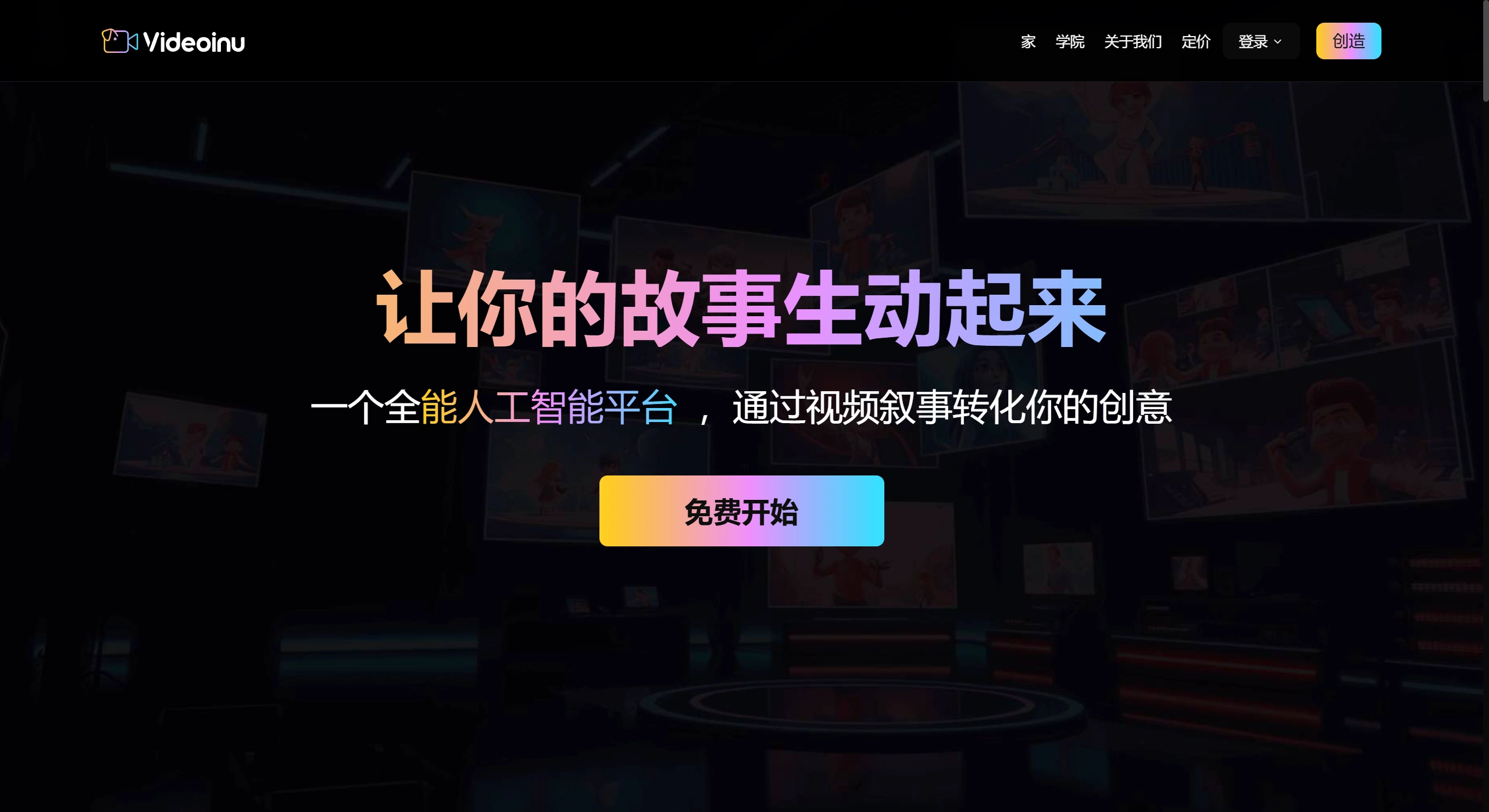
Videoinu is a cloud-based AI animation platform aimed at "zero-skill" users and "small teams" — perfect for beginners or small groups. Its main purpose is to turn written scripts directly into multi-episode animations. Think of it as a "one-person animation studio": scriptwriting, storyboarding, modeling, rendering, voice acting, and post-production can all be done within a single browser page. In as little as 30 seconds, or up to 30 minutes, you can produce a finished episode in 1080p or 4K.
Main Features of Videoinu
From Script to Storyboard: Paste in a text script and the AI will read and understand the content, break it down into structure and storyboards, and arrange pacing and transitions based on the plot. Ideal for producing many episodes at once with a consistent style.
Consistent Characters and Styles: Comes with an AI character generator and several preset styles, such as cartoon, watercolor storybook, and anime, so characters look and feel the same across different shots and episodes.
Voice Acting and Lip Sync: Supports AI voices in over 30 languages, with emotion, and can match mouth movements to speech for a more realistic and immersive feel.
Scenes and Animation: Write a scene description and the AI will generate the background. Over 10,000 preset actions and expressions are available, making edits quick and batch production easy.
Editing and Post-Production: Assemble footage on a browser-based timeline. Add scenes with one click, drop in music and transitions, and run automatic checks. Offline editing and cloud rendering can be used together.
Output and Commercial Use: Each episode can be up to about 30 minutes long with solid quality, ready for direct commercial use, including branded content.
Multiple Styles: Switch freely between 2D cartoon, watercolor picture book, 3D semi-realistic, cel-shaded, and low-poly looks. Color schemes and camera movements can be adjusted in plain language.
Things to Watch Out for When Making Long Series
Character Consistency: Lock in a character's name, appearance, colors, and motion tags. Check important episodes for any visual drift and batch-fix changes when needed.
Style Continuity: Set a baseline for color and lighting across the whole series, and stick to it for scenes and post-production so episodes don't feel disjointed.
Lip Sync and Multi-Language: When producing different language versions, try to keep the same emotion and speaking pace to avoid constantly redoing lip sync.
Scene Reuse: For recurring scenes like rooms, streets, or empty establishing shots, save their parameters so they can be reused and lightly tweaked across episodes.
Quality Checks: Turn on smart detection to find audio-visual desync, broken visuals, and subtitle errors. Get comfortable with a "generate — check — fix" workflow.
Suitable Scenarios and Output Requirements for Videoinu
Suitable Scenarios
Novel Promotion: Paste in a 2,000-word chapter and produce a two-minute animation in ten minutes — up to three videos a day.
Educational Videos: Turn PPT copy directly into a five-minute animation with automatic Chinese and English voiceover, speeding up course production.
Small Businesses: Turn product descriptions into one-minute animated ads without hiring an outside studio, saving significant cost.
Output Requirements
Keep each episode under 30 minutes; longer stories should be split into segments based on plot.
Choose resolution and format based on the publishing platform, and edit either in the browser or offline.
The finished videos can be used for monetization and brand promotion.
How to Use Videoinu
Input Script and Mark Key Points: Paste the script into the platform and clearly mark scenes, characters, actions, and emotions. The AI will automatically create storyboards and arrange pacing and transitions.
Choose Style and Characters: Pick your desired visual style, select characters from templates, and unify their names, appearance, and colors to ensure consistency across shots and episodes.
Create Storyboards and Refine Details: Generate storyboards with a click, or upload your own sketches. The AI will recognize characters, objects, and backgrounds, automatically arrange actions and transitions. Use the timeline to fine-tune timing and camera work when needed.
Voice Acting and Lip Sync: Choose language and voice, and the AI will generate narration or dialogue. Enable lip sync so mouths match the speech.
Edit and Export: Assemble shots, add transitions, align subtitles and audio in the browser, then export a finished video suited to the platform. Each episode can run up to about 30 minutes and is ready for commercial use.
Videoinu Pricing and Requirements
The free tier includes 180 minutes of rendering, enough to make roughly 3 to 4 one-minute clips.
The paid Pro plan is $99 per month, with cheaper rendering and unlimited commercial use.
Low hardware requirements — any computer that can run Chrome will do. 4K rendering is handled by NVIDIA H100 GPUs in the cloud.
Common Issues and Solutions
Inconsistent Character Appearance: Lock in each character's name, look, colors, and motion tags. Check important episodes and batch-fix any inconsistencies.
Lip Sync Out of Sync: Check whether speaking pace and pauses match the shot rhythm. If not, re-record or adjust lip sync individually.
Jerky Motion or Abrupt Transitions: Mark key actions during storyboarding, use the AI's suggested actions and transitions, and adjust easing in and out on the timeline.
Audio-Video Out of Sync: Use the platform's detection tool to locate problem areas, then adjust voiceover timing or re-record dialogue.
Export Failure or File Too Large: Match resolution and bitrate to the platform's requirements, and split overly long videos into segments of 30 minutes or less before exporting.











