
 Script Planner Assistant▸
 AI Apps
 AI News

LittleGames: Free Online Mini Games for Kids and Families
LittleGames: Free Online Mini Games for Kids and FamiliesIntroduction
What is Little Games
Little Games is an online mini-game platform for kids and families — no downloads required, just open a browser and start playing. It offers a wide range of games including action, adventure, puzzle, racing, and simulation, with varying difficulty and gameplay so every type of player can find something they enjoy. The interface is simple, categories are clearly organized, and kids and players alike will find it relaxing and fun whenever they play.
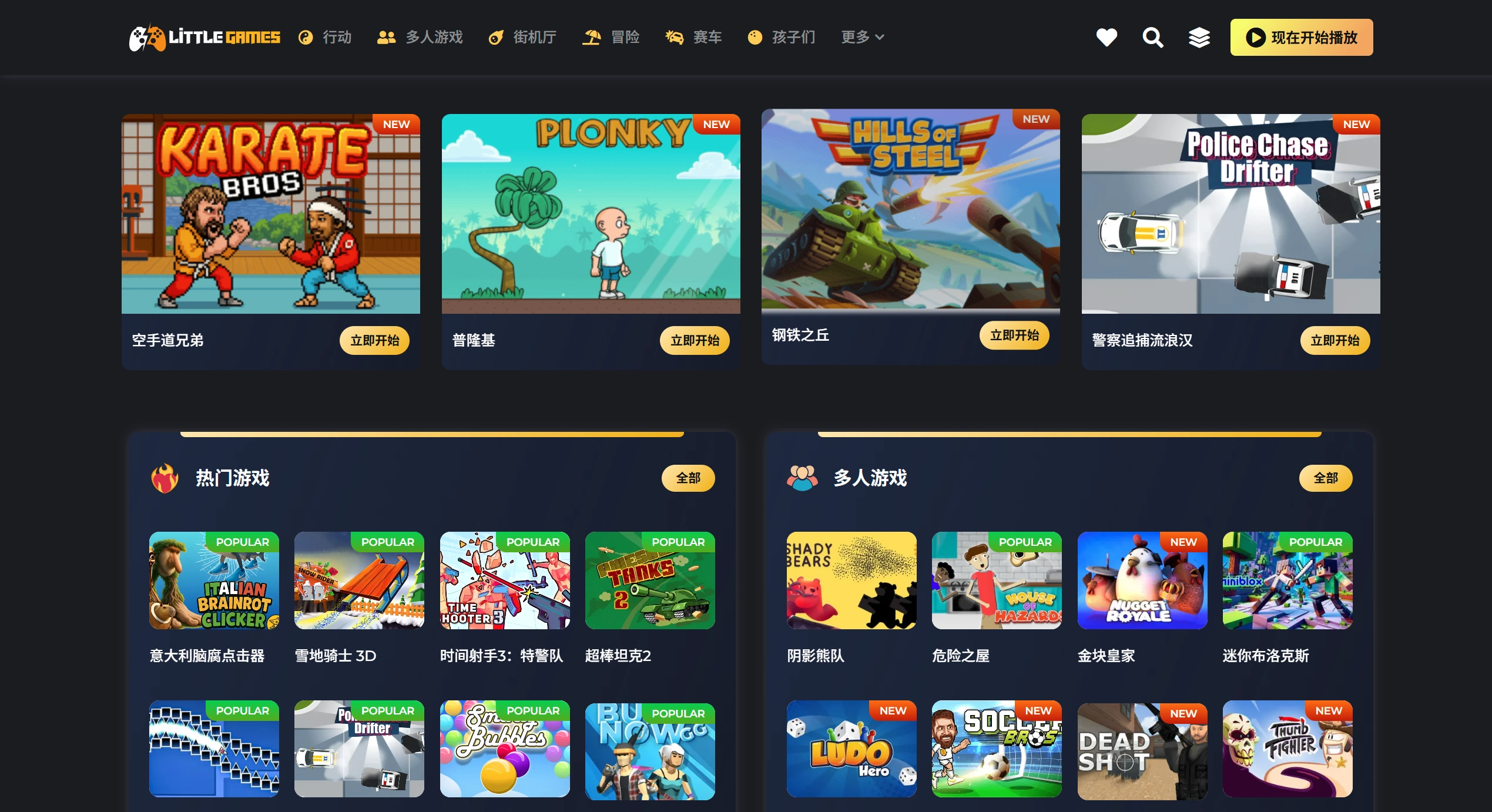
LittleGames Features
Wide game selection: From lively action adventures to brain-teasing puzzles and relaxing sims — the variety is comprehensive.
Instant play: All games run in the browser, no installation needed, and they start quickly on phones, tablets, and computers.
Categorized browsing: Divided into action, adventure, strategy, simulation, arcade, kids, racing, puzzle, etc., so it's easy to find what you want.
Popular and curated picks: Popular games are updated frequently and ranked by player preference; curated games are handpicked by editors for high quality and fresh experiences.
User-friendly interface: Clear menus and quick loading — even kids can pick it up fast.
Player community: Chat about games with people around the world and discover more fun titles.
Simple controls: On PC, most games use arrow keys or WASD plus Space or the mouse; on mobile, virtual buttons are provided and the layout adjusts automatically between landscape and portrait.
LittleGames Use Cases
After-school play: Relax with a light puzzle or casual game after studying.
Playing with family: Parents and kids can enjoy action adventures or kids' games together, learning while having fun.
Competing with friends: Play or compete with friends in multiplayer games to see who is faster or more creative.
Discovering new interests: Try different categories and possibly find new favorite gameplay styles or skills.
On the go: As long as you have internet, just open a browser to play — great for passing time while waiting or traveling.
How to Use LittleGames
Go to the site: Visit littlegames.io — no sign-up needed to get started.
Choose an entry point:
Play now: Pick the category you want — action, puzzle, casual, etc.;
Most popular games: See what everyone is playing right now;
Featured games: Play the editors' top picks;
Browse by genre: Find what you want to play quickly by category.
Launch a game: It opens directly in the browser, playable in fullscreen or in a small window.
Play and share: Have fun, and recommend good games to friends or family.
Join the community: Check platform updates, chat with others about games, and learn about new titles and events.
Tips
Press F11 on your computer to go fullscreen and hide the browser bar for a larger view.
On mobile, set the browser to the desktop site to remove the bottom toolbar for smoother play.
There's a Highscores leaderboard below the game — after playing, click Submit Score and your name will appear on the board for a week.
If the game loads slowly, disable hardware acceleration in your browser and refresh; even older computers can speed up entry this way.















