
 Script Planner Assistant▸
 AI Apps
 AI News

Pixso AI: The Next-Gen UI Design Tool to Replace Sketch & Figma
Pixso AI: The Next-Gen UI Design Tool to Replace Sketch & FigmaIntroduction
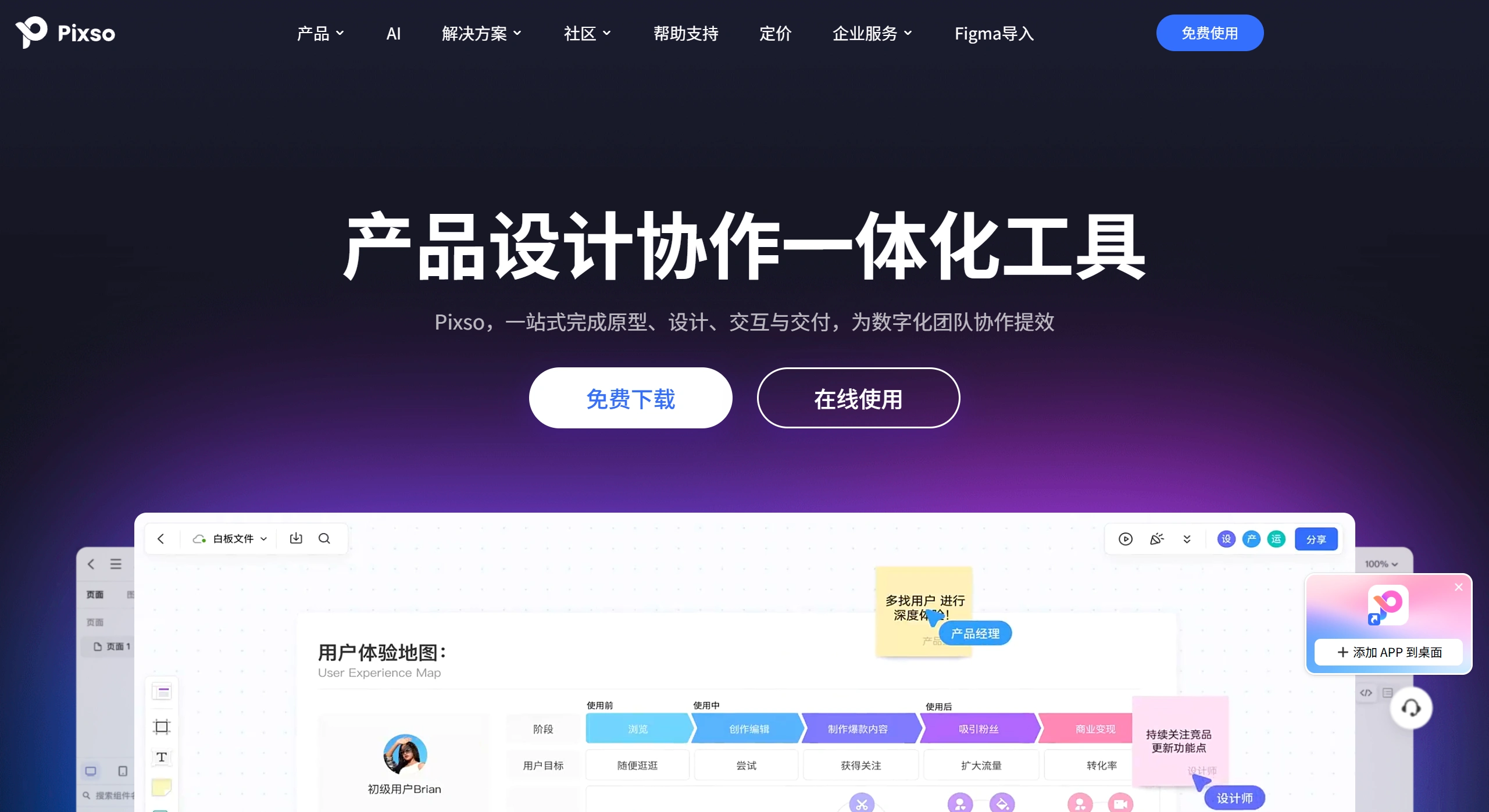
Pixso ai is a new generation of UI design tool that can replace Sketch and Figma, developed by Pixso.cn (Bosi Cloud Creation) under Wondershare. It lets you do whiteboard, UI/UX design, prototyping, and handoff all in one place. It focuses on cloud-based collaboration, link-based delivery, online measurement, and code generation, and can serve as a replacement for foreign tools like Figma, Sketch, Adobe XD, and Axure. It also offers Windows, macOS, Linux desktop clients, and a web version.
Main Features of Pixso AI
Whiteboard & Collaboration: An infinite canvas for brainstorming, organizing workflows, and managing progress; multiple people can work together, with comments and feedback kept in one place.
UI/UX Design: Includes component variants, auto layout, style references, vector grids, boolean operations, smart typography, and more, making design faster and more consistent.
High-Fidelity Prototyping: Create page jumps, popups, scrolling, dragging, and transition animations, with various animation curves, triggerable by gestures or mouse, viewable and testable online.
Link-Based Handoff & Dev Handoff: Send a link with one click so others can view measurements and design parameters online; export assets and generate code for front-end use, including Android.
Design System Reuse: Includes design systems from major companies and community resources, allowing teams to centrally manage component libraries and styles that can be used across different files.
AI Capabilities: AI image generation, icon generation, multilingual copywriting, inspiration discovery, AI-generated design specs, element checklist checking, etc., to help with design and spec definition.
Compatibility & Import/Export: Supports import and export of Sketch, Adobe XD, SVG, Figma and other formats, making tool switching easier.
Versioning & Permissions: Automatic cloud storage with quick recovery of older versions; ownership can be transferred, and granular control over who can view and who can edit is available.
Pixso AI Applications
Product Planning & Prototype Demo: Use the whiteboard to organize requirements and information architecture, quickly build interactive high-fidelity prototypes for review and testing.
UI/UX Design & Component Library Building: Use auto layout and component variants to build a unified design system, keeping the experience consistent across product lines.
R&D Handoff & Collaboration: Deliver design files via link, allowing others to view measurements and code online; front-end developers can directly grab assets, reducing back-and-forth communication.
Design Review & Feedback Loop: Comment within files, compare versions, replay processes, record decisions and changes for easy lookup and review later.
How to Use Pixso AI
Create & Invite: After signing up, create a project, send a link to invite people, and set permissions for who can view, comment, and edit.
Build the Interface: Pull components from built-in templates, community resources, or your team's component library; use auto layout and style references to keep things consistent.
Add Interactions: Set up jumps, popups, scrolling, and animations for artboards and content; test effects using preview or the player.
Handoff & Collaboration: Send the link to relevant people so they can view measurements and code online; export assets with one click when needed, and developers can use them directly.
Pixso AI connects AI generation, variable systems, and D2C handoff into one smooth workflow: start with requirements, then use AI to produce drafts, rely on variables to maintain uniformity, generate code with D2C, and finally conduct online review. The entire process is completed in a single file on a single platform, with no plugins to install. Individuals can work 3x faster, teams 5x faster, and HarmonyOS and cross-platform projects can use it directly.














