
 Script Planner Assistant▸
 AI Apps
 AI News

Yizhi Map: Map Maker for Novels, Games & Fictional Worlds
Yizhi Map: Map Maker for Novels, Games & Fictional WorldsIntroduction
Easy-Map (易制地图) is a tool for drawing maps. It can create maps for novels, fictional worlds, TRPG sessions, murder mystery scripts, board games, games, or regional maps. It also includes features such as auto-generated fictional continents, a wide variety of assets and texture brushes, line/fill/text styles, layers, sharing and collaboration, large-size multi-tile canvases, and image export. A single account supports syncing your progress between the desktop web version, Android, and iPhone.
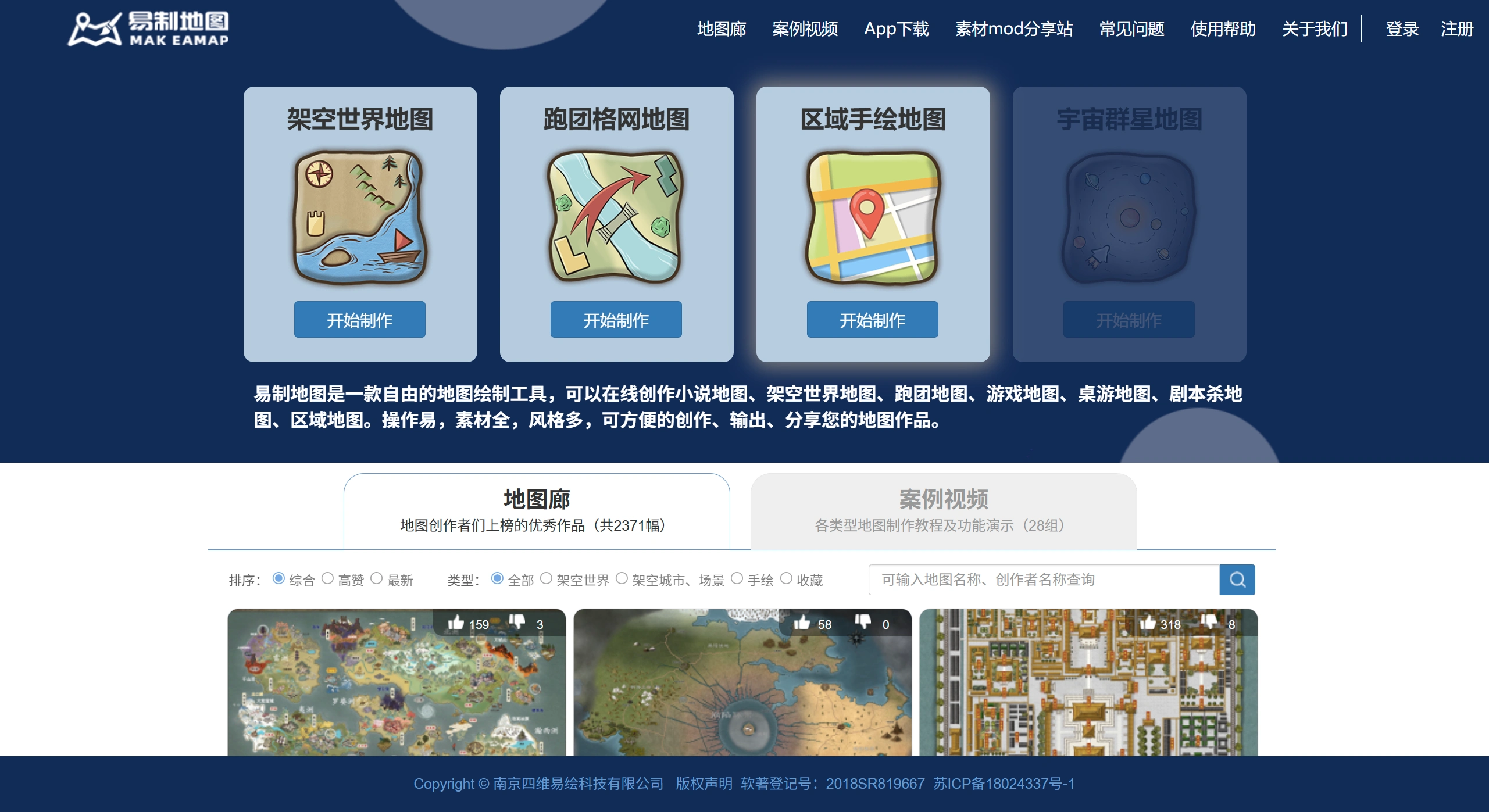
Easy-Map Main Features
Great for fictional or imaginary maps: It can randomly generate the shape of a continent, and you can then add mountains, rivers, cities, and borders on top. It's ideal for writing novels, running TRPG sessions, murder mystery scripts, board games, or game design projects.
A rich library of assets and brushes:
There are plenty of PNG elements such as mountains, trees, buildings, monsters, and markers that you can drag and drop directly onto your map;
Texture brushes for grass, snow, desert, and more let you paint terrain directly, similar to Photoshop;
You can use multiple layers, and each layer can be locked, hidden, or have its transparency adjusted, making it much easier to build complex effects.
Collaboration and export:
The same account syncs in real time across the web version and apps;
Multiple people can edit the same map online at once, and you can share via a link;
You can export clear, high-definition PNG images up to 8000 pixels on the longest side—ready to drop into a ppt, print, or share in a fan group.
Some special features:
With one click, you can wrap your flat map onto a 3D globe, where you can zoom in, zoom out, and rotate to view it—a really cool effect;
You can add text annotation styles to the map, such as seal script, handwriting, and stone-carving effects, which work just as well for a Chinese-style look as for Western fantasy settings.
Use Cases for Easy-Map
For web novel or fantasy writers: Start by randomly generating a continent, then use brushes to add terrain and drop in city icons. You can produce a battle map in about half an hour.
For murder mystery venue owners: Draw your rooms as a top-down view. Put walls on Layer 1, clue markers on Layer 2, and the host's notes on Layer 3. Before opening night, export a high-definition image and print it directly.
For TRPG GMs/DMs: Cast the map to a screen during the session and paint in a volcanic eruption or a forest on the fly as the story unfolds, which gives players a stronger sense of immersion.
For educators or exhibition curators: A history teacher creating a map of Zheng He's voyages can drag sailing ship icons from the asset library onto each waypoint, connect them with lines, and export the result to embed in the course slides.
Easy-Map Portal and Versions
Web version: https://www.makeamap.cn
Mobile version: Search for "易制地图" in the Tencent App Store (Tencent Yingyongbao), Wandoujia, Huawei AppGallery, or Xiaomi GetApps to download.
With the same account, your progress syncs automatically across all three platforms. Sketch ideas on your phone on the go, then fine-tune them on your computer when you get home.
Get Started with Easy-Map in Three Steps
Register first, then create a new map and choose either a randomly generated continent or a blank canvas.
Pick assets or brushes on the left, and in the layers panel on the right, create three layers—"Terrain," "Cities," and "Text." Paint the terrain first, then drag in cities, and finally add annotations.















