
 Script Planner Assistant▸
 AI Apps
 AI News

Doc3: AI Translation & CAT Tool by iDioma
Doc3: AI Translation & CAT Tool by iDiomaIntroduction
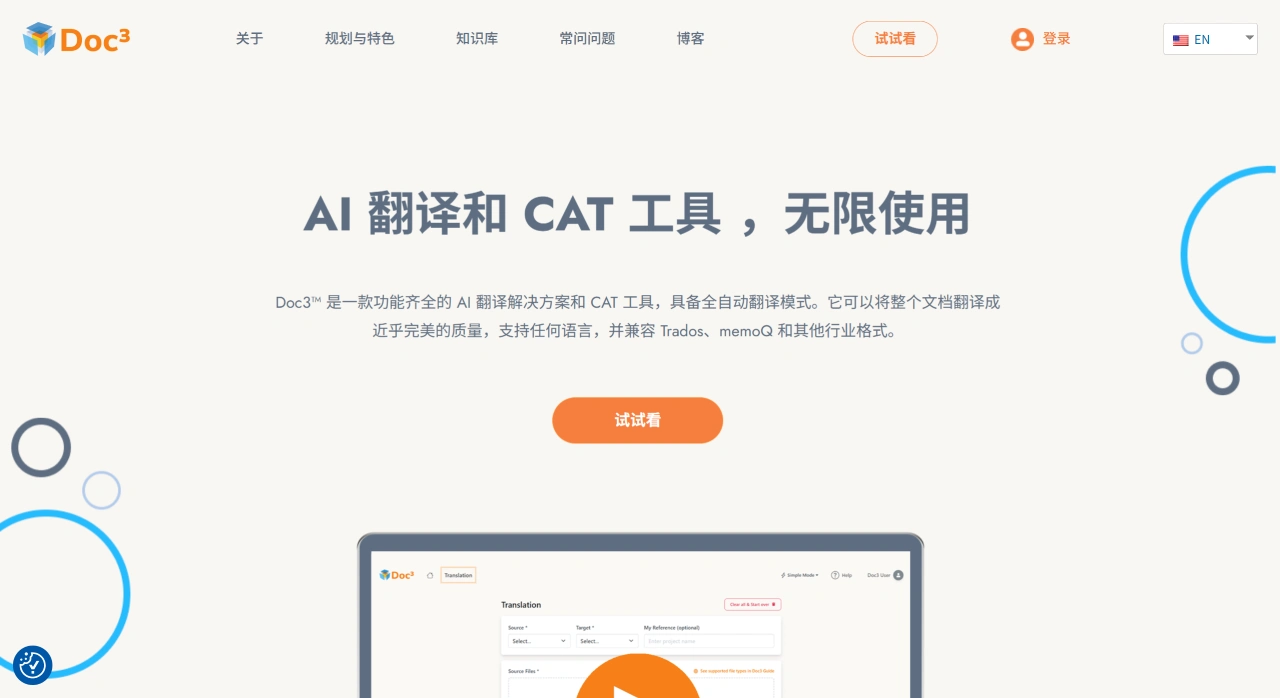
Doc3™ is an AI translation and CAT tool launched by idioma for freelance translators, LSPs, and enterprises, supporting cloud-based and local translation project management and collaboration. All users get free access to the built-in DeepL API connector. Doc3 is suited to everyday translation and localization workflows and handles standard translation file formats.
Doc3 Core Features
Free built-in DeepL API connector: Call DeepL directly within the tool to improve translation consistency and efficiency.
Advanced translation memory management: Centrally manage, edit, and reuse historical translations and translation memories in your private cloud space, saving time and ensuring consistency across projects.
Real-time quality assurance and style guides: Customize rules to check as you translate, reducing rework.
Proprietary neural machine translation engine: In addition to public machine translation, offers proprietary neural machine translation capabilities covering more than 20 languages.
Single subscription plan: $15/month includes all premium features, including private cloud space, proprietary neural machine translation, real-time quality assurance, and advanced translation memory management.
Multi-format compatibility: Supports intermediate formats such as SDLXLIFF, MQXLIFF, and TRANSIT TPF, and is also compatible with all standard translation file formats.
Free version available: Fully featured, suitable for low-volume translators and beginners.
These points highlight Doc3's key advantages in efficiency, quality, and cost.
How to Get Started with Doc3 Quickly
Sign up and log in: Visit doc3.com to create an account; freelance translators can register through Link 2.
Create a new project and import files: Follow the wizard to create a project and import files to be translated (supports standard formats and common intermediate formats).
Choose a machine translation engine: In the editor, choose DeepL or Doc3's proprietary neural machine translation (covering 20+ languages) for pre-translation and assistance.
Translation and quality assurance: Use real-time QA and style guides to check as you translate, ensuring consistency in terminology and style.
Reuse translation memories: Manage and invoke historical translation memories in your private cloud space to increase reuse and consistency.
Export and deliver: After completing review, export the target file as needed and proceed to delivery.
These steps cover the key stages from project creation to delivery, allowing beginners to get started quickly.
Who Doc3 Is For & Use Cases
Freelance translators: Start at low cost, upgrade to the $15/month professional edition as needed for full access to premium features.
LSPs and localization teams: Use private cloud space and advanced translation memory management to unify terminology and style, improving collaboration efficiency.
Enterprises/institutions: Introduce neural machine translation and quality assurance capabilities at a controllable cost, optimizing multilingual content production.
Teaching and training: The free version is suitable for courses and hands-on practice, convenient for teaching and self-study.
Doc3 Pricing
| Plan | Price | Main limits/benefits |
|---|---|---|
| Limited | Free forever | Single file ≤ 300 words, 1 active project at a time, no feature restrictions |
| Unlimited | $15/month | No word or project limits; open API; priority email support |
| Add-on packages (optional) | Low-cost subscription | Private cloud expansion, direct DeepL API access, multi-seat teams (pricing not listed on the site; inquire for details) |
Doc3 Strengths and Weaknesses
Strengths
$15/month truly delivers "unlimited" usage, a relatively low price in the industry.
Native integration of artificial intelligence and computer-assisted translation, avoiding the breaks of an "MT → human → import/export" workflow.
Compatible with all formats, reducing toolchain costs.
Meets GDPR-level data security, suitable for European businesses or companies with cross-border compliance needs.
Weaknesses
The free version's 300-word limit is low; trial translations of long texts require a paid plan.
The user interface is currently only available in English and Japanese; a Chinese interface is in the planning stage.
Offline work is not supported at this time; an internet connection is required.















