
 Script Planner Assistant▸
 AI Apps
 AI News

MCreator: An Open-Source Free Visual Mod Maker for Minecraft
MCreator: An Open-Source Free Visual Mod Maker for MinecraftIntroduction
MCreator is an open-source, free visual mod-making tool, and it is also a mainstream visual mod and data pack development tool for Minecraft, usable for creating content on both the Java Edition and Bedrock Edition. It supports building elements and logic through drag-and-drop and forms, and also provides an integrated code editor for advanced extensions. It can create Java Edition mods (compatible with Forge/Fabric), Bedrock Edition add-ons, and data packs. It has a built-in testing environment and a one-click export function, making it suitable for beginners and teaching.
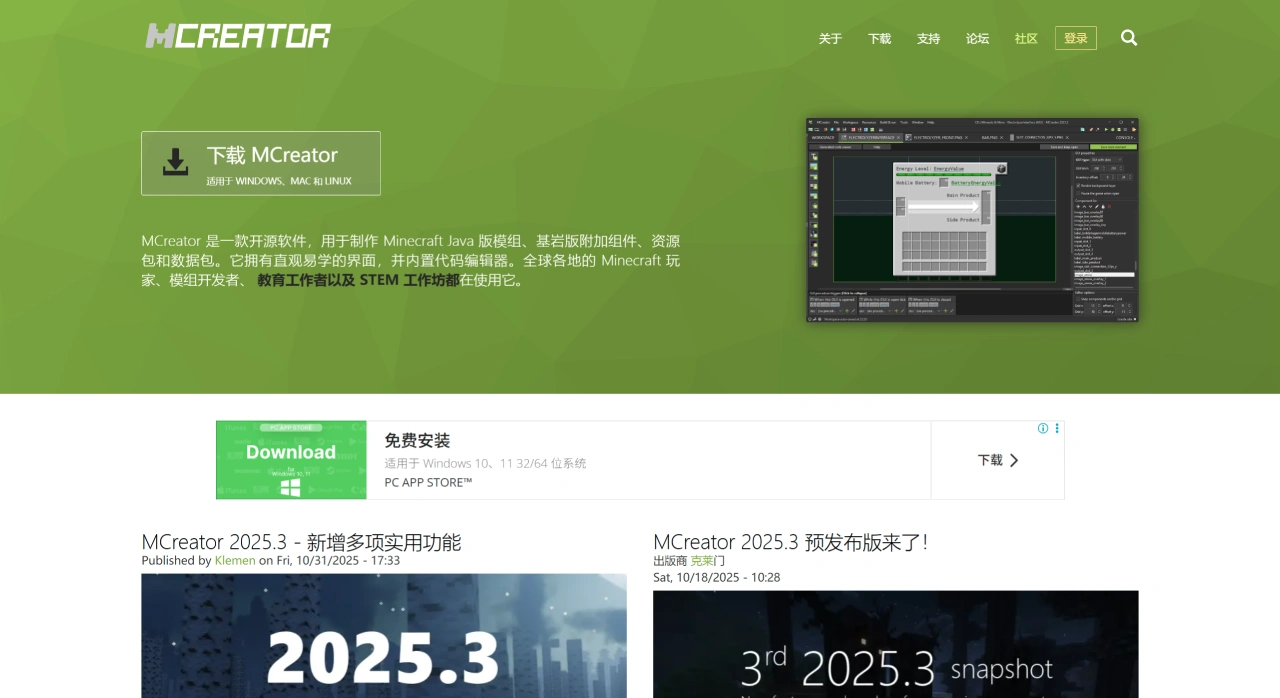
MCreator Core Features and Highlights
Visual and Low-Code: Use graphical programming to define blocks, items, creatures, and mechanics, requiring little to no handwritten Java code.
Cross-Platform Output: Natively supports Java Edition mods and Bedrock Edition add-ons, and can also export data packs.
Asset and Art Tools: Includes a built-in texture creator, animation creator, and resource browser for quickly creating and managing assets.
Testing and Debugging: Has built-in client and server testing environments for testing while editing, reducing iteration costs.
Code Extension: Provides an editor with syntax highlighting and auto-completion, supporting viewing Minecraft and Forge source code for advanced customization.
Community and Tutorials: Many official and community tutorials and examples are available, making it easy to get started with abundant resources.
MCreator Version and Platform Support
Supported Platforms: Supports Windows, macOS, and Linux systems.
Java Runtime: Requires JRE to be installed; Java 17 or later is recommended for the development environment.
Mod Loaders: Natively primarily supports Forge, while Fabric and Quilt can be supported via plugins.
Bedrock Edition Support: Can generate Bedrock Add-Ons, with a different focus compared to the Java Edition.
Mobile: Does not provide an Android APK.
MCreator Quick Start Guide
Download and Installation: Installation packages for Windows (including portable edition), macOS, and Linux can be downloaded from the official website. The installer comes with OpenJDK 21, so no additional Java configuration is required. Before installing a major version, it is recommended to uninstall the old version or back up the workspace; the 2025.3 version has released patch build 45720, which fixes bugs such as Linux installation failure, and re-downloading the installation package will automatically integrate it.
Quick Start Process: Taking creating a new item as an example, launch MCreator, create a new Workspace, select the corresponding Minecraft version, Forge, or NeoForge; in the left "+ Mod Element", select Item, fill in the ID, texture, Creative Tab, and stack size; if a right-click trigger effect is needed, drag " When right clicked" in Procedures, and then write the logic; after saving, click "Build & Run", it will automatically compile and launch the testing environment, and after confirming everything is fine, you can export the *.jar file for release.
MCreator Use Cases
Education and Introduction: In classrooms and STEM workshops, people with zero background can create playable content and quickly gain a sense of accomplishment.
Player Creation: Can create blocks, items, creatures, and mechanics, enriching world and server gameplay with one-click export.
Prototype Verification: Planners can use visual logic to quickly try things out, adjusting values while playing, shortening early development time.
Cross-Platform Distribution: Simultaneously supports Java Edition mods and Bedrock Edition add-ons, and can also produce data packs.
Content Expansion: Combined with modeling tools to create custom models and animations, forming a complete "Art + Mechanics" content package.
If you want to quickly create Java Edition mods or data packs without learning Java from scratch and dealing with the tedious configuration of Forge, MCreator is a great choice. After installation, you can create "guns" and "machines" and change the world through simple operations, while advanced players can also insert code at any time for in-depth exploration.















