
 Script Planner Assistant▸
 AI Apps
 AI News

AI PPT Maker: Free Online AI Presentation Generator
AI PPT Maker: Free Online AI Presentation GeneratorIntroduction
ai ppt Maker — What is it?
AI PPT Maker is a free online tool for creating PPTs with AI. It uses ChatGPT and DeepSeek technology and can quickly turn text, PDFs, YouTube videos, and audio into professional PPTs. It can produce 20+ slides in 20 seconds, offers over 1,000 free templates, and provides 10 colors, 7 styles, 9 categories, and 12 language options. It supports custom editing, as well as downloading and sharing, making it suitable for business meetings, teaching, investor roadshows, and similar occasions. Using it is just three steps: input content, choose a template, generate and download.
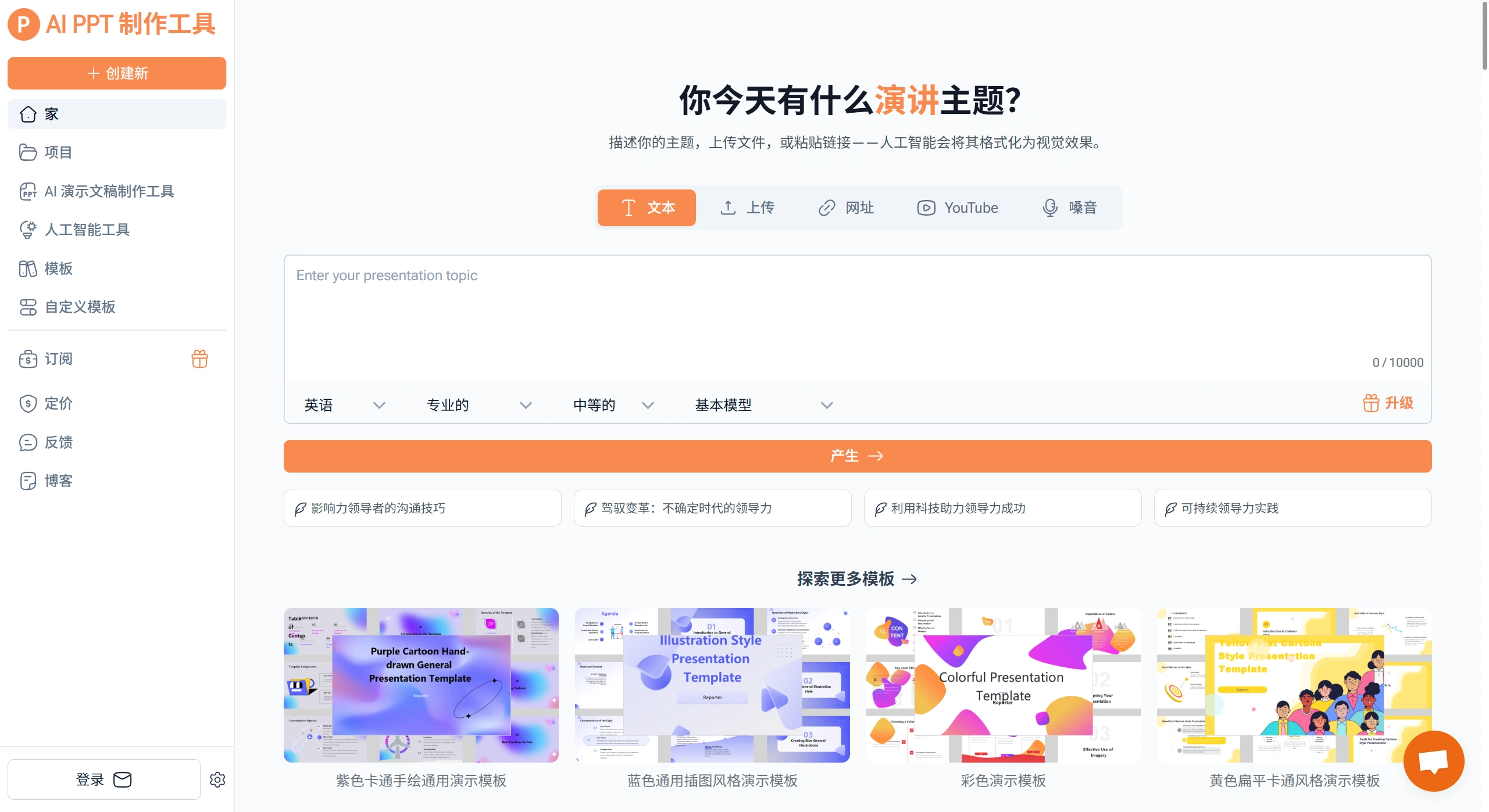
AI PPT Maker Core Features
Content Conversion: Supports many input formats — for example, PDFs, text, YouTube videos, and websites can all be directly converted into PPTs. The AI accurately captures key points, preserves the original content and structure, and automatically organizes them into a clear outline.
Templates and Customization: Over 1,000 free, easy-to-use templates are available, with a wide range of colors, styles, categories, and languages. You can also add your own touches, such as using your own templates, adding brand logos, adjusting layout, and changing colors and text to suit your needs.
Assistance and Collaboration: AI helps create PPT outlines and speech outlines. It also supports online collaborative editing and lets you replay presentations, making it great for teams.
AI PPT Maker Workflow
Step 1: Input content or upload files — such as text, PDFs, or videos — and the AI will analyze them and generate an outline.
Step 2: Choose a template style you like from the wide selection, and set the number of pages and other options.
Step 3: Click Generate. Once it's done, preview it, make any edits you want, then download or share.
AI PPT Maker Use Cases
Business: Quickly turn notes and reports into professional slides for meetings. When meeting clients, you can create proposals and project reports that look clearer. When pitching to investors, upload your business plan and financial data to generate a roadshow PPT.
Education: Teachers can turn lesson plans and courseware into attractive slides using education-specific templates. For training sessions, you can create tutorials and workshop materials, saving design time.
Other: Slides can accompany speeches and webinars. Personal projects, travel plans, and hobby sharing can also be turned into presentable PPTs, making them easier to share with others.
AI PPT Maker Advantages
Fast to create, saving significant time so you can focus on content. Easy to use — no design skills required, just three steps to finish. The output looks professional, with attractive templates and clean layouts that work for any occasion. It accepts multiple input formats and is highly customizable, meeting a wide range of needs.
Frequently Asked Questions
Q: What are the main advantages of AI PPT Maker?
A: Mainly three points. First, it's fast — it can generate 20+ slides in 20 seconds, much faster than doing it by hand. Second, it accepts a wide range of inputs, including text, PDFs (≤50MB), YouTube videos, and audio (≤100MB), giving it broad source compatibility. Third, it's affordable and easy to use — there are many templates that are free, fully customizable, and even users without a design background can produce great PPTs.
Q: What occasions is AI PPT Maker suitable for, and what does it do in each?
A: It's suitable for business, education, presentations, and personal use. In business, reports and proposals can quickly become professional slides, saving preparation time. In education, dedicated education templates make it easier for teachers to create courseware and training materials. For presentations, it can organize scripts and videos into clear decks that help keep the audience engaged. For personal use, you can turn projects, trips, and hobbies into attractive PPTs that are easy to present.
Q: Is AI PPT Maker safe to use? Can it meet personalization and branding needs?
A: On safety, uploaded files are handled using industry-standard encryption, used only to create PPTs, and never shared with others, protecting your privacy and data. To customize the look or add branding, you can upload your own templates, add logos, and adjust colors, layout, and text. There are also many template styles and colors to choose from, so you can match your preferences or your company's image.















