
 Script Planner Assistant▸
 AI Apps
 AI News

EzRemove AI: One-Click Background Remover, Watermark/Object Remover & Video Watermark Remover
EzRemove AI: One-Click Background Remover, Watermark/Object Remover & Video Watermark RemoverIntroduction
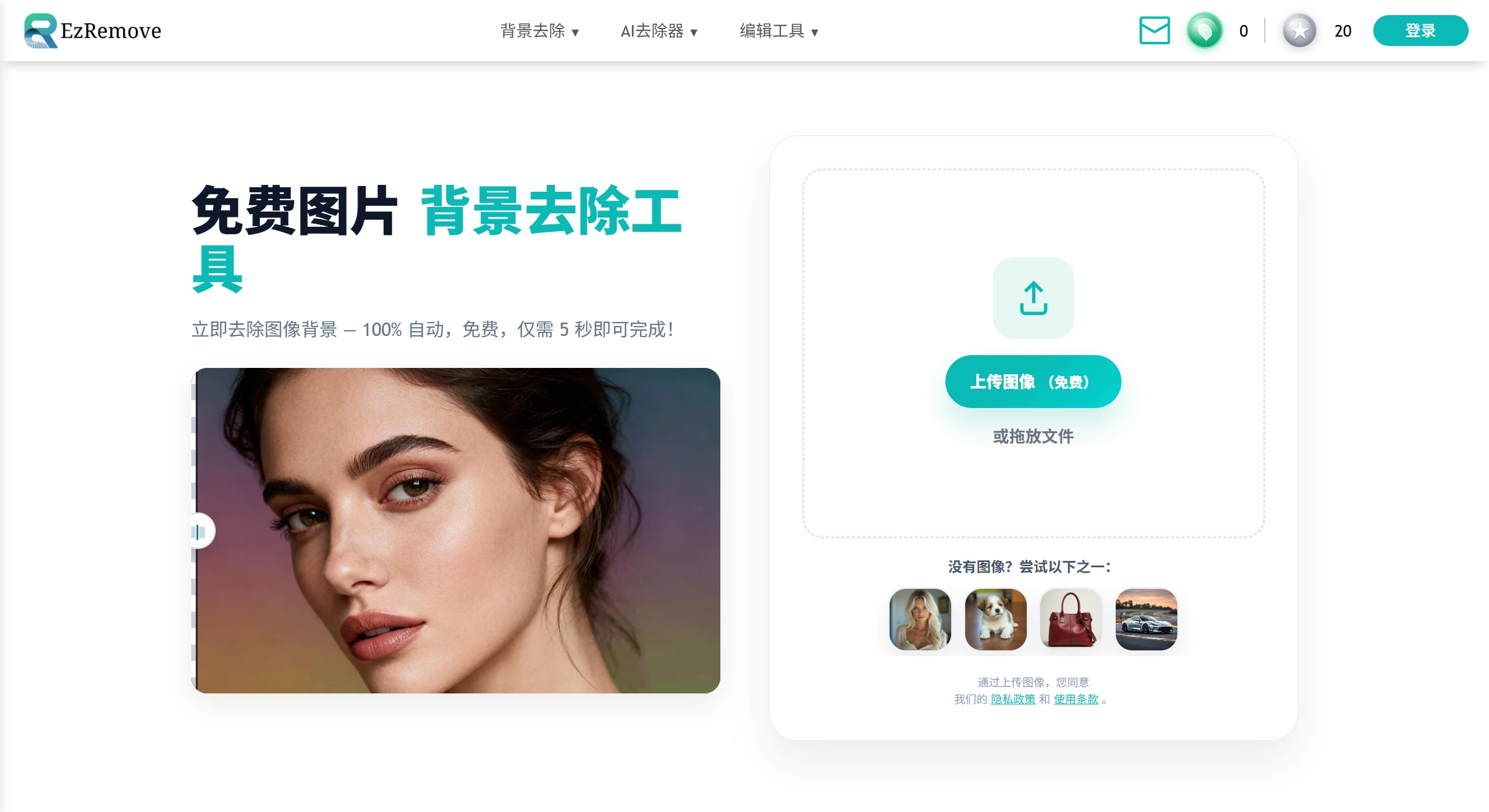
EzRemove ai is an online image and video processing tool, mainly used for cutout to remove backgrounds, remove watermarks, and remove unwanted elements from images, as well as remove watermarks from videos, including Sora videos. It supports common formats like JPG, PNG, and WebP, and can process images automatically or manually, generally removing backgrounds in around 5 seconds, even handling fine details like hair strands, and finally produces a clear transparent PNG image. In addition, you can change backgrounds, process multiple images at once, and crop. It works on both computer and mobile, making it suitable for e-commerce, design, and social media posting.
EzRemove AI Main Features
Remove Background: Recognizes the subject in seconds, then removes it. Can export a transparent PNG, or directly replace it with a solid color, brand color, or your own image as the background. You can also blur the background to make the image look better.
Remove Objects: Can remove unwanted elements and shadows from images, and automatically fills in the occluded background, with relatively natural edges.
Remove Watermark: Two methods available, automatic removal or manual erasing. Even with many watermarks, they can be cleared at once.
Remove Video Watermark: After uploading a video, use a brush to mark the watermark location, click to remove, and download directly when done.
Easy to Use: No software installation needed, easy to learn, suitable for everyday tasks or handling many images at once. The page generally supports JPG, PNG, WebP, depending on what is displayed that day.
EzRemove AI Use Cases
E-commerce: Sellers process product photos, removing cluttered backgrounds to make the item clearer, suitable for selling or promoting on platforms like Amazon.
Design: Those making posters or illustrations can use it to separate elements in images and add different layers.
Social Media: When posting on Instagram, Facebook, Twitter, use this to make content more attractive and engaging, increasing interaction.
EzRemove AI Advantages
Accurate Background Removal: Uses AI to recognize the subject and remove the background, basically without errors, even in complex situations.
Fast Speed: Removes the background and produces a transparent image in 5 seconds, much faster than manual work, saving time.
Easy to Use: Unlike Photoshop which takes a long time to learn, anyone can use this, no experience required.
High Quality Transparent Images: Specialized in producing high-quality PNG transparent images, with good effects every time.
Batch Processing: Can remove backgrounds from many images at once, helping designers and e-commerce practitioners save time.
Free and Useful: No need to pay for software, just open the webpage to use, can be used anywhere, on any device.
How to Use EzRemove AI
Cutout and Change Background
Visit the website, select your language, upload the image, and wait for automatic background removal.
Choose a transparent background or change to another background (solid color, image, blurred), and adjust edges and shadows slightly if needed.
Export as PNG for easy reuse, or choose JPG, WebP.
Remove Watermark or Objects
Select the remove watermark or magic eraser tool. Use automatic for simple images, and manual erasing for complex ones.
Check the result, and download if satisfied.
Remove Video Watermark
Upload the video, mark the watermark location by brushing, click remove, and download when finished.
Frequently Asked Questions
Can EzRemove AI be used on mobile?
Yes. The webpage adapts to the screen, you can upload directly through iOS or Android browsers, no App installation needed.
What's the difference between EzRemove AI and remove.bg?
Both use AI for cutouts, but EzRemove is faster, handles edges better, and also offers free batch processing and transparent PNG support.
Can EzRemove only remove backgrounds?
No. After removal, you can change to a solid color or your own background, as well as crop, rotate, and resize. It's like a simple background replacement plus basic editing tool.
What formats does EzRemove support?
Can upload JPG, PNG, WebP; output transparent PNG or JPG. RAW and TIFF are not currently supported.
Can it process many images at once?
Batch upload is supported, the system removes backgrounds one by one, e-commerce or photographers can get a whole set of transparent images at once.
Is EzRemove really free? Any watermarks?
Currently completely free, downloaded images have no watermarks, no registration needed, and no daily limit.
Is EzRemove's background removal accurate? Can it handle tricky edges like hair, wedding dresses?
The AI has been trained to handle hair strands, transparent objects, and hollow parts, and the edges are clear in most cases. If occasionally not ideal, you can manually erase back or erase to adjust.
Will uploaded images be saved?
EzRemove deletes files after processing, and does not store user data. If you have important or sensitive content, it's best to add your own watermark before uploading.
Will the output compress resolution?
Default is the same size as the original (max 25 MP×25 MP). If too large, it will be scaled proportionally to within 2500 px on the long side, which is faster and sufficient for ordinary e-commerce images.
Can EzRemove remove video watermarks?
The same website has a video watermark removal module. Just brush the watermark location to let AI remove it, also free and online.
Do I need a VPN?
The server is overseas, so network speeds may be average in some areas. If uploads are slow, try a different network or use download tools to get the results.
Is there an API or Photoshop plugin?
EzRemove currently only has a web version, no API or plugin. Batch APIs may be opened in the future, you can watch for updates on the homepage.
What if processing fails?
First check that the image is under 10 MB and the size is under 25 MP; try the latest version of Chrome or Edge; if still not working, send the original image to [email protected], usually someone will respond within 24 hours.
Can it remove text or logos?
Select "AI Object Eraser" at the top of the EzRemove homepage to erase unwanted elements like text, icons, etc., and the AI will fill in the background.
Will commercial use infringe copyright?
EzRemove itself does not restrict commercial use, but you must ensure that the images you use are copyrighted or have permission, and do not infringe on others' rights.
Related Information:
WatermarkRemover-AI: An Open-Source AI Watermark Removal Tool
Sharing 7 Truly Free Online Video Watermark Removal Websites
Tutorial on Removing Video Watermarks with Tencent Zhiying Smart Eraser Tool














