Script Planner Assistant▸
 AI Apps
 AI News

LogoCook: A Free Online Logo Maker
LogoCook: A Free Online Logo MakerIntroduction
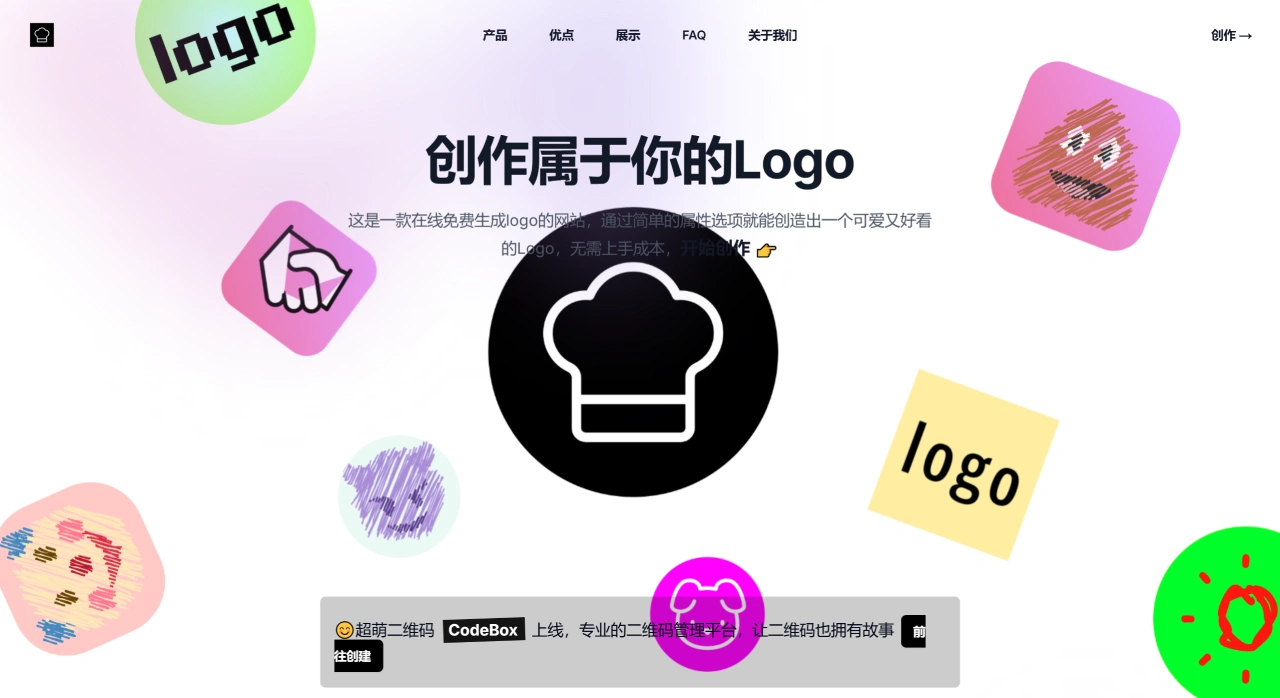
LogoCook is a free online logo generator. Pick a template, adjust the colors, fonts, icons, and you can quickly create your own logo. Everything is done right in the browser—no plugins or software needed. It's easy enough for beginners and great when you need an image fast.
Key Features of LogoCook
Free: All current features are available at no cost.
Easy to use: Just tweak existing options like icons, colors, corner radius, and backgrounds—you'll have a logo within minutes.
No installation required: Open it in your browser and design online. Once finished, you can export to PNG, JPG, SVG, and other formats.
Plenty of templates: Offers a variety of styles including vintage, minimalist, and modern.
Multiple formats: Your finished logo can be saved in different formats for various uses.
Custom additions: Upload your own SVG elements and combine them with the system's icons for a more unique look.
Privacy: The intro mentions no backend, no membership, and no data collection or uploading. Check the official site for details.
Who Is LogoCook For?
Personal bloggers and self-media creators who need a profile picture or logo for their resume or portfolio.
Just-launched companies, online store owners, and street vendors who urgently need a usable brand logo.
People with little design experience who want to quickly create cute, simple, flat icons.
How to Use LogoCook
Go to the homepage and click 【Create】 in the top right corner.
Enter your brand name, choose your industry and style, and the system will generate several options.
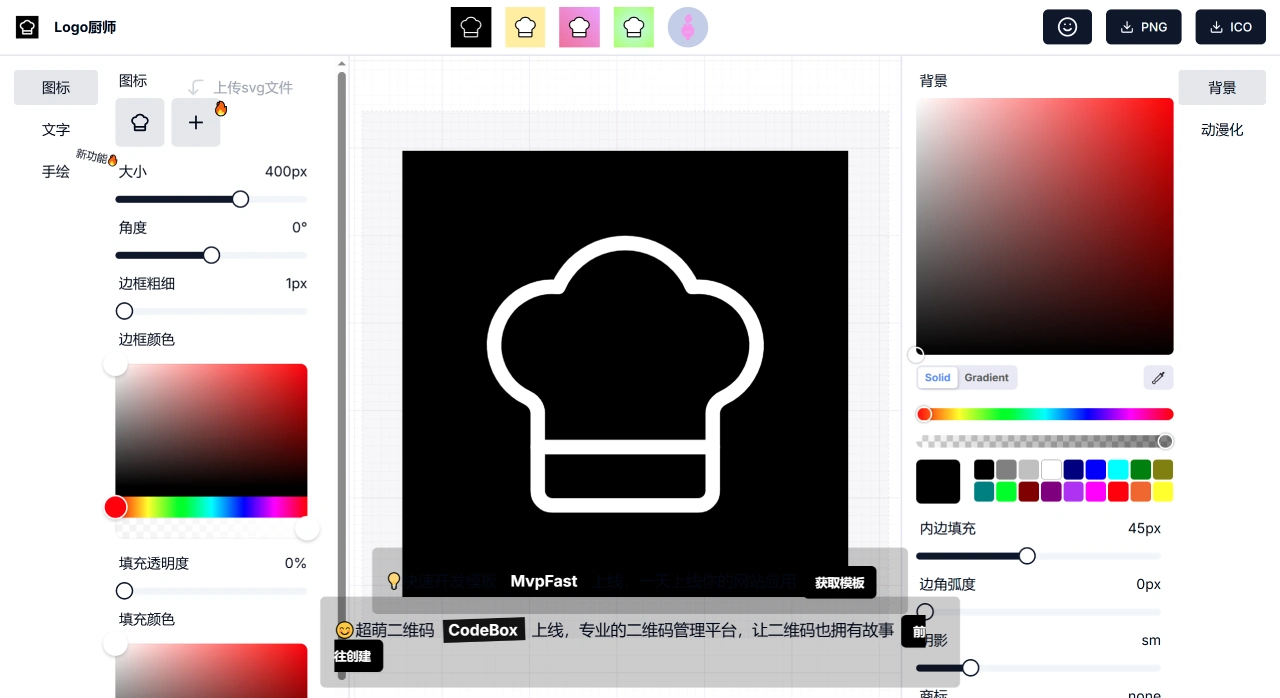
Pick one you like and adjust the colors, fonts, icon size, background corner radius, etc. on the right side.
See the effects as you make changes. Once you're satisfied, click "Download" to get a transparent-background PNG or a vector SVG.
Frequently Asked Questions
Q: Is the downloaded logo clear?
A: The default is a 1024×1024 PNG, and SVG is vector-based, so it can be enlarged freely.
Q: Do I need to register or log in?
A: No account needed, and no personal information is collected.
Q: Can I make changes later?
A: Currently you can't save projects to the cloud. If you want to make changes later, it's best to keep your SVG file and upload it again.
Q: Does it cost money to create a logo with LogoCook? Any hidden fees?
A: Not a single cent. All features are free, no hidden fees—truly zero cost.
Q: Is my information collected when creating a logo?
A: No. The site has no backend data collection and no membership system. It won't take your personal information, so your privacy is protected.
Q: Is it easy for beginners to pick up? Is it difficult?
A: Easy to learn, very simple. The site is just about adjusting a few options, with simple instructions. You'll see changes immediately after editing. No design knowledge required—you'll get the hang of it quickly.
Things to Note
Note: Before official commercial use, check whether the fonts and assets are licensed and whether the output is clear enough. For vector files or high-quality printing, try to export to SVG, ai, or other formats that can be scaled without loss of quality, if the site offers them.
If you want to create a usable, cute logo in minutes without spending money, signing up, or learning software, LogoCook is a pretty hassle-free option.