Script Planner Assistant▸
 AI Apps
 AI News
AI Interview Help: Online Interview & Written Test Assistant
AI Interview Help: Online Interview & Written Test AssistantIntroduction
aiWhat is Interview Help (AI面试帮)?
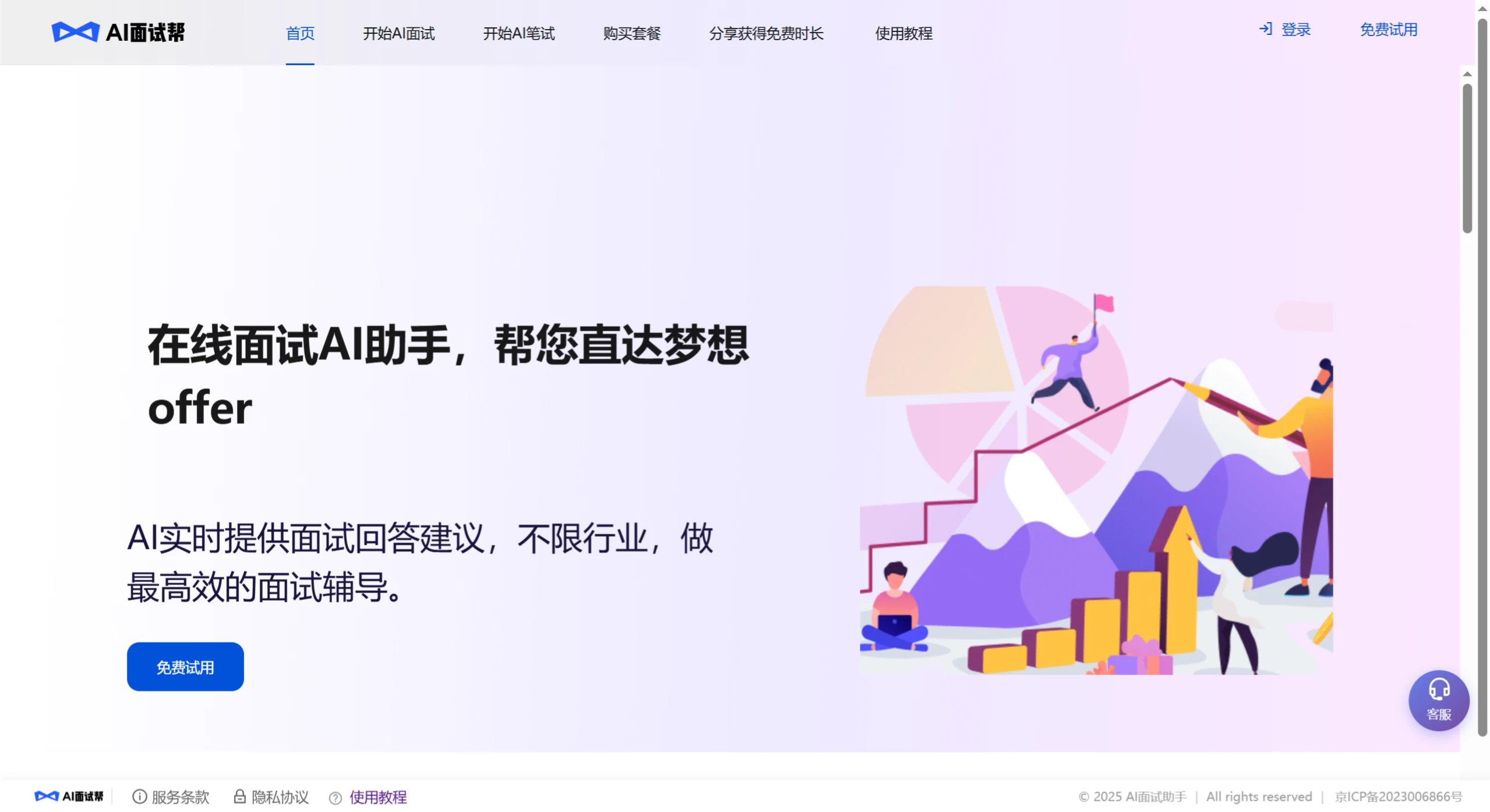
Interview Help (AI面试帮) is an interview and written test assistant tool for job seekers. It uses GPT-4, deepseek, and its own proprietary technology to automatically and instantly generate answers for online interviews. Whether it's internships, campus recruiting, experienced-hire recruiting, or school interviews, it can help you handle them more easily, making it a great assistant for online interviews.
Interview Help can be used in many scenarios. Beyond helping with video interviews, it also adds support for online written tests. For video interviews, it supports commonly used online meeting platforms such as Tencent Meeting, WeChat Interviews, and Feishu (Lark).
Core Features of Interview Help
Mock Interviews: It reviews your resume and the job requirements for your target position, then generates specific questions for you, including technical and situational questions, following a real interview process. After you answer, it provides a report and suggestions for improvement.
Resume Optimization: It automatically reviews your resume, highlights strengths and areas to improve, and identifies keywords based on the job requirements, telling you how to make your resume more specific and persuasive.
Multilingual Support: It offers real-time translation and rewording, supporting over 30 languages including Chinese, English, Japanese, and French — perfect for interviews at multinational companies.
What Can Interview Help Do for You
It covers all scenarios for online written tests and interviews, quietly providing you with the correct answers.
Written Test Assistance
Campus recruiting written tests often include aptitude questions, calculations, and coding questions — do you really need to grind through tons of practice problems? With this tool, you can get answers in 1 second, helping you score higher and land interview opportunities faster.
It supports many test types, including text questions, visual reasoning, coding, situational questions, and school online exams.
Structured Interview Assistance
During video interviews, many people get nervous, get stuck, or don't know how to answer. Interview Help listens to the interviewer's questions, combines them with your resume, and displays a well-organized answer on your screen at the same time you hear the question — letting you respond quickly and smoothly, making it easier to pass the interview.
Multi-Device Synced Answer Viewing
Answers can be viewed not just on your computer but also synced to your phone, enabling discreet assistance. It supports computer web, desktop client, and mobile web. Use one device for the meeting and another to view answers — it handles all kinds of situations.
Tutorial: How to Use Interview Help for Online Video Interviews
Preparing for the Interview
Register and log in with your phone number and a verification code.
For first-time use, fill in [My Resume] and [Interview Position Information] first.
Enter and save your information in [My Resume]. The more accurate and complete the information, the more personalized the AI's answers will be. If you're interviewing for different positions, you can modify your personal information for each position so that the answers are more relevant. Don't make the resume too long — long resumes slow down generation and take more time.
Enter and save the position information in [Interview Position Information]. The AI will reference this content to make answers more aligned with the position's needs. You can directly paste in the job posting. Different positions yield different answers. It supports scenarios such as internships, campus recruiting, experienced-hire recruiting, and school interviews, and works for roles in product, R&D, finance, operations, and more — helping generate more suitable answers.
Click [Start Interview], select the resume and position you want to use, and enter the interview.
Starting the Interview
If you're using a computer for the meeting/interview:
Select the [Recording Mode] in [Record System Audio] and click Confirm.
Select [Entire Screen – Window – Share System Audio Simultaneously] in [Shared Content] and click Share.
Tip: System volume should be turned up to the maximum and not muted. We do not store your screen or audio data — we only listen to the interviewer's questions during the interview.
Once sharing is successful, the tool receives audio from your computer and automatically recognizes the interviewer's questions.
You can use WeChat to scan [Scan with Phone to View Interview Progress] to view the AI-generated answers in real time on your phone.
Click [End Interview] to complete this round of assistance.
Key Benefits of Interview Help
Low Price: About half the price of similar tools.
Secure: Uses a split-device approach — the computer listens to questions, the phone displays answers — so you don't have to worry about screen-sharing checks during the interview.
Great Compatibility: Supports mainstream interview platforms such as Tencent Meeting, Zoom, Feishu (Lark), Niuke, DingTalk, and Boss Zhipin — basically everything works.
Up-to-Date Model: Uses the latest full-strength deepseek-R1 version.
Fast Response: Self-optimized voice model, with servers provided by the fastest large-model service provider in the country.
Wide Applicability: Industry-agnostic — works for any role's interview.
Frequently Asked Questions
Q: What are the technical advantages of Interview Help?
A: First, it uses the latest full-strength deepseek-R1 version, ensuring professional answers tailored to the position. Second, it has a self-optimized voice model and fast servers, allowing it to quickly recognize questions and deliver answers.
Q: What recruiting scenarios is Interview Help suitable for, and how is the compatibility?
A: It's suitable for campus recruiting and experienced-hire recruiting, covering industries and roles in IT/internet, finance, consulting, sales, and more. It has strong compatibility, supporting mainstream platforms such as Tencent Meeting, Zoom, Feishu (Lark), and Niuke — meeting over 90% of usage needs.
Q: How do I use Interview Help?
A: Just three steps: ① Register and log in; ② Select your position and resume; ③ Enter the smart Q&A and get real-time feedback.