Script Planner Assistant▸
 AI Apps
 AI News

Image to Prompt: Free, No-Login Image-to-Prompt Converter
Image to Prompt: Free, No-Login Image-to-Prompt ConverterIntroduction
image to prompt is a free image-to-text prompt tool that requires no sign-up or login. You upload a clear image in JPEG, PNG, or other formats, choose a suitable AI model — it supports options such as general prompts, Flux, Midjourney, and Stable Diffusion, among others — and you can get a text prompt in just a few seconds. These prompts can be used directly on AI platforms such as Flux1, Stable Diffusion, and Midjourney. In addition, image to prompt does not save the images you upload, protecting your privacy. If you're not satisfied with the generated prompt, you can adjust and edit it yourself or try again with a different image.
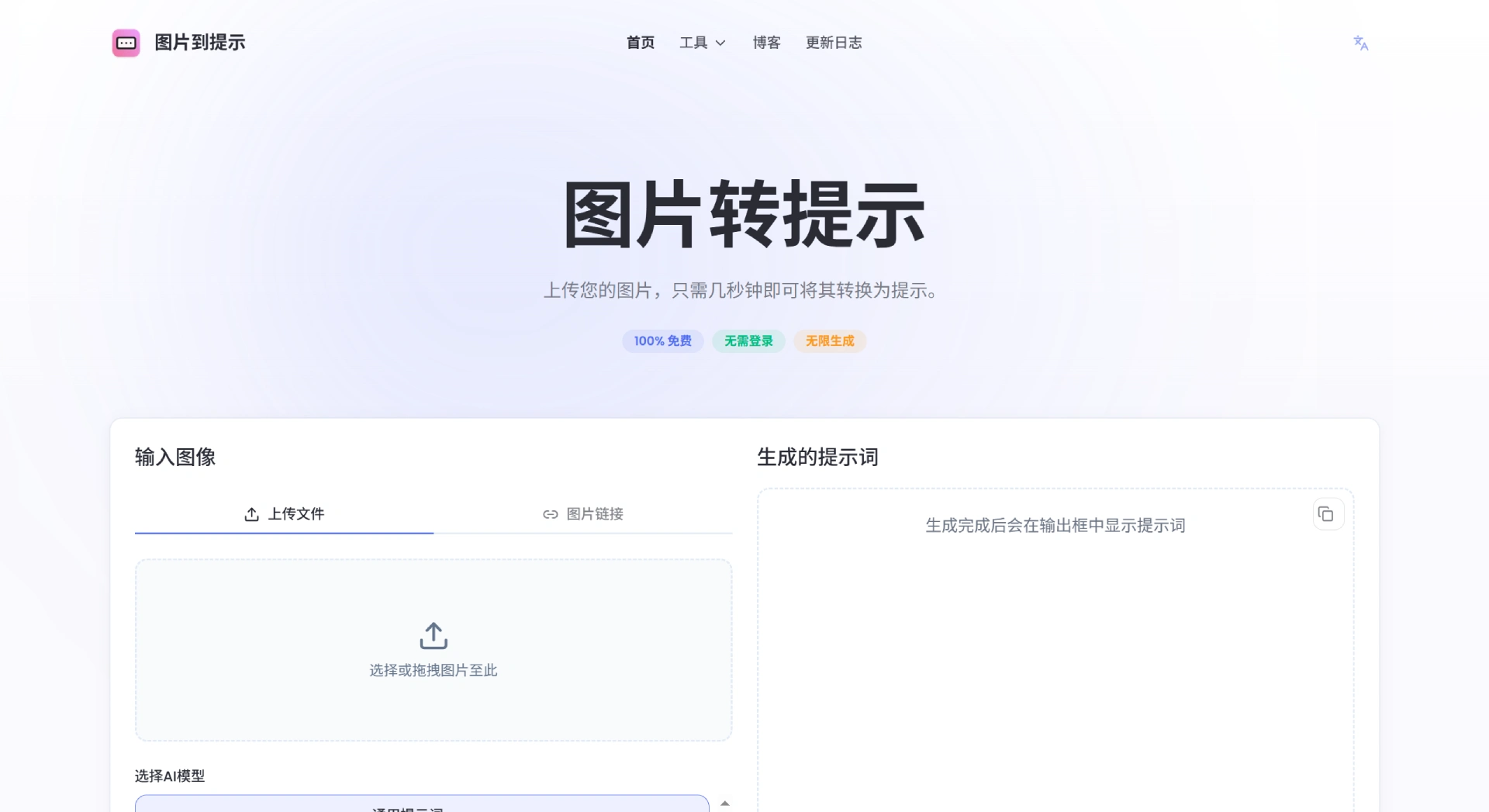
Key features of image to prompt:
Completely free, no sign-up or login required — use it as many times as you like;
Uploaded images are not saved and are deleted immediately after the prompt is generated;
Supports common JPEG and PNG formats;
The clearer the uploaded image and the more prominent the subject, the more accurate the generated prompt;
If you're not satisfied with the prompt, you can edit it yourself or try again with a different image.
How to use image to prompt
Select an image: click "Choose" or drag an image over directly. You can also click an example image to try out the effect;
Start the conversion: click the "Start Conversion" button, wait a few seconds, and the result will appear in the output box;
Copy the result: select all the text in the output box and click "Copy All".
Who is image to prompt for?
Product managers, designers, marketers, content creators, teachers, and anyone who needs to quickly turn a visual into text, or those using AI for image generation.
Where can image to prompt be used:
For data analysis: it can extract key information from images and generate related text, helping you analyze data more comprehensively, make decisions with more confidence, and improve the quality of your research;
For social media management: it quickly creates captions for images, helping you produce engaging content faster, boost work efficiency, and increase brand exposure and interaction;
For academic research: it turns information from images into detailed text, helping you organize and analyze materials, speed up your research, and focus more on key issues.
Why image to prompt is a great tool:
Free and unlimited: no cost, generate as many prompts as you like, available anytime;
No barriers to entry: no sign-up or login required — just upload an image and get a prompt, with simple operation;
Privacy guaranteed: uploaded images are not stored and are deleted after the prompt is generated, so you don't need to worry about information leaks.
Frequently Asked Questions:
Q: Where can the generated prompts be used?
A: They can be used on many AI platforms and tools such as Flux1, Stable Diffusion, and Midjourney, with broad compatibility.
Q: What if the prompt isn't accurate?
A: You can manually edit the prompt yourself, try uploading a different image, or shoot the subject from a different angle — any of these may yield better results.
Q: Do I need to register an account before using it?
A: No. Just upload an image and a prompt will be generated, with no restrictions.
Q: What kind of images should I upload?
A: Clear images with a prominent subject are recommended, as they produce more accurate prompts. Common formats such as JPEG and PNG are supported.