
 Script Planner Assistant▸
 AI Apps
 AI News

Make Manga: An AI Platform That Turns Text Stories Into Comics
Make Manga: An AI Platform That Turns Text Stories Into ComicsIntroduction
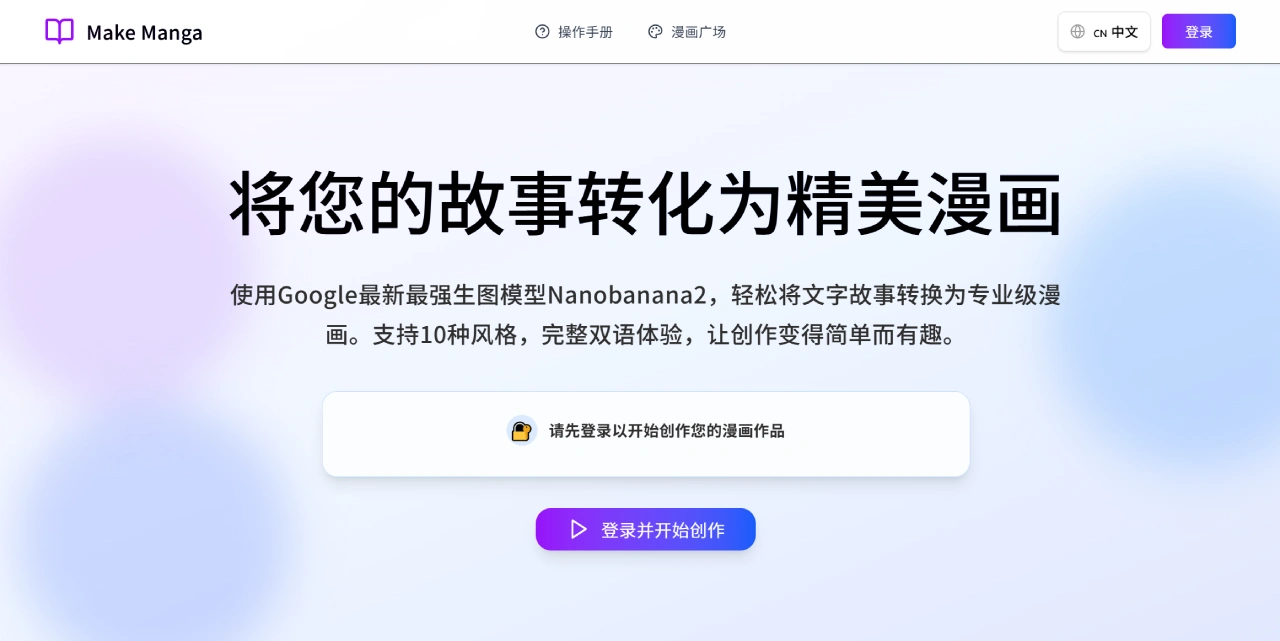
Make Manga is a platform that uses AI to convert text stories into comics. Its main features include project management, AI storyboard generation, image optimization, work sharing, and a credit system. It leverages Google's newly released image generation model Nanobanana2, which can directly turn users' text stories into professional-quality comics.
Make Manga Main Features
Intelligent Comic Generation
Users simply input a text story, and the platform automatically generates corresponding comic panels through AI analysis.
Make Manga's features are built on Google's latest Nanobanana2 image generation model, producing comic panels that are rich in detail and visually impressive.
Automatic Story Analysis
The system can automatically analyze user-written stories, extracting key information such as character settings, plot development, and scene descriptions, laying the groundwork for comic generation.
Multiple Comic Styles Available
The platform supports around 10 comic styles, including:
Japanese Manga
Manhwa / American Comic
Wuxia style
Healing style
Seinen
Chibi
Other custom styles
Users can choose the most suitable style based on the story content and target audience.
Bilingual Chinese/English Support
The platform interface is available in both Chinese and English, making it convenient for users from different regions.
Content generated with Google's model adapts well to both languages, providing a smooth experience for cross-language creation.
Batch Comic Generation
Supports generating multiple comic panels at once, helping users quickly complete an entire comic and improving creation efficiency—ideal for creators or teams who need to produce works quickly.
Make Manga Use Cases
People who can't draw but want to create comics—turn text directly into comics
Online novel authors—quickly produce preview comics
Self-media creators—make strip comics or short comics for Xiaohongshu and Bilibili
Teachers—turn textbook content into comic lesson plans
Game or animation teams—create character standees and storyline comics
How to Use Make Manga
Log In to the Platform
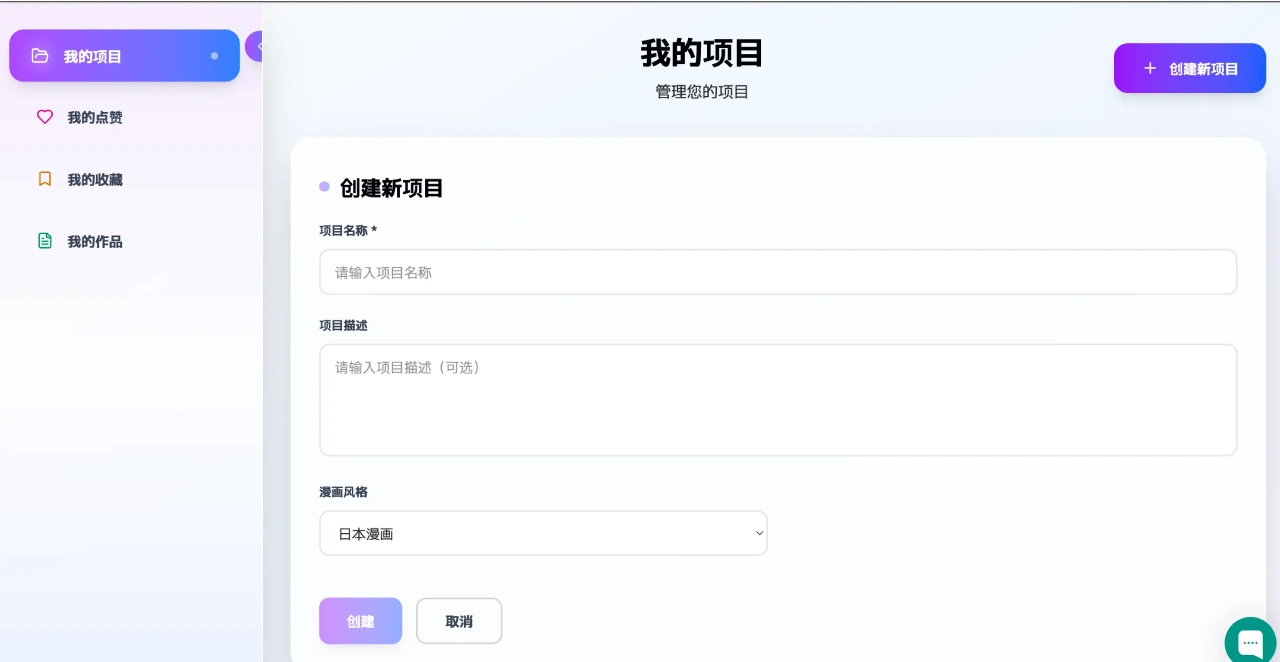
First-time users need to log in to protect their work, save progress, and access personalized services. Google account login is supported (prompts will appear on the interface). After logging in, you can upload a story or type directly to start generating comics.
Create Comics
First, input the story you want to turn into a comic into the platform.
Choose the appropriate comic style and character settings based on the story type.
The platform will automatically analyze the story, generate storyboards, characters, and scenes, and finally output complete comic pages.
Make Manga Pricing
Free version: 30 "quick generation" credits per day, suitable for occasional users.
Pro subscription: approximately $10 per month, allowing generation of high-definition, watermark-free comics with commercial use rights—ideal for professional creators.
Credit packs: Credits can be purchased separately for generating, modifying, or redrawing panels.
Frequently Asked Questions
Q: How can I make the generated comics look better?
A: Be detailed when describing your story. For example, "A girl in a red kimono stands under a cherry blossom tree, the breeze blows, petals drift down, and she shows a sorrowful expression." Avoid overly abstract descriptions like "a girl is sad"—be specific about appearance, actions, and environment.
Q: What if I run out of credits?
A: Ways to earn free credits: Sign up for Make Manga to receive credits; invite friends (both parties get rewards); complete daily tasks. You can also purchase credit packs or subscribe to the Pro version.
Q: How do I share my finished comics?
A: After creation is complete, click "Share" on the Make Manga project page. You can post to the comic plaza (community) or export to social platforms such as Xiaohongshu, Bilibili, and Twitter.
Q: How do I get help if I encounter a problem?
A: Click the "chat icon" in the lower right corner of the interface to contact online customer support, who will help you resolve issues in real time.
Related Information:
AI Comic Drama Production Tools
AI Comic Image Generation Tools
2026 Recommendations: Review of 5 AI Comic Drama Production Tools















