Script Planner Assistant▸
 AI Apps
 AI News

Photopea: Free Online Photoshop Alternative
Photopea: Free Online Photoshop AlternativeIntroduction
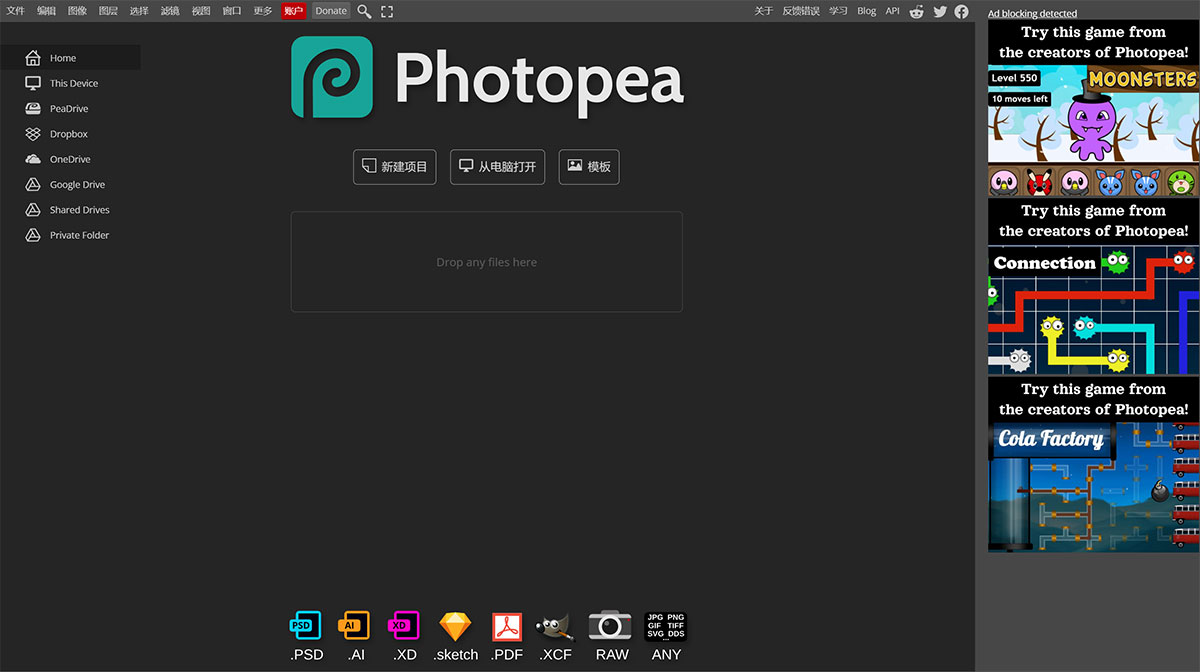
Photopea, known as the free online version of Photoshop, features an interface that looks very similar to Photoshop, but requires no additional download or software installation. You can use it simply by opening Photopea in your browser. It is a powerful online image processing and design tool.
Photopea requires no installation or registration. It runs in a web browser, so as long as you have an internet connection and a browser, you can work anytime. It will not upload any of your files to the internet. After loading Photopea, you can disconnect from the internet and continue to use it offline just the same. It can be used for free but displays ads on the right side, which do not affect usage or functionality. If you don't like the ads, you can become a paid user and get rid of the ad annoyance.
Photopea supports multiple languages, including Simplified Chinese. If you want to switch languages, click More – Language – 中文(简体) in the menu bar.
It has a clean and friendly interface that looks very similar to Photoshop, with the same operating habits and keyboard shortcuts. It highly replicates the core features of Photoshop, with a nearly identical interface, operating habits, and keyboard shortcuts. Photopea can handle most image editing tasks, and offers excellent format compatibility. It can process image files in many formats, including PSD, ai, Sketch, XD, and CDR, among others.
I usually use Photopea for simple tasks like resizing images, and it can also be used for more complex tasks like designing web pages, creating illustrations, and processing photos. It also handles some format conversion work. Speaking of format conversion, I'd also recommend: AI改图神器, which can basically convert between various image formats.
Photopea was designed by Ivan Kutskir, who was born in Ukraine, in 2012, and is now used by millions of users.