
 Script Planner Assistant▸
 AI Apps
 AI News

Mentimeter: Make Presentations More Fun and Interactive
Mentimeter: Make Presentations More Fun and InteractiveIntroduction
Mentimeter is a tool that makes traditional presentations more fun and interactive. It is especially suitable for education, corporate training, meetings, and other scenarios. You can easily add various interactive elements to your presentations, such as polls, word clouds, and open-ended Q&A. Audience members just need to scan a QR code with their phone or enter a simple 8-digit code in a browser to participate, and the poll results are instantly displayed on the presentation's main screen.
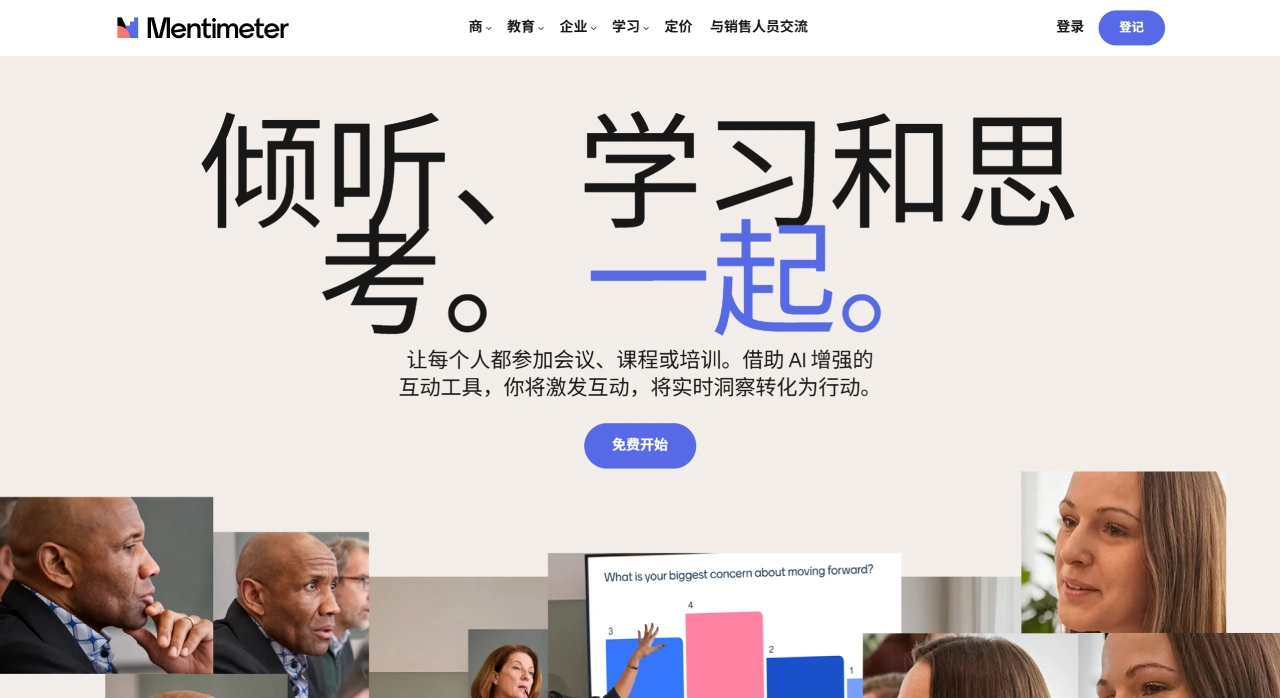
Mentimeter Main Features and Characteristics
Multiple Interactive Question Types: You can choose from different interactive formats, such as single choice, multiple choice, word cloud, open-ended Q&A, scales, ranking, and image annotation, to suit various teaching and discussion needs.
Real-Time Feedback: Poll and Q&A results can be instantly displayed in the form of charts or word clouds, so everyone can see immediate responses. In addition, audience members can choose to participate anonymously, which makes people more willing to share their thoughts.
Easy to Use: Audience members just need to scan a QR code or visit a website and enter the code to join, whether they are using a phone, tablet, or computer.
AI Assistance: If required, Mentimeter also provides AI tools to help you create or improve your presentation content.
Suitable for the Entire Teaching Process: From pre-class preparation, to in-class interaction, to post-class review, Mentimeter can help.
Basic Version Free, Advanced Features Require Payment: Although the basic features are free, you will need a subscription if you want more advanced features. In addition, presentations must be conducted with an internet connection, and they cannot be exported as offline-playable files.
Real-Time Interaction and Multi-Platform Support
You can use Mentimeter to conduct live polls, quizzes, and Q&A, and audience members can participate anonymously, making it more inclusive and interactive.
It also works with tools such as PowerPoint, Google Slides, Zoom, and Microsoft Teams, making it suitable for various occasions.
You can also set it up so that participants answer questions at their convenience, which is ideal for collecting feedback before and after class.
Poll results can be exported as Excel or PDF files for subsequent analysis.
Moreover, it supports a multilingual interface and allows customization of brand elements, making it suitable for international teams.
Teaching Application Examples
For example, teachers at the University of Sydney use Mentimeter to let students vote on the content of the next class, or to participate in scoring exercises. Teachers at the University of Bath in the UK use it to check students' understanding of knowledge points and collect student feedback.
Mentimeter Teaching Advantages
Increases student engagement, especially in large class teaching.
Teachers can adjust their teaching in real time based on student feedback to better address student needs.
Anonymous participation makes students feel more relaxed, especially when discussing sensitive topics.
By collecting and analyzing data, teachers can continuously optimize their teaching.
How to Use Mentimeter
Register an Account: Go to Mentimeter's official website and register using your email, Google, or Facebook.
Choose a Template: Select an appropriate scenario and template based on your needs, or create one from scratch.
Add Interactive Content: Choose your desired interactive question type and customize the questions and options.
Import PPT (if needed): If you have an existing PPT, you can import it, or add interactive elements directly within the PPT.
Present and Participate: Audience members just need to visit a website and enter the code to participate, with no downloads required.
Display Results and Export Data: Poll results are displayed in real time, and after the presentation you can export the data for analysis.
That's how you can easily use Mentimeter to make your presentations more vivid and interactive!
Related Information:















