Script Planner Assistant▸
 AI Apps
 AI News

MovieGame: Guess the Movie from a Screenshot
MovieGame: Guess the Movie from a ScreenshotIntroduction
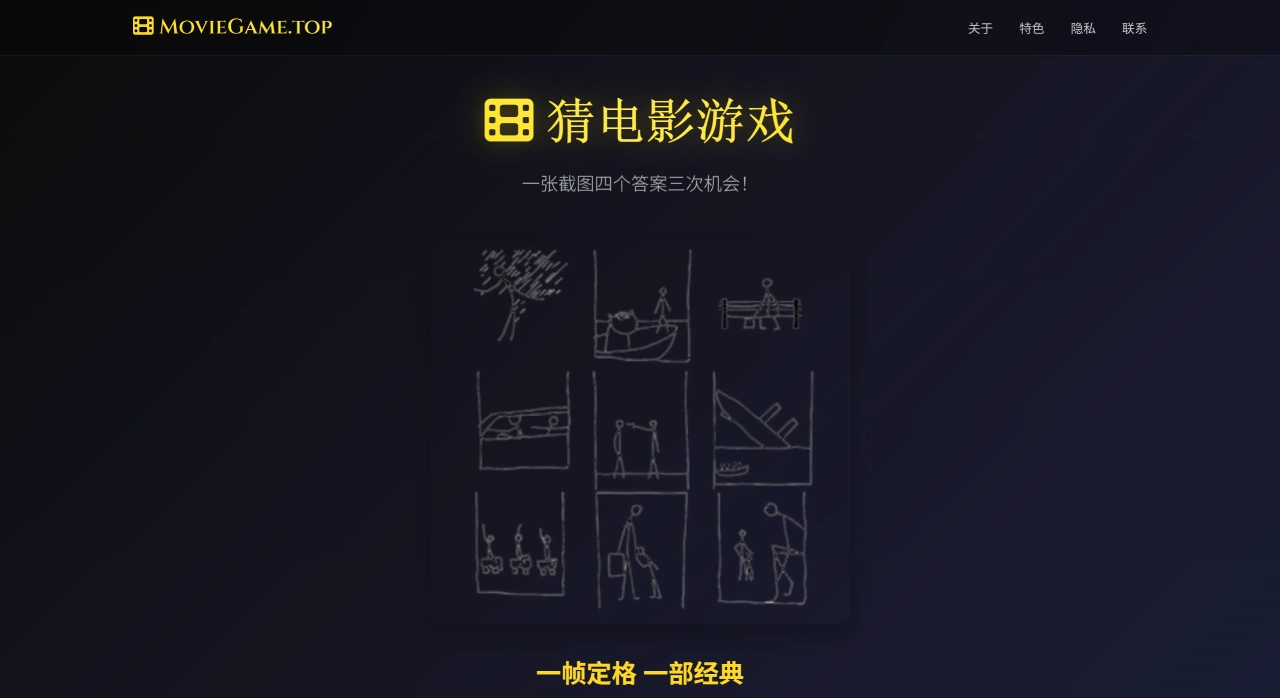
MovieGame is a personal website made by a film enthusiast. Players guess movie titles from screenshots, and the site features various themed categories packed with classic films, including Chinese movies, as well as screenshots with distinctive scenes or ones that later became memes.
MovieGame Website Features
Gameplay: Look at a movie screenshot and guess the film title. Each question has four options, and you get three chances to guess.
Wide variety of movies: Includes Chinese nostalgic films, Hollywood blockbusters, Asian arthouse movies, and more — both old and new films are available.
Scoring system: Records your score and game progress, helping you gauge your level, challenge yourself for higher scores, and adding more fun to the game.
Multi-device support: Works smoothly on computers, tablets, and phones.
MovieGame Website Highlights
Great device compatibility: Play directly on computers, tablets, or phones.
Rich movie library: Over 100 classic films, including Chinese movies and Hollywood blockbusters.
Highly entertaining: The screenshots are picked with personality — some are iconic scenes, some are absurd, and some have become meme material.
How to Play MovieGame
Web version: Visit the website: moviegame.top. Choose a category such as Chinese Nostalgia, Hollywood Classics, Japanese/Korean Arthouse, etc., or go to /china/ for old movie screenshot guessing; each question lets you pick from 4 options with 3 chances, and your score and progress are automatically tracked as you answer correctly and move on.
iOS: Search for "Movie Game" in the App Store and install it. You can choose timed modes of 30/60/90 seconds, and take turns being the host or compete in party battles with friends.
Android: Search for "Hollywood - Hollywood : Movie Game" in the app store. Follow the prompts to guess letters and complete the movie title, using hints when needed.
Tips
Look at the era and region first: Costumes, props, fonts, and color styles in the screenshot can give clues about the approximate era and region.
Catch key elements: The protagonist's props (such as guns, musical instruments, glasses), settings (subway, space, courtroom), color combinations, and composition.
Use actor clues: The protagonist's hairstyle, beard, signature moves, or the directors/co-stars they often work with.
Use elimination: Rule out options whose era or style clearly doesn't fit, then compare details among the remaining choices.
Practice your weak categories: Watch more films in genres you're not familiar with (such as old movies, animation, arthouse films) to build your own memory library.
Movie lovers can use MovieGame as a pastime. While playing, you can recall classic movies and may even discover great films you haven't seen before. Additionally, the site has a WeChat Mini Program called "电影猜 123", which you can find and play by searching on WeChat.