
 Script Planner Assistant▸
 AI Apps
 AI News

Gaoding Background Remover
Gaoding Background RemoverIntroduction
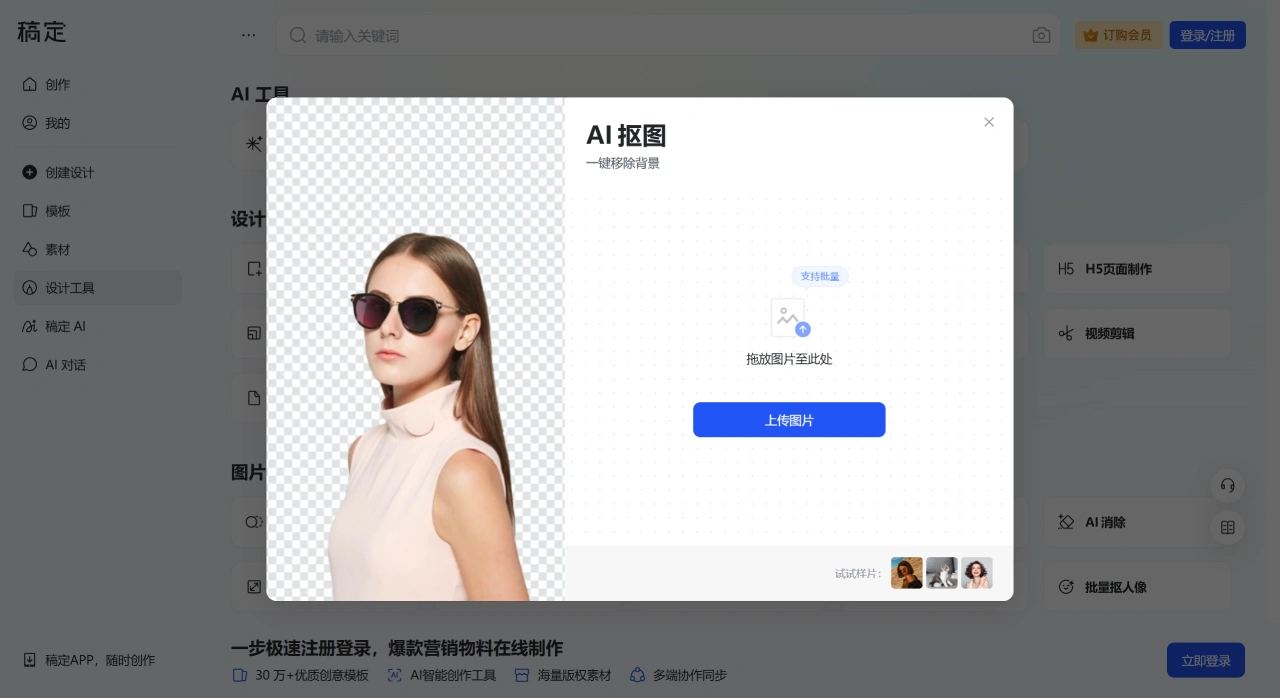
稿定抠图is an online image background removal tool launched by 稿定设计 (Gaoding Design), capable of quickly processing image backgrounds. 稿定抠图 supports one-click background removal—after uploading an image, the system automatically identifies the subject (such as people, animals, or products) and removes the background within seconds. Even complex edges like hair strands are handled naturally, saving a great deal of time and effort compared to manual background removal.
Specific Features of 稿定抠图
Smart Background Removal: After uploading an image, the system automatically identifies and removes the background, completing complex cutouts in about 3 seconds—simple and easy to use.
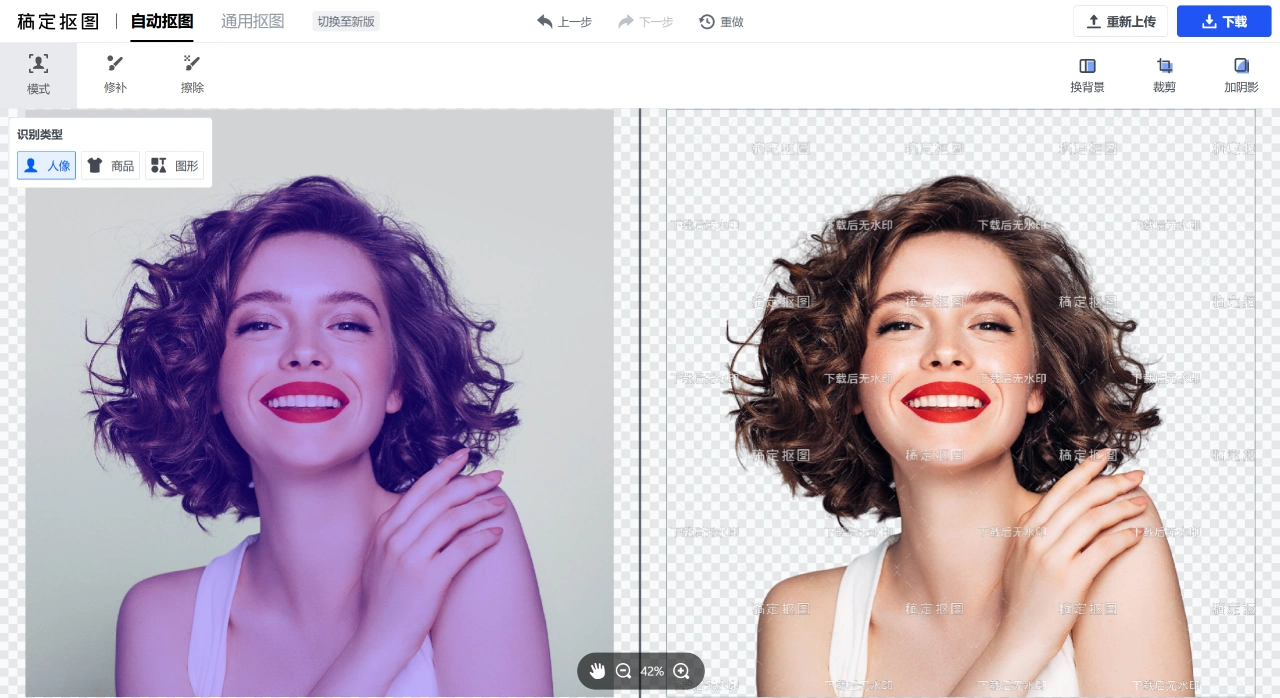
Manual Adjustment: If the automatic result is not precise enough, you can use the "Keep Brush" (to retain the desired parts) and "Erase Brush" (to remove unwanted parts) for manual editing, which is especially useful for handling tricky edges such as hair strands.
Versatile Applications: It handles common images like e-commerce product photos, portraits, and ID photos, and can also directly change the background color of ID photos (for example, switching from white to blue).
Batch Processing: Multiple images can be uploaded and processed at once, eliminating the need to handle them one by one and saving time.
Background and Enhancement: After background removal, you can directly replace the background, add effects like borders or shadows, or crop the image and enhance its texture to make it look more refined.
How to Use 稿定抠图?
Open 稿定设计 and go to the 【Image Processing】-【ai Background Removal】page;
Upload the image you need to process;
Wait for the system to automatically remove the background and check the preview result;
If you're not satisfied, use the editing tools to fine-tune;
Finally, download the processed image.
Who Is 稿定抠图 Suitable For?
E-commerce Sellers: Remove backgrounds from product photos to make products stand out and look more appealing;
Advertising Designers: Use it for background removal when creating posters and flyers, then combine different elements;
General Users: Process images for avatars, wallpapers, or WeChat Moments posts.
稿定抠图 Versions and Pricing:
Free Version: 3 free background removals per month, but downloaded images come with a watermark;
Paid Version: More features and higher usage limits, starting from as low as ¥11/month.
Advantages of 稿定抠图:
Simple operation—even those who have never used Photoshop can easily get started;
Excellent background removal results—especially for difficult edges details like hair strands and transparent objects, AI recognition is highly accurate;
Great value for money—the free version meets basic needs, and the paid version is affordably priced, suitable for small and medium users.
Related Information:














