
 Script Planner Assistant▸
 AI Apps
 AI News

TypingClub: A Free Web-Based Touch Typing Tool by edclub
TypingClub: A Free Web-Based Touch Typing Tool by edclubIntroduction
TypingClub is a free web-based typing learning tool developed by edclub. It is currently used by over 23 million students, more than 50,000 schools and districts, and over 300,000 teachers.
TypingClub uses a five-star completion system for each lesson, encouraging users to practice a few minutes each day so they can master touch typing within 1 to 2 weeks. No registration is required to use it, but signing up allows you to save your progress. Features include a gamified experience, proper hand posture guidance, level badges and star-based incentives, voice narration, and typing record playback. TypingClub also offers a variety of specialized courses, such as Dvorak keyboard, the kids' version Jungle Junior, separate left- and right-hand practice, and multilingual courses. It is a Google for Education partner, and the school edition is very popular among teachers and schools.
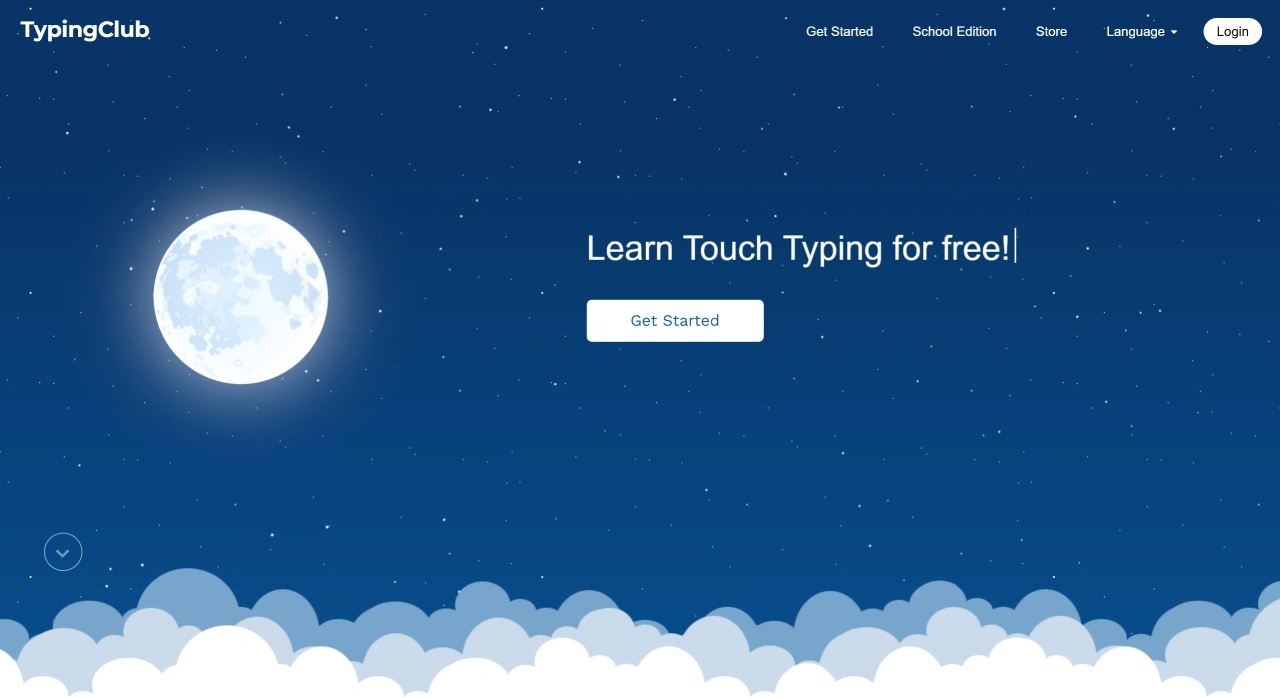
TypingClub Features
Gamified Learning: TypingClub makes typing more fun through games, videos, scores, and rewards.
Proper Posture Guidance: Displays correct hand posture during practice to help build good habits.
Rich Course Content: From basic key positions to long-text input, with over 600 lessons covering Tang and Song poetry, famous quotes, popular science articles, and more.
Interactive Experience: A virtual keyboard and virtual hands help you practice with the correct fingers. There are also animated story typing courses where you can watch a story unfold as you type.
Real-time Feedback and Statistics: The screen shows blue (accuracy) and green (speed) progress bars, and the virtual keyboard keys change color to help you adjust your pace and finger position. After practice, you can see data such as finger activity, key proficiency, and keystroke intensity, as well as a generated key heatmap. Premium members can export typing playback.
Multilingual Support: TypingClub supports 13 languages including Chinese, English, and Japanese, with both Simplified and Traditional Chinese modes.
Accessibility Features: Adjustable font size, high-contrast themes, support for one-handed typing, voice narration, and compatibility with screen readers.
Who TypingClub Is For
Beginners: Step-by-step lessons and teaching resources help you gradually master touch typing and improve speed and accuracy.
Students: Courses are designed by grade level, with content matched to different age groups, reinforcing knowledge from other subjects while learning to type.
Professionals: Programmers, office workers, and others can use it to improve typing efficiency.
TypingClub Pricing
Free Version: Provides basic typing lessons and practice, but includes ads and lacks features such as tests, SSL security, and multi-school management.
Paid Version: Ad-free, with advanced reporting and school and district management features. Minimum 20-student license is $120 per year. The Full Access license is also available with a minimum of 20 students, at $290 per year.
TypingClub Use Cases
Personal Learning: Works on any internet-connected device, so you can practice typing anytime, anywhere.
School Education: Teachers can create classes, manage students, assign tasks, and view learning progress in real time. Its lessons and interactive experience make it an excellent teaching tool.
FAQ
Who is TypingClub for? Does it require payment?
It's suitable for individual and educational users. The basic version is free forever, and schools can opt for the paid version.
What is the TypingClub learning process? How long does it take to learn?
Learning follows a "star achievement" rule—you must reach five stars in each lesson before moving on. The official recommendation is a few minutes per day, reaching professional touch-typing level in 1 to 2 weeks. No registration is required to start, but signing up saves your progress.
Compared to other typing tools, what are TypingClub's advantages?
Professional Guidance: Real-time hand posture prompts and typing playback help correct mistakes.
Motivation and Fun: Levels, badges, stars, and gamified design (videos, stories) boost learning motivation.
High Adaptability: Supports multiple languages and keyboard layouts (such as Dvorak, QWERTY), suitable for children and users of different age groups. 100% online, no download required, and adaptable to different needs.















