Script Planner Assistant▸
 AI Apps
 AI News

Modelfy 3D: Convert 2D Images to 3D Models
Modelfy 3D: Convert 2D Images to 3D ModelsIntroduction
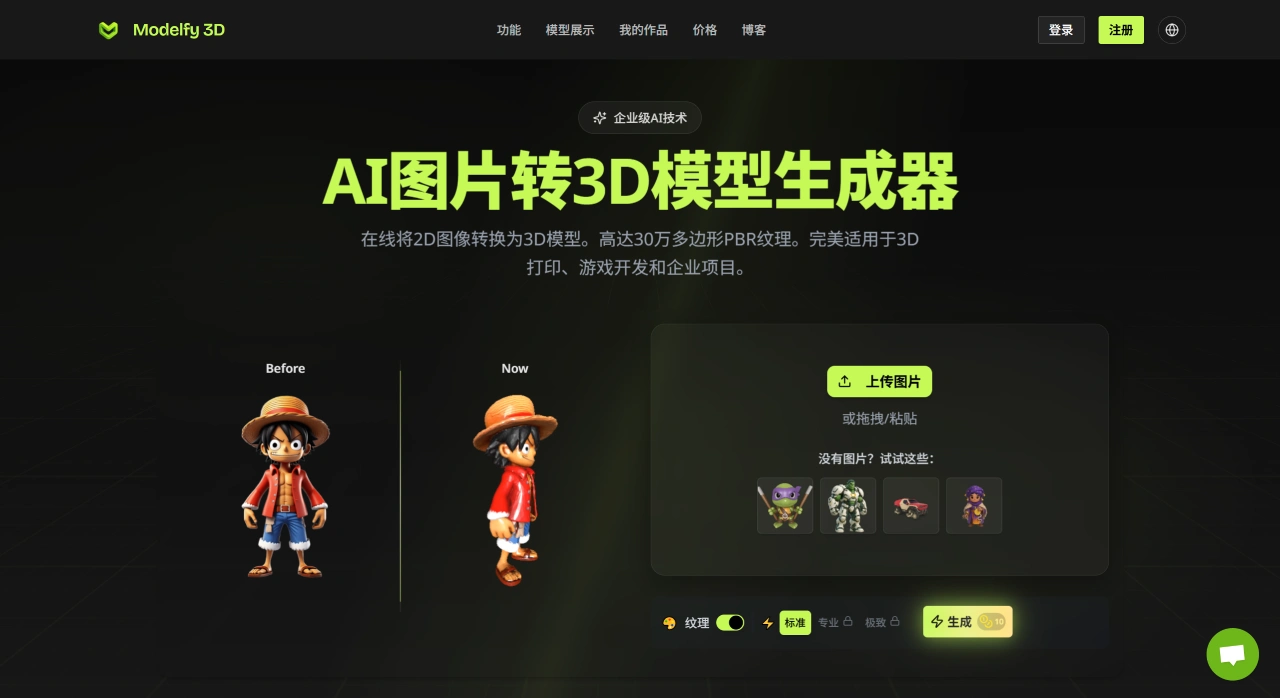
Modelfy 3D is a tool that quickly converts 2D images into high-quality 3D models. It uses its own proprietary AI algorithm, generating models with up to 300,000 polygons and PBR materials. Modelfy is suitable for scenarios such as 3D printing, game development, and professional projects, offering reliable technology and high conversion efficiency.
Modelfy 3D Features
3D Model Output
Polygon Count: Offers 4 quality levels ranging from 15K to over 300,000 polygons to meet the needs of different projects.
Multi-Format Export: Supports common formats such as GLB (for web and games), OBJ (for 3D software), and STL (for 3D printing). Exported files include texture maps and preview images.
Intelligent Quality Control: Users can choose from 4 precision levels, and the AI automatically adjusts octree resolution and inference steps for better results.
Enterprise-Grade Technology: Built on Cloudflare's global CDN, with real-time status monitoring, automatic error correction, complete operation logs, and download tracking, suitable for commercial use.
Advanced Texture Generation: The AI can generate realistic texture maps and 3D shapes based on images, supporting PBR workflows and professional rendering.
Smart Image Processing: Supports uploading JPG, PNG, or WEBP format images. The system automatically processes backgrounds, adjusts dimensions, and converts formats.
Precise 3D Reconstruction: The AI algorithm analyzes depth, perspective, and surface details of images, automatically selecting appropriate octree resolution and inference steps.
Multi-Format Delivery: Users receive a complete 3D asset package including models in different formats, texture maps, and preview images, with the ability to view conversion progress in real time.
Professional Management: Filter projects by status, favorite frequently used content, archive completed work, and set titles, descriptions, and tags for easy management.
Modelfy 3D Service Plans
Free Plan: 10 credits per month, plus an additional 10 credits for new users. Only Standard mode is available, with a maximum of 2 downloads per day. Pro/Ultra modes and PBR textures are not available.
Premium Plan: 300 credits per month, with access to Standard/Pro/Ultra modes (with limitations), smart queuing, 2K PBR textures (included with Pro mode), up to 150,000 polygons, 30 days of private asset and CDN hosting, and email response within 24 hours. Ultra mode is limited to 5 uses per month.
Professional Plan: 1000 credits per month, unlocks Ultra mode and includes advanced features. Enjoy 4K PBR textures (included with Ultra mode), up to 300,000 polygons, 90 days of private asset and CDN hosting, priority support, and availability guarantees.
How to Use Modelfy 3D
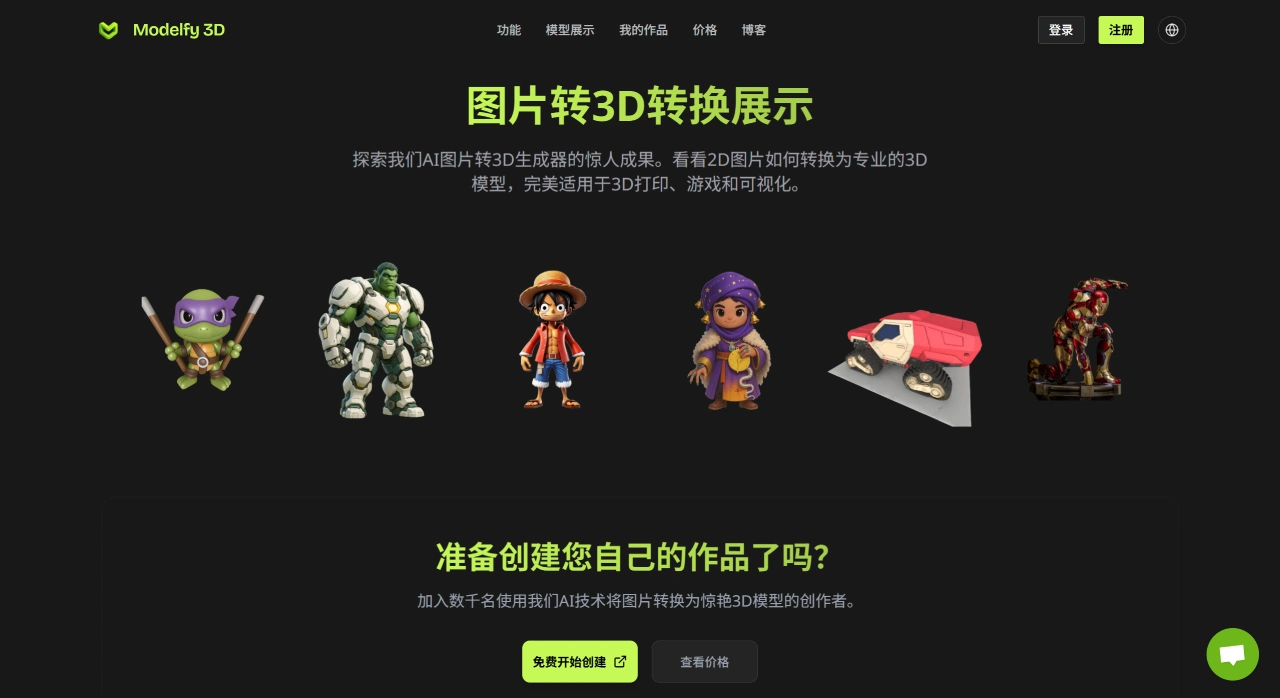
Users upload images in JPG, PNG, or WEBP format, and the system automatically optimizes them for AI conversion. The AI algorithm then analyzes the depth, perspective, and surface details of the image to reconstruct a 3D model. Finally, a complete 3D asset package is generated, including GLB, OBJ, STL, texture maps, and preview images.
Modelfy 3D Use Cases
3D Printing
Game Development
Product Design and Display
Virtual Reality Scenes
Rapid Prototyping
E-commerce Product Display
Marketing Campaigns