
 Script Planner Assistant▸
 AI Apps
 AI News

Mengdong AI: The First AI Tool Built for Anime-Style Creation
Mengdong AI: The First AI Tool Built for Anime-Style CreationIntroduction
萌动ai(Animon domestic version)is the world's first AI tool designed specifically for ACG/anime creation, jointly developed by a professional anime team and a top-tier AI team. Users input ideas or upload images to generate high-quality anime videos with one click, supporting multiple style choices. The basic version is free, and a studio version is also offered, providing stronger features and higher resolution for professional creators, with cloud storage and team collaboration support to boost creation efficiency. The "Intelligent Frame Interpolation" technology ensures natural transitions, and the "Continuation" feature can extend video duration.
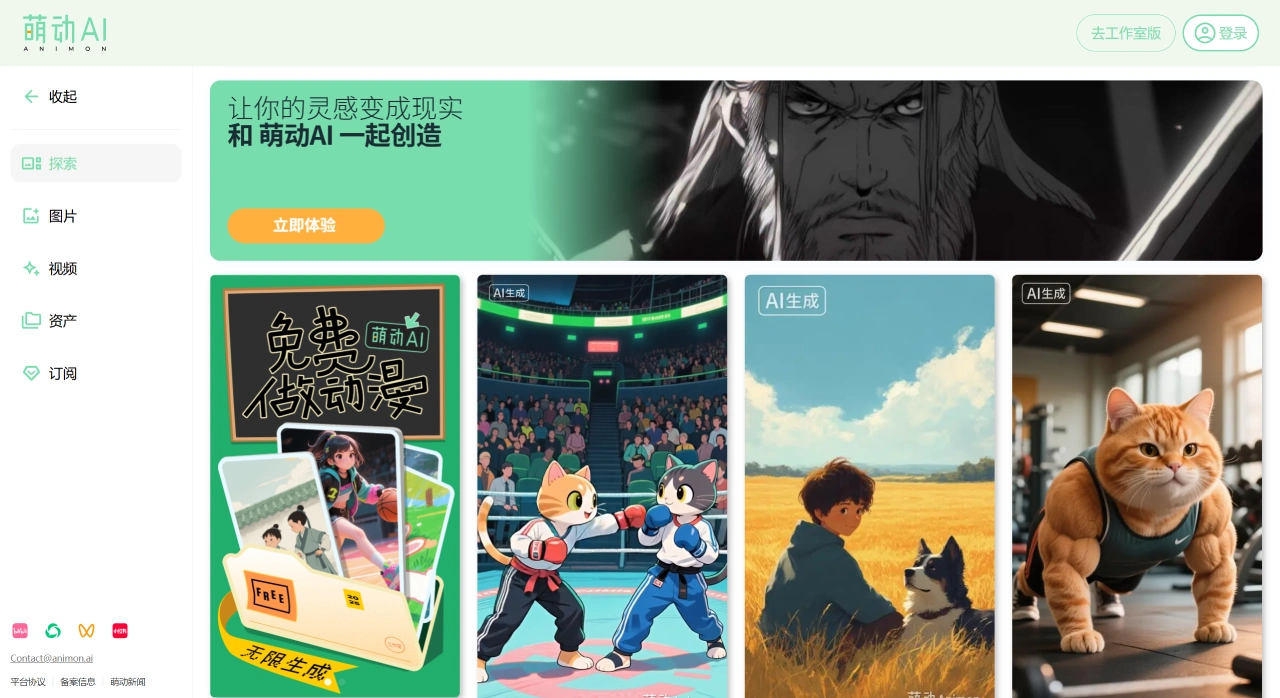
Main Features of 萌动AI
Image Generation: Supports text-to-image and image-to-image. By entering text descriptions or uploading images, you can generate anime-style images with multiple style options including anime, manga, and Chinese style.
Video Generation: You can upload images to the "Image-to-Video" section to generate videos, enter prompts for the target video to "Continue," with a maximum of 4 seconds per continuation and up to 4 free videos per generation. The "First and Last Frame" feature can generate a complete video based on the first and last frames and prompts.
Image Editing: Supports character consistency editing, allowing precise operations on characters in the image such as pose adjustment and background replacement.
萌动AI Application Scenarios
Anime Enthusiasts: Provides free unlimited generation options, allowing creativity to flow freely and easily enabling fan creation.
Professional Creators: Offers stronger technical support for professional teams and individual studios, helping efficiently produce works with cultural characteristics and professional standards.
How to Use 萌动AI
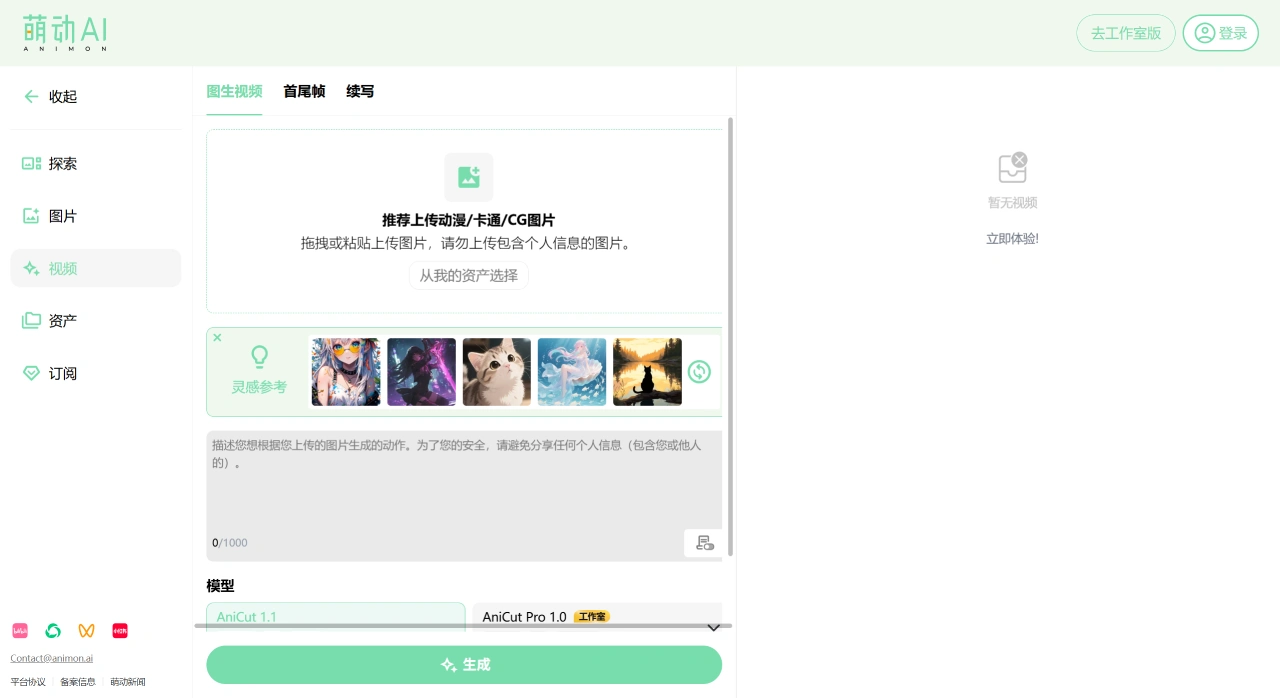
For Anime Enthusiasts
Register and Log In: Visit the 萌动AI official website to register an account.
Free Generation: After logging in, you can use the free unlimited generation option without worrying about time and cost.
Input Content: Enter creative ideas in the creation interface, or upload images as references.
Select Style and Parameters: The platform offers multiple video styles (including Chinese style). Choose your desired style and set parameters.
Generate Video: Click the generate button, and the platform will create a high-quality anime video based on your input.
Edit and Optimize: Use image editing tools for background replacement, pose adjustments, etc. For parts you're not satisfied with, use the "Continuation" feature to select specific frames and regenerate the next 4 seconds of video.
Save and Share: Once you're satisfied with your work, save it locally or share it directly to social platforms.
For Professional Creators
Register and Log In: Similarly, visit the 萌动AI official website first to register an account.
Choose Studio Version: Select the Animon Studio version designed specifically for professional teams and individual studios.
Enter Dedicated Workspace: Access a dedicated workspace with features such as cloud storage, team collaboration interface, and priority computing channels.
Import and Edit: Import creative materials and use image editing tools and Intelligent Frame Interpolation technology for precise creation.
Generate and Optimize: After generating the video, use the Continuation feature and other tools to refine details, ensuring the work meets professional standards.
Export and Deliver: Once creation is complete, export high-quality videos for subsequent release or delivery.
Free unlimited generation is now available for all users!















